Your business description and About page
Which words show where on your website: the tagline under your name, the description on your home and About pages, the About photo, and your own bio.
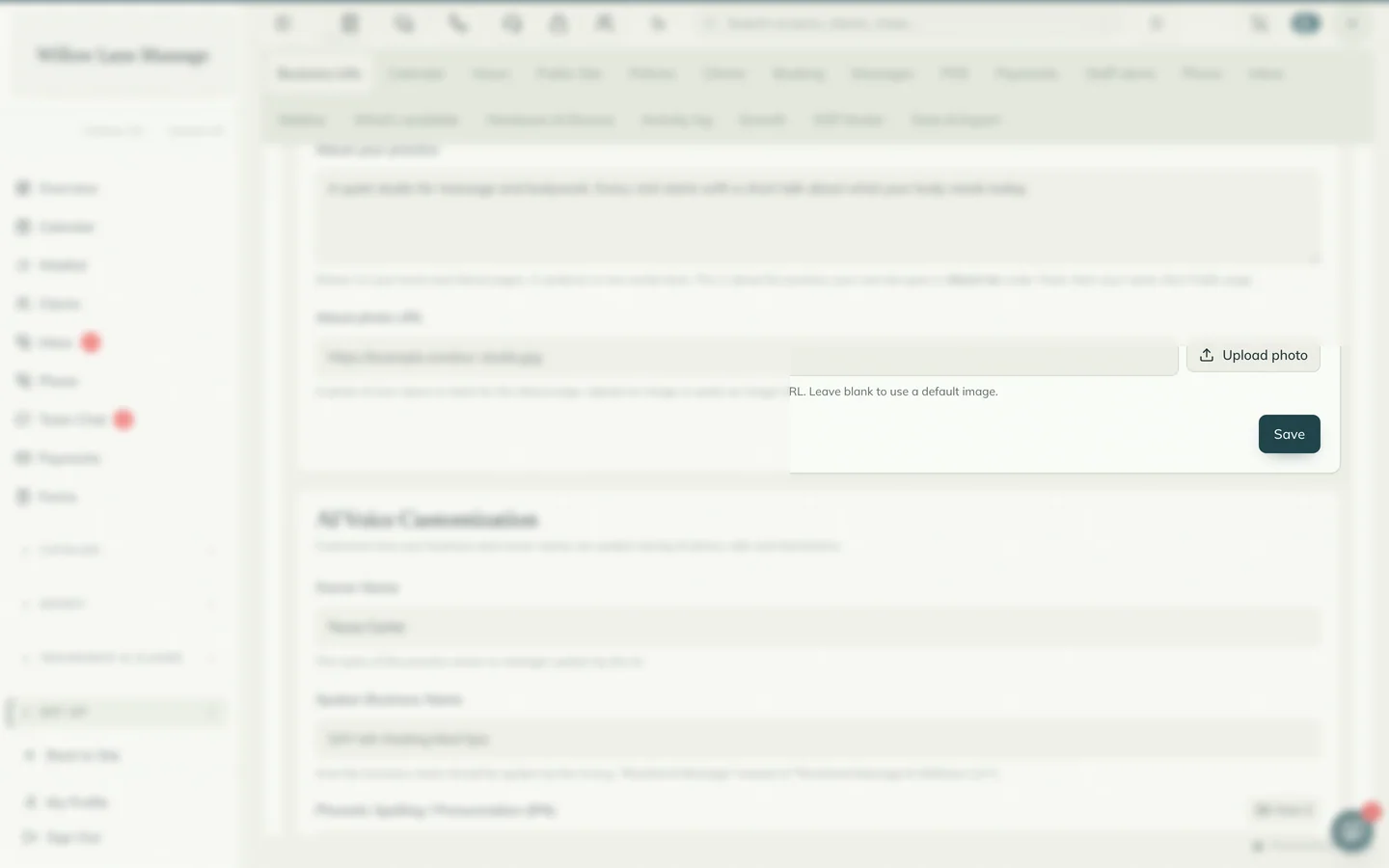
Step 1: Open Business Info
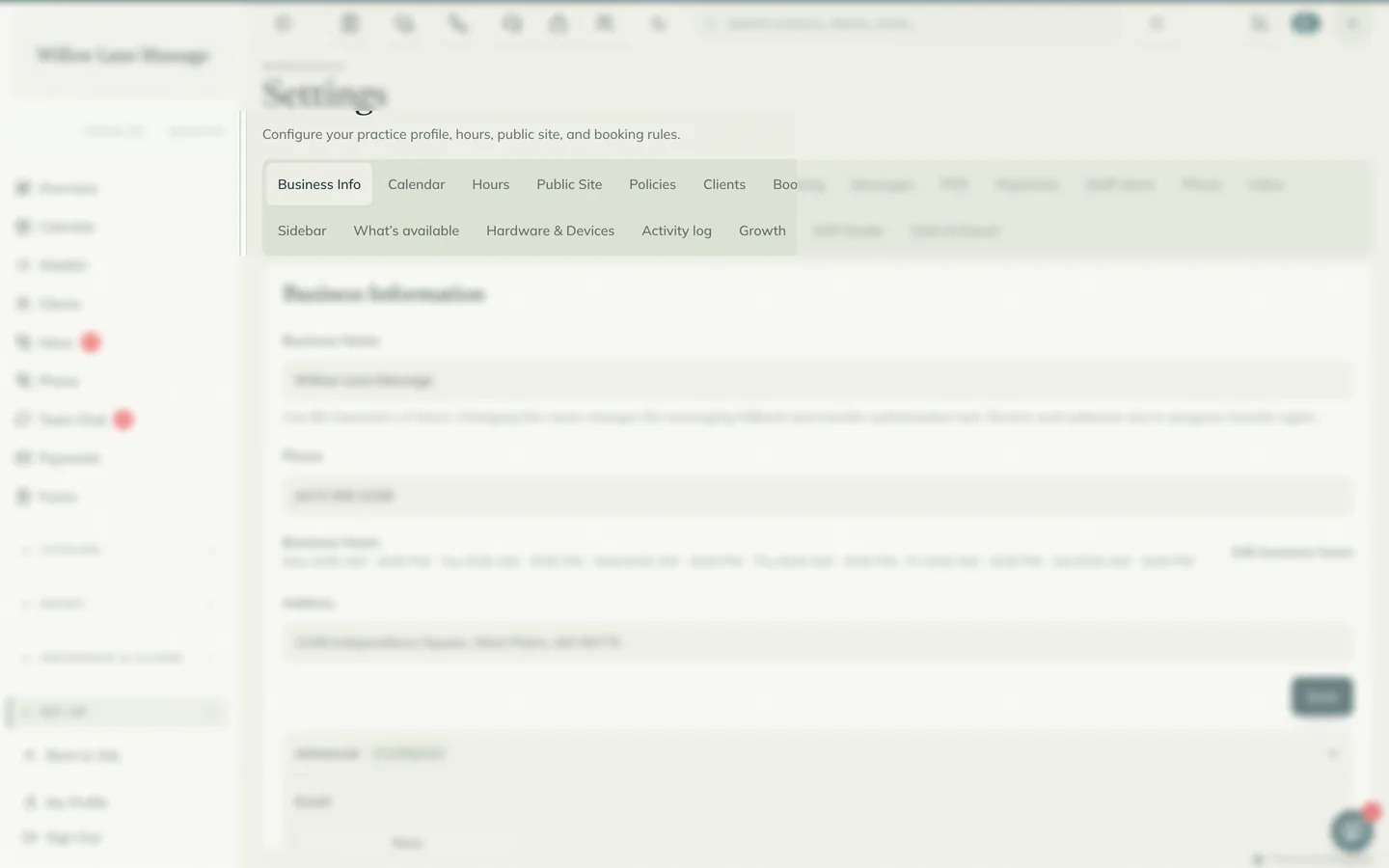
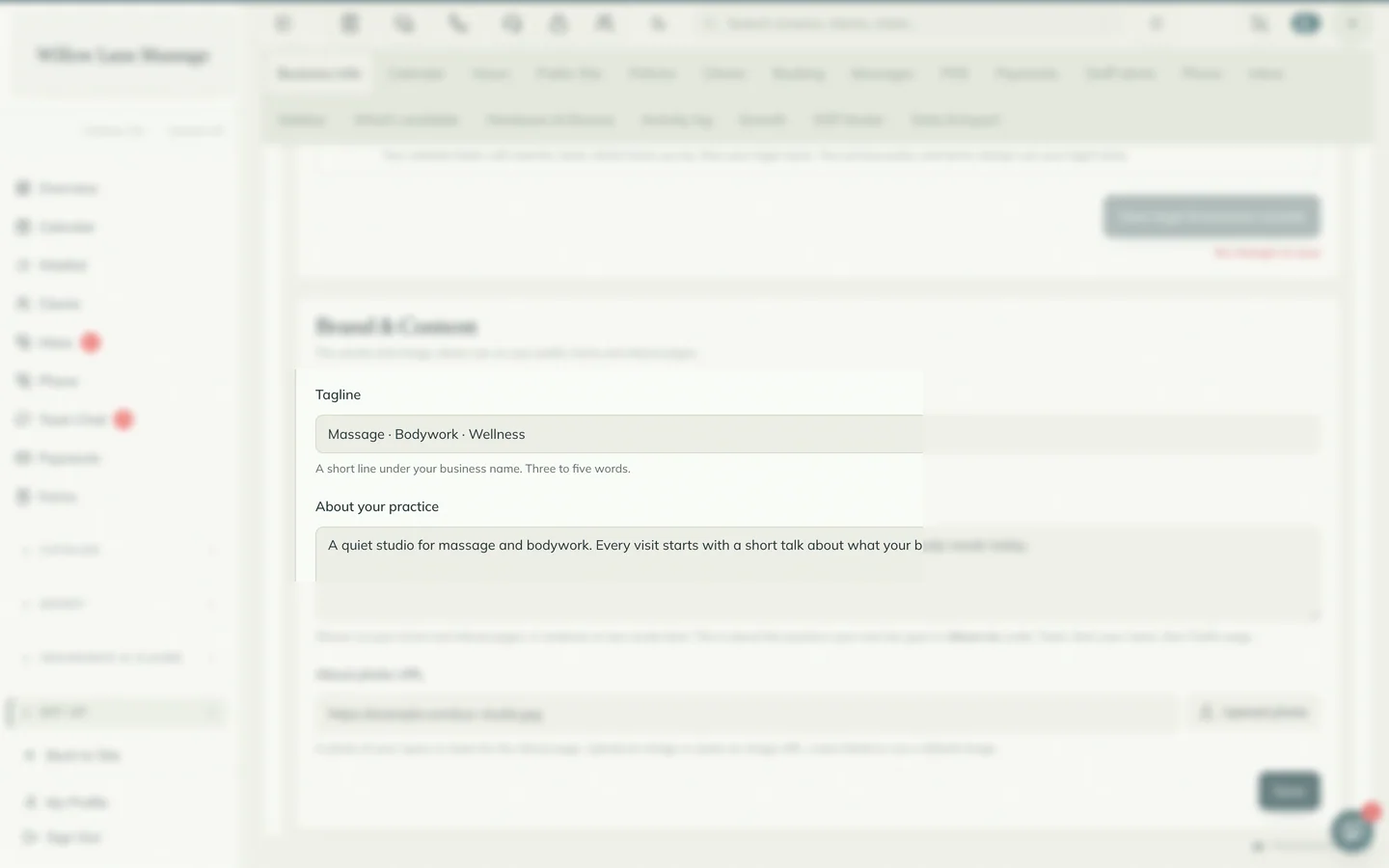
Open Settings and choose the Business Info tab. Scroll to Brand & Content: the words and photo clients see on your home and About pages.
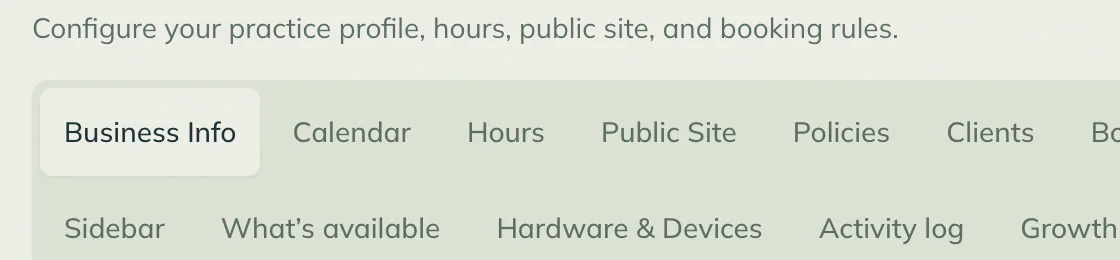
Step 2: Tagline: the line under your name
The Tagline is the short line under your business name at the top of your website. Three to five words, like Massage · Bodywork · Wellness.
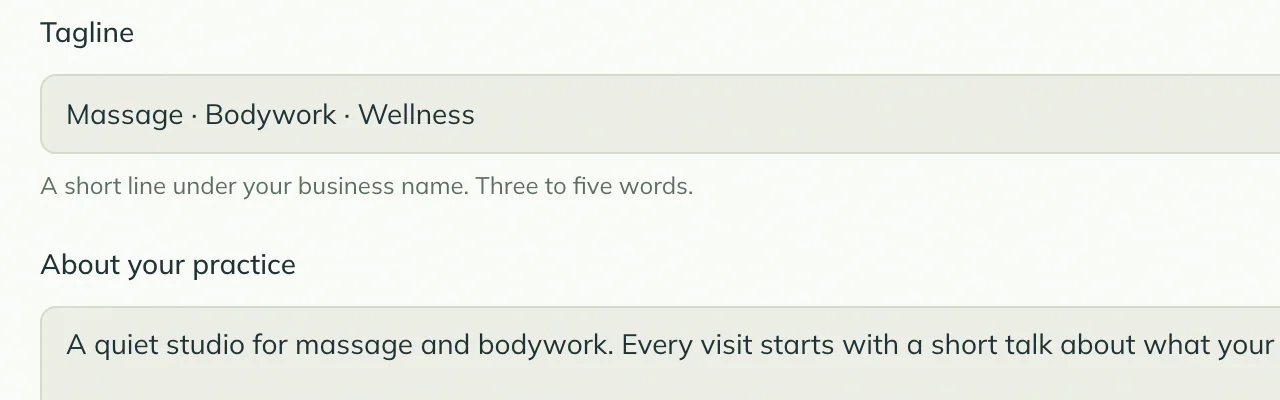
Step 3: About your practice: home and About pages
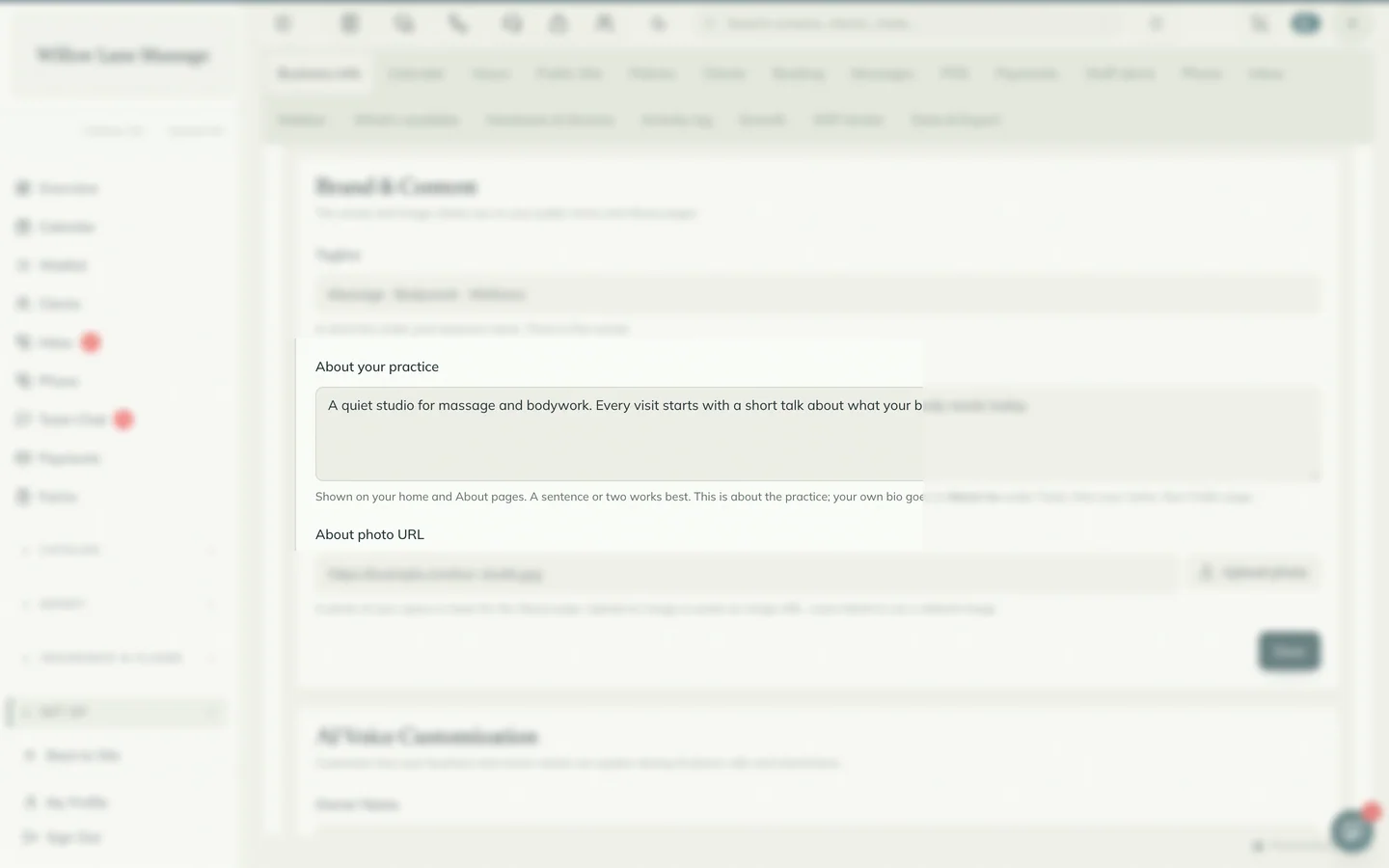
About your practice is a sentence or two about the business: what you offer and what a visit feels like. It shows on your home page and your About page. Your own bio is different: it's About me, under Team, then your name, then Public page (staff use My Profile).
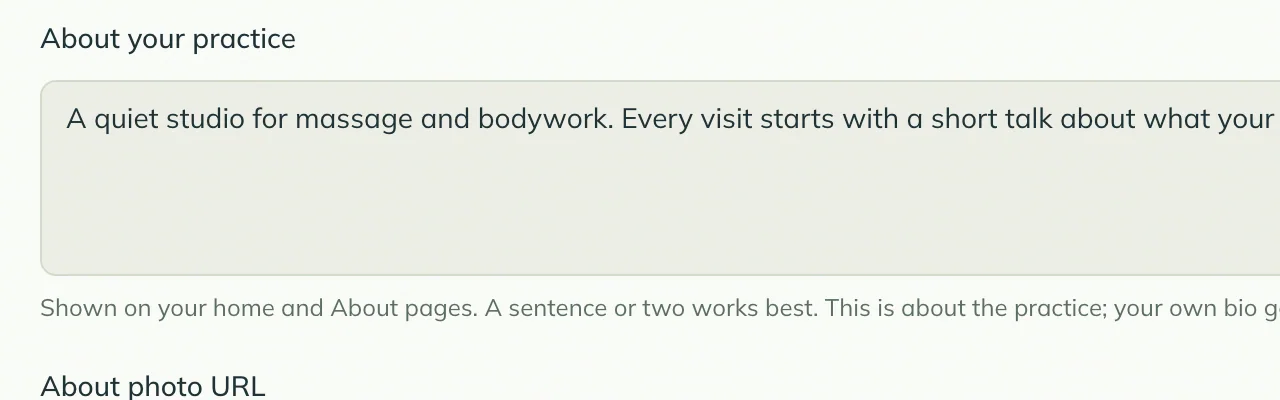
Step 4: About photo
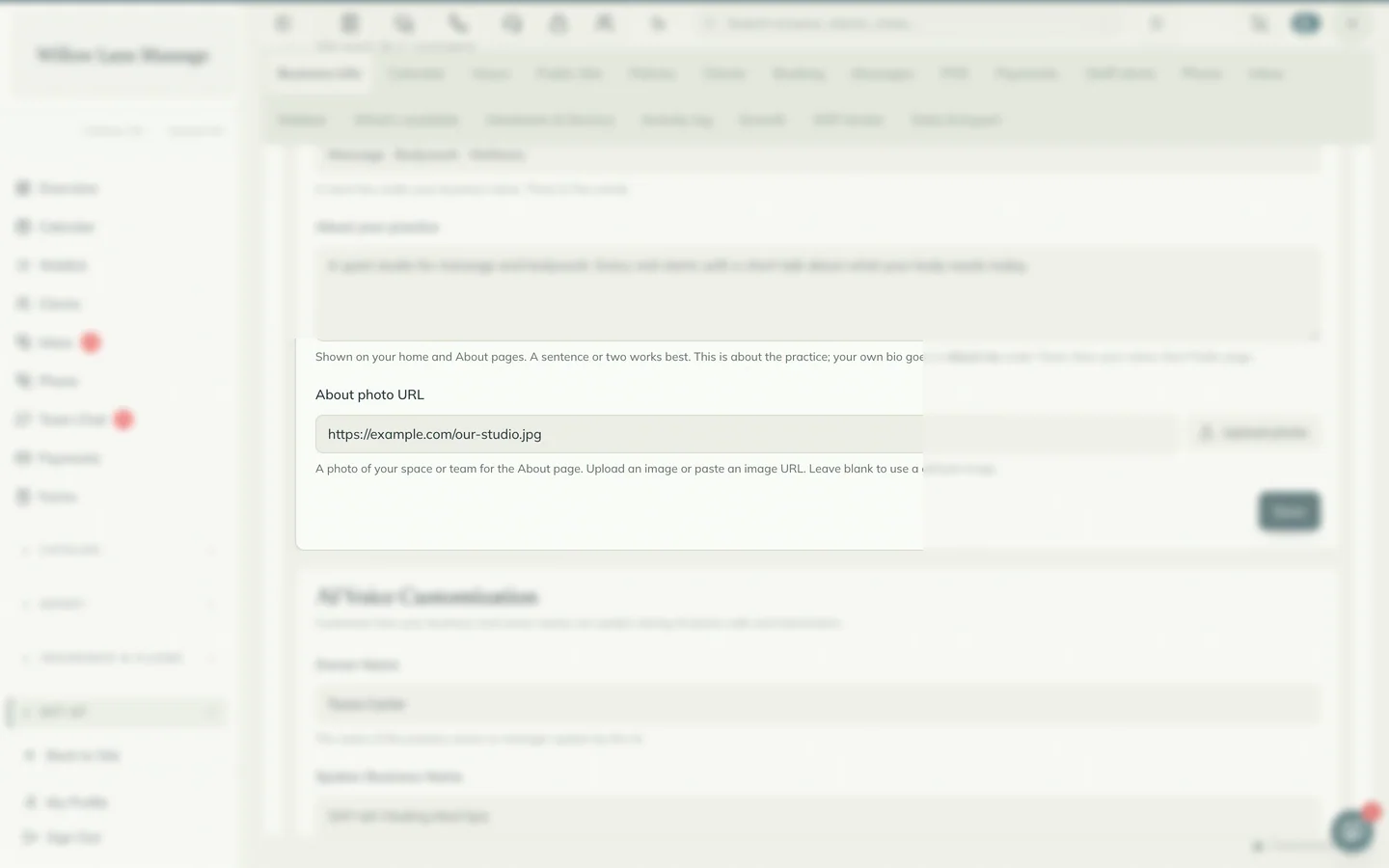
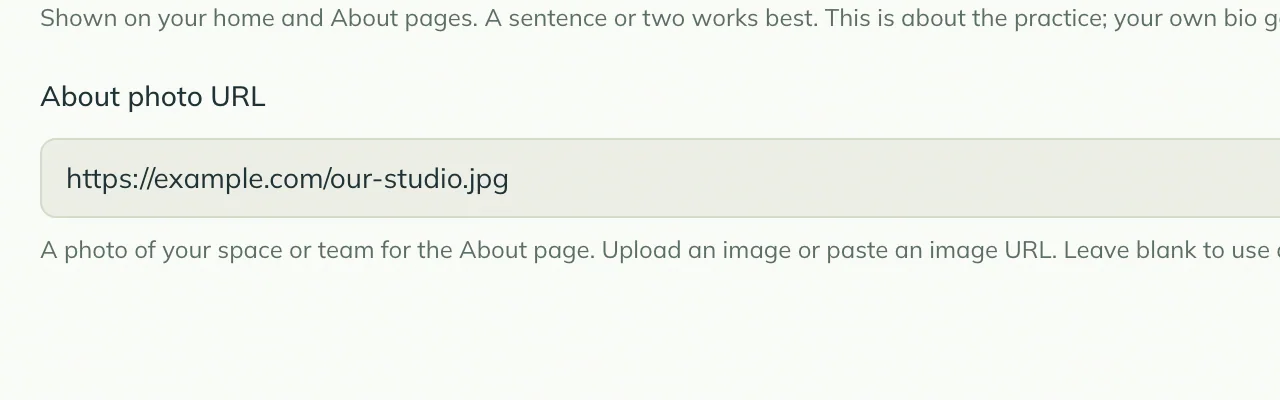
Add a photo of your space or team for the About page: paste a picture's web address, or press Upload photo next to the box. Leave it blank to use a standard picture.
Step 5: Save
Press Save at the bottom of Brand & Content. Your website shows the new words straight away.
Still stuck?
Ask Kneadle from the chat button in your practice app. It can walk you through this screen or do it with you.
More in Your menu and prices
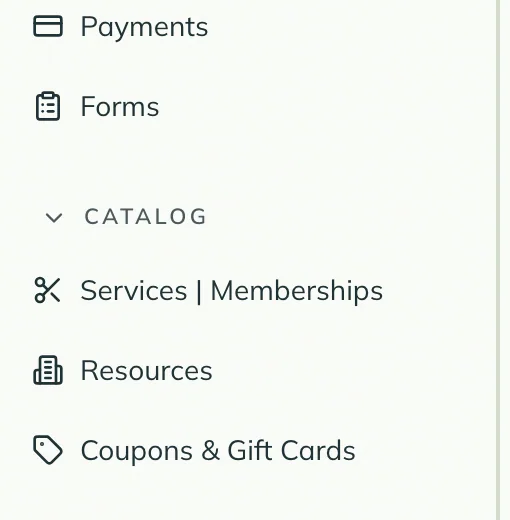 Add a service to your menuPut a new treatment on your menu with its length, price and who does it, so clients can book it online.
 Add-on groups and free choicesGroup a service's add-ons so clients choose from a set, with how many they can pick and how many are free. For example, a 90-minute massage that includes up to 2 add-ons.
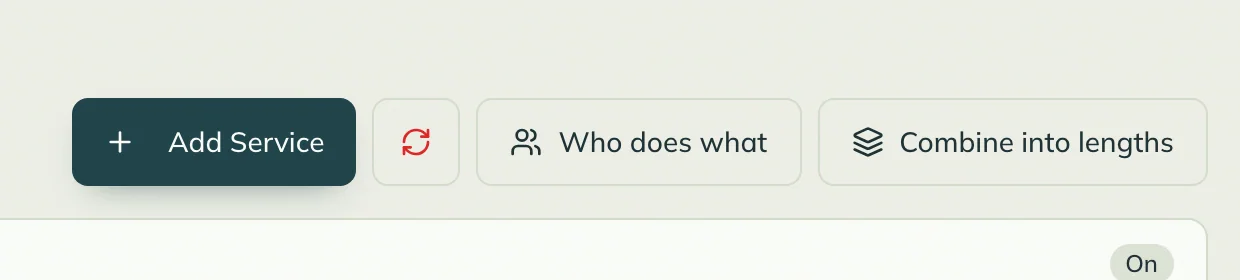 Combine lengths into one serviceTurn separate 30, 60 and 90-minute services into one service with a length choice, so clients see one listing and pick how long.