Help center
Step-by-step guides for your practice.
Every step shows the real screen with the button to press marked on it, on a computer or a phone. Screens are re-taken when the app changes, so they match what you see.
Your menu and prices
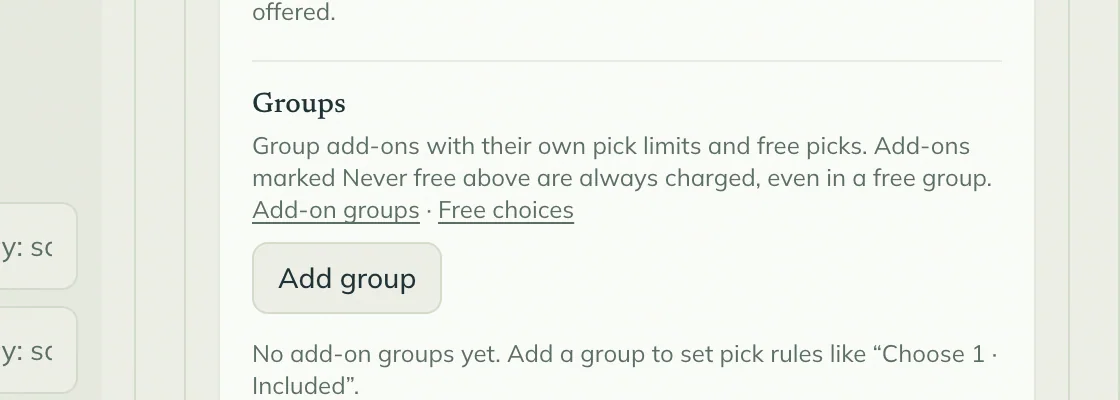
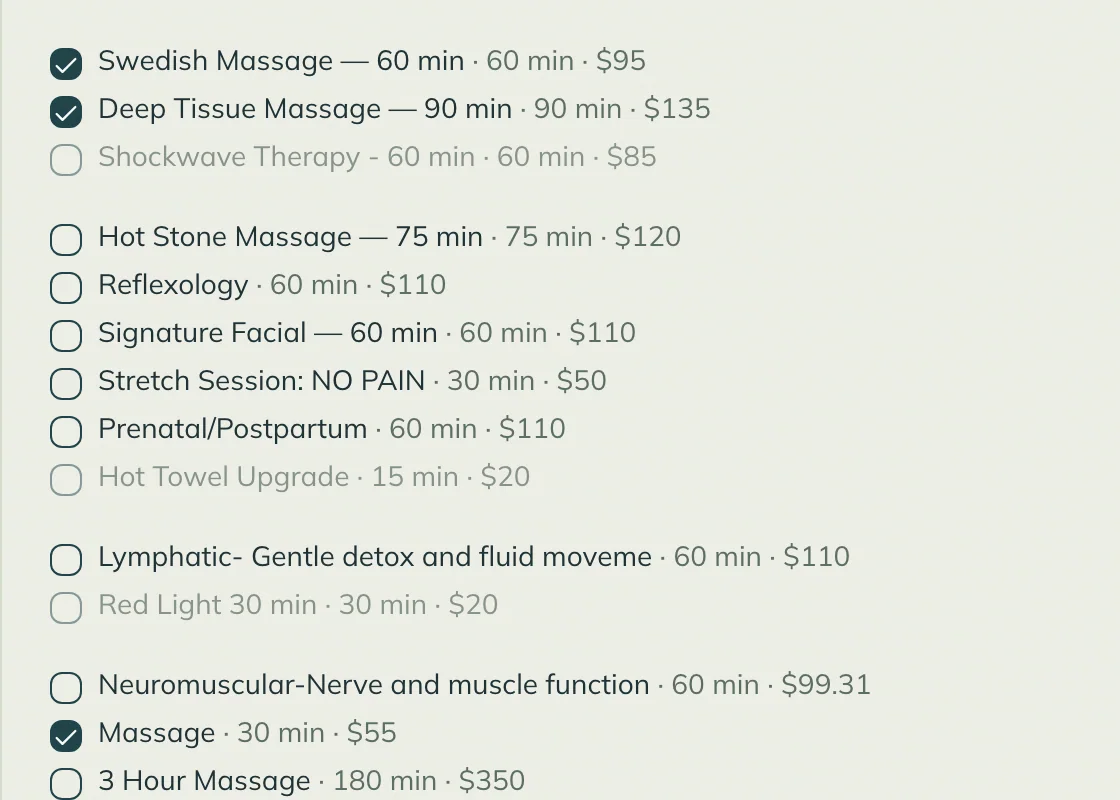
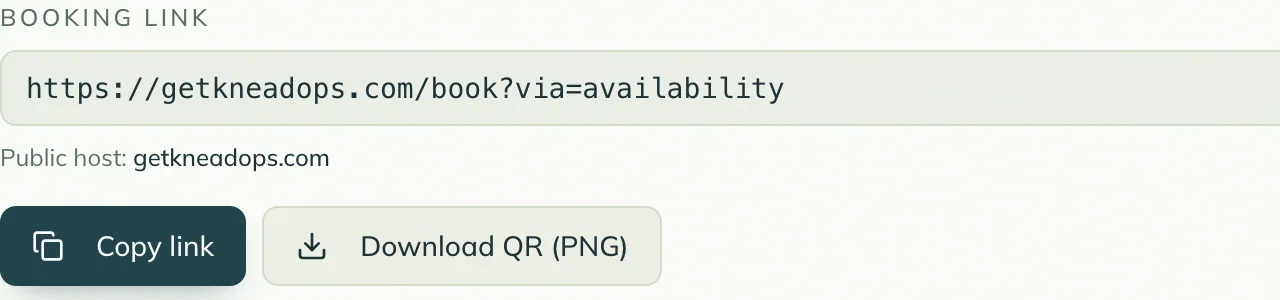
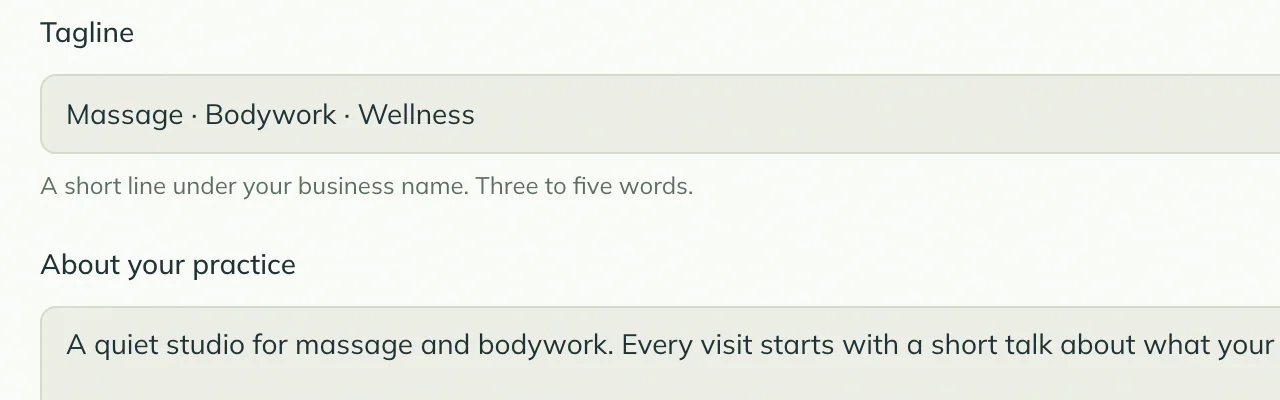
6 guidesAdd a service to your menuPut a new treatment on your menu with its length, price and who does it, so clients can book it online.Owners7 steps · 3 min →Add-on groups and free choicesGroup a service's add-ons so clients choose from a set, with how many they can pick and how many are free. For example, a 90-minute massage that includes up to 2 add-ons.Owners7 steps · 4 min →Combine lengths into one serviceTurn separate 30, 60 and 90-minute services into one service with a length choice, so clients see one listing and pick how long.Owners5 steps · 3 min →Create a membership planSet up a monthly membership with its price, the visits it covers, and where clients can buy it.Owners6 steps · 4 min →Share your booking linkFind your online booking link and its QR code, copy the link to text or post it, and print the QR for your front desk.Owners4 steps · 2 min →Your business description and About pageWhich words show where on your website: the tagline under your name, the description on your home and About pages, the About photo, and your own bio.Owners5 steps · 3 min →
Calendar and visits
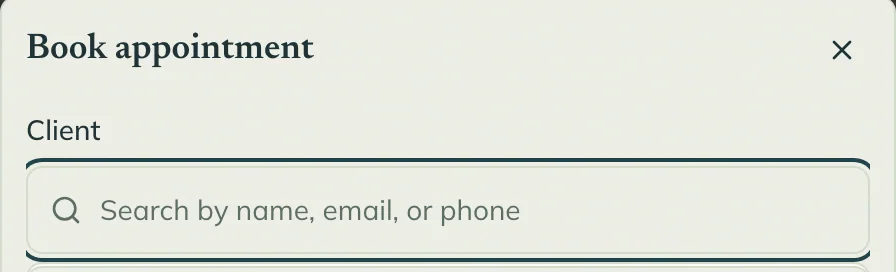
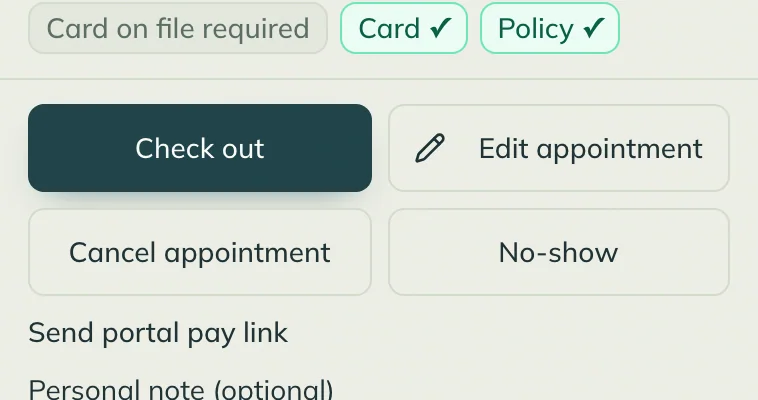
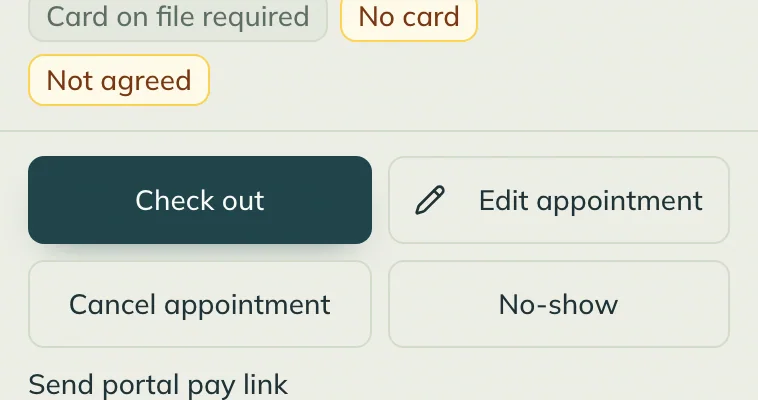
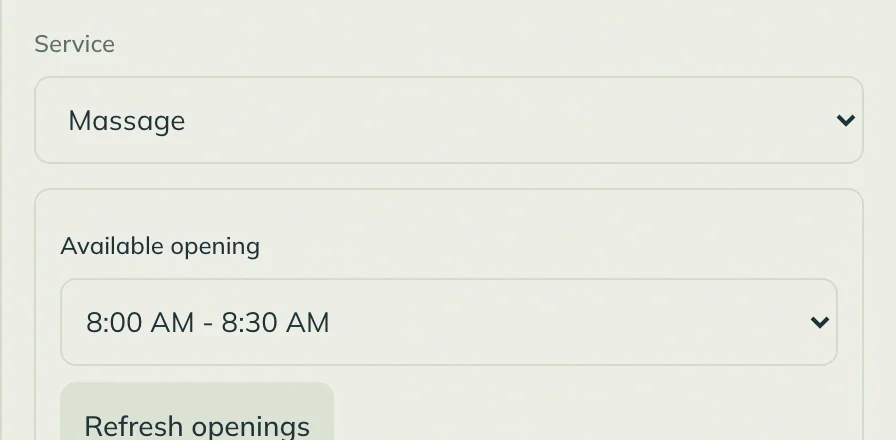
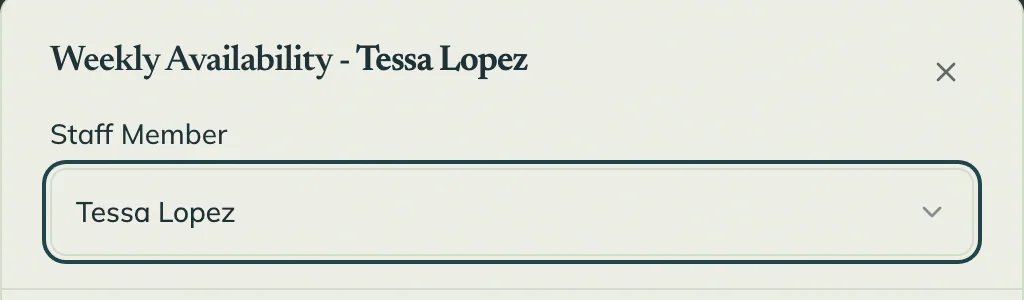
9 guidesAdd a VA authorization and book against itEnter a VA referral's visits and dates so KneadOps counts each visit and warns you before the visits run out.Owners and front desk7 steps · 4 min →Book a repeating series of visitsBook a client for the same time every week or every few weeks in one go, check each date, and choose what happens when one doesn't fit.Front desk6 steps · 3 min →Book a visit for a clientPut a client on the calendar from the front desk: pick the client, the treatment, the therapist and a time.Front desk5 steps · 2 min →Finish a visit, or mark a no-show and its feeWhen a client comes, checking out the visit marks it complete. When they don't, mark the visit as a no-show, and your no-show fee is added for you to collect at checkout.Front desk4 steps · 2 min →Move or cancel a visitChange a visit's day or time from the calendar, or cancel it with a reason, and choose whether the client hears about it.Front desk6 steps · 2 min →Offer an opening to the waitlistWhen a time opens up, see who on the waitlist fits it and send them an offer by email or text.Front desk4 steps · 2 min →Set a therapist's working hours and time offSet the days and hours each therapist works, and block out vacations or appointments, so clients can only book them when they are really in.Owners and therapists7 steps · 3 min →Set your business hoursChoose which days you are open and your opening times, then save them so clients see the right hours on your website.Owners7 steps · 2 min →Write a visit noteWrite the SOAP note for a visit from the calendar, save it as you go and sign it when it's done.Therapists4 steps · 3 min →



Checkout and payments
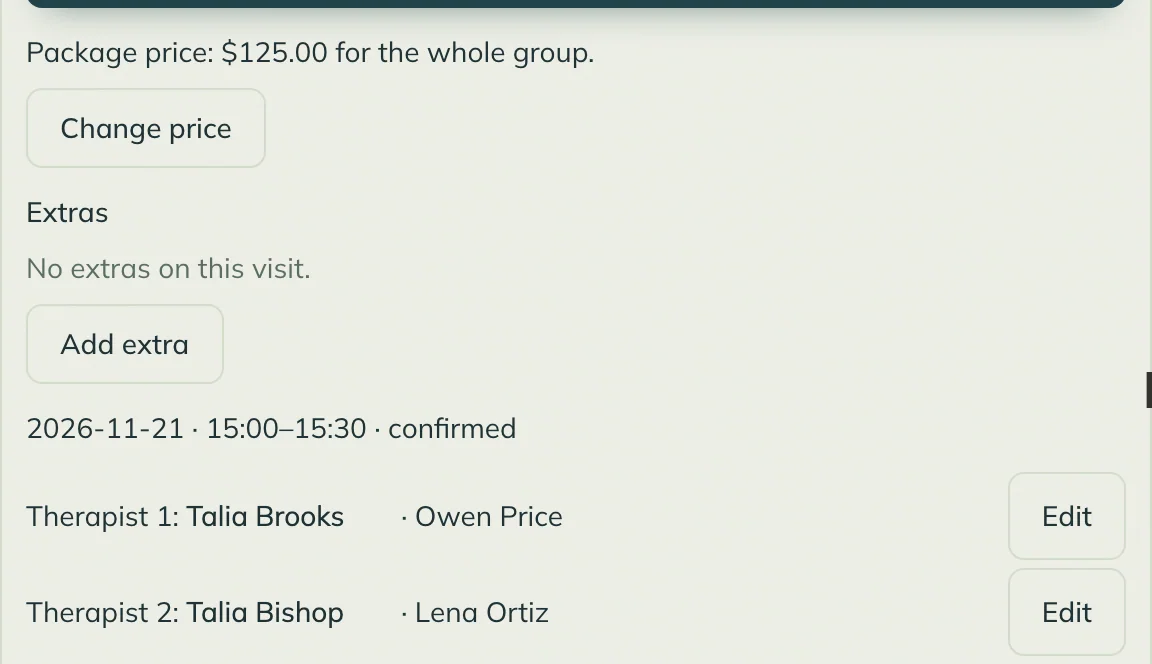
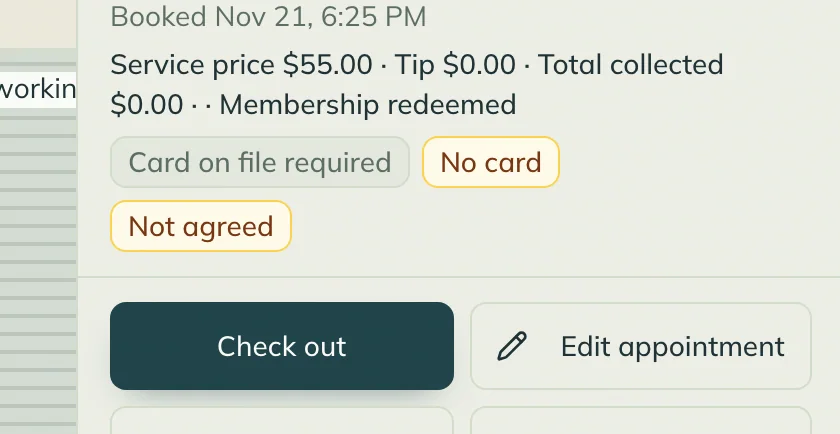
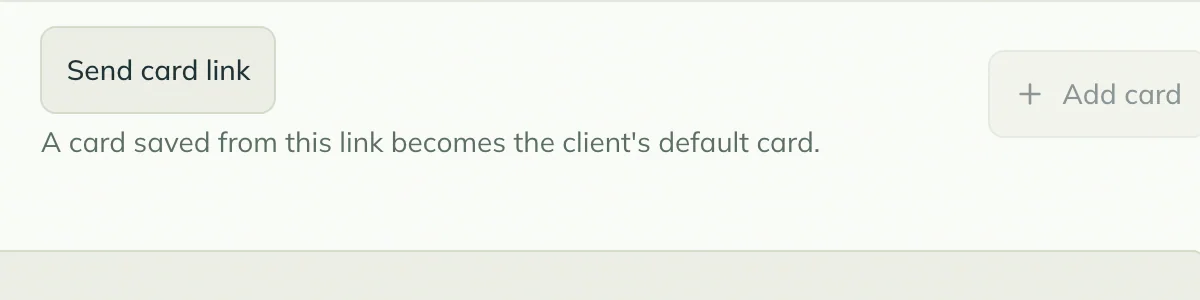
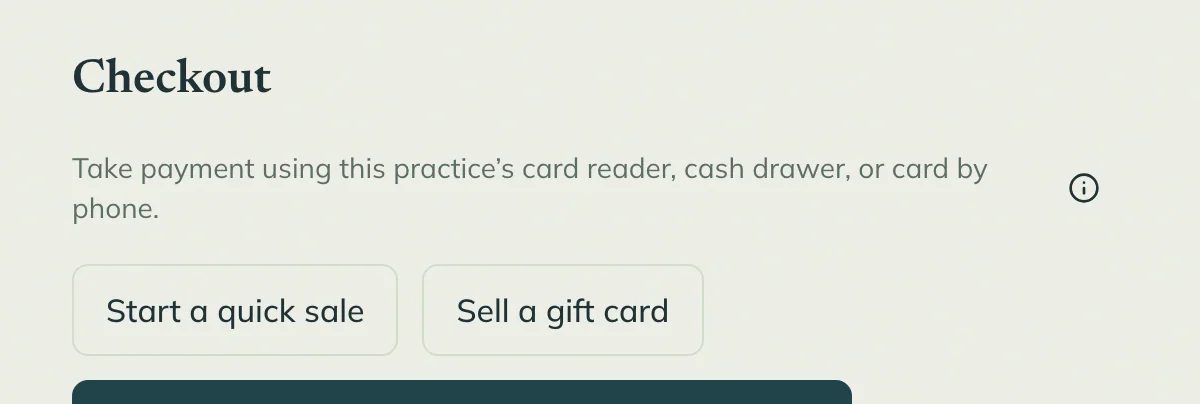
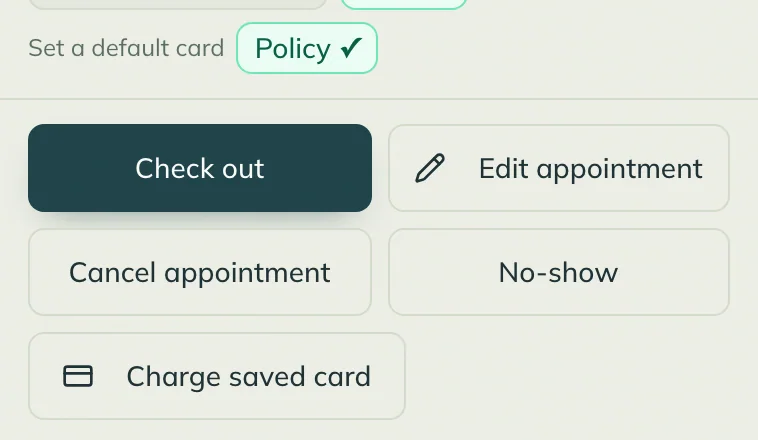
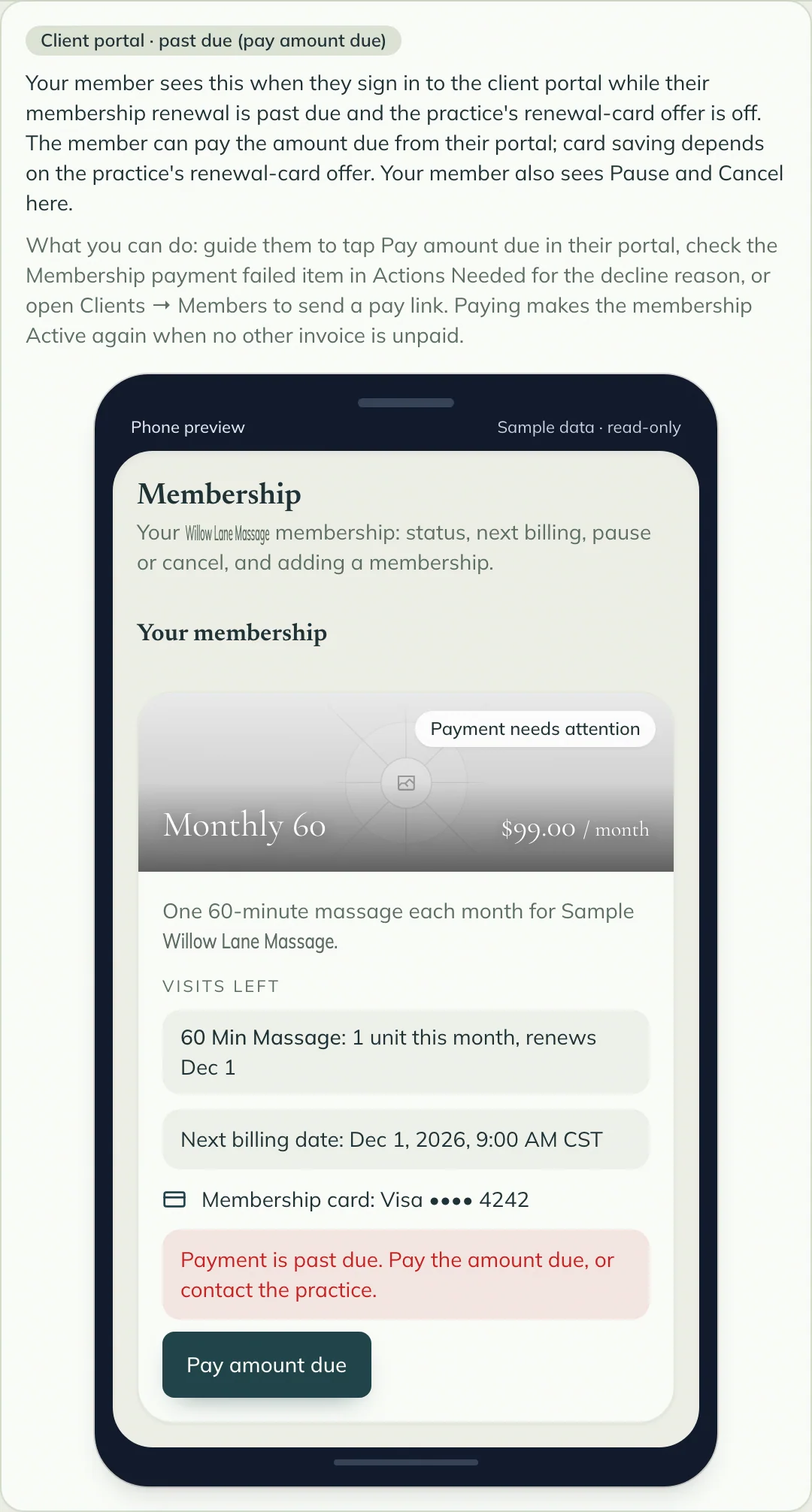
7 guidesCheck out a couples or group visitA couples or group visit checks out once for everyone: open the group, check the package price, then take one payment.Front desk5 steps · 2 min →Check out a member's visitWhen a member comes in, their membership covers the visit at checkout. Check it shows, then finish the checkout.Front desk5 steps · 2 min →Refund a paymentGive a client their money back, all of it or part, from the sale they paid for. Card refunds go back to the card; cash refunds are recorded from the drawer.Owners6 steps · 2 min →Save a card on file and choose a card holdGet a client's card saved without typing it yourself, and decide which bookings need a card to confirm.Owners and front desk6 steps · 3 min →Sell a gift card and redeem oneSell a gift card at the front desk, and take one off a client's bill when they pay with it.Front desk4 steps · 3 min →Take payment at checkoutCheck a client out from their visit and take cash or card, on the card reader, by phone or with Pay by QR.Front desk6 steps · 2 min →When a member's card failsWhat happens when a membership renewal is declined, how automatic notices and staff pay links work, and how to preview what your member sees.Owners and front desk5 steps · 3 min →

Clients, texts and forms
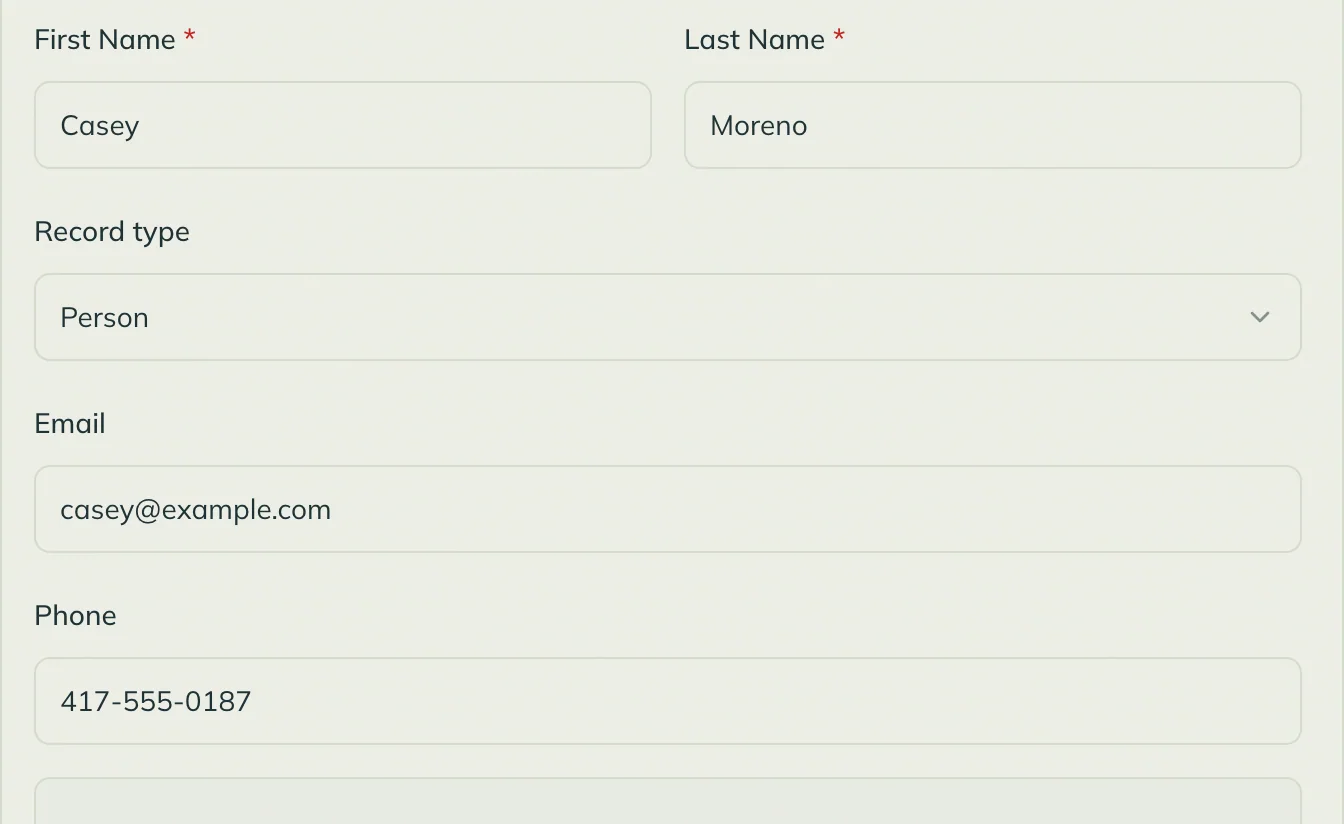
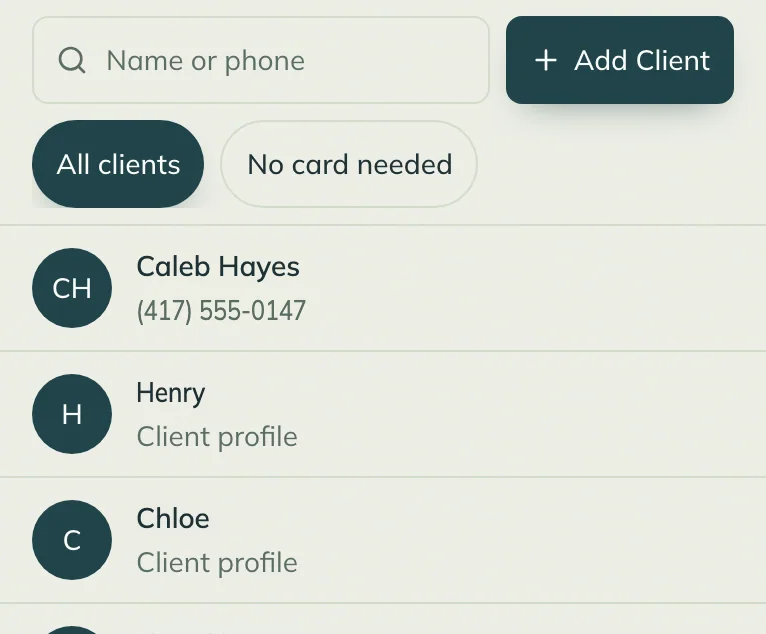
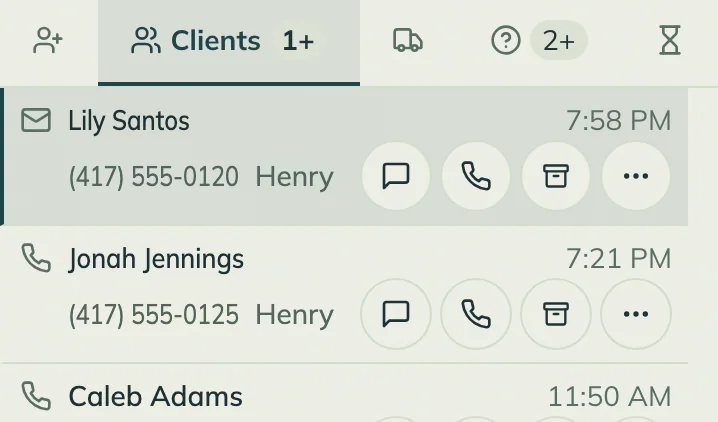
4 guidesAdd a client, change their details, or merge two recordsAdd a new client from the client list, update their phone, email or address later, and combine two records for the same person.Front desk6 steps · 3 min →Find a client and see their visits, notes and balanceLook up any client by name or phone, then see their upcoming and past visits, their notes and what they owe.Front desk and therapists6 steps · 2 min →Reply to a client's textAnswer texts from clients in the Inbox, including a text from a number that isn't a client yet.Front desk6 steps · 2 min →Send intake forms and see the answersEmail a client a secure link to fill in your intake form, then see what they answered and mark it reviewed.Owners and front desk6 steps · 3 min →
Your team and pay
1 guide
For your clients
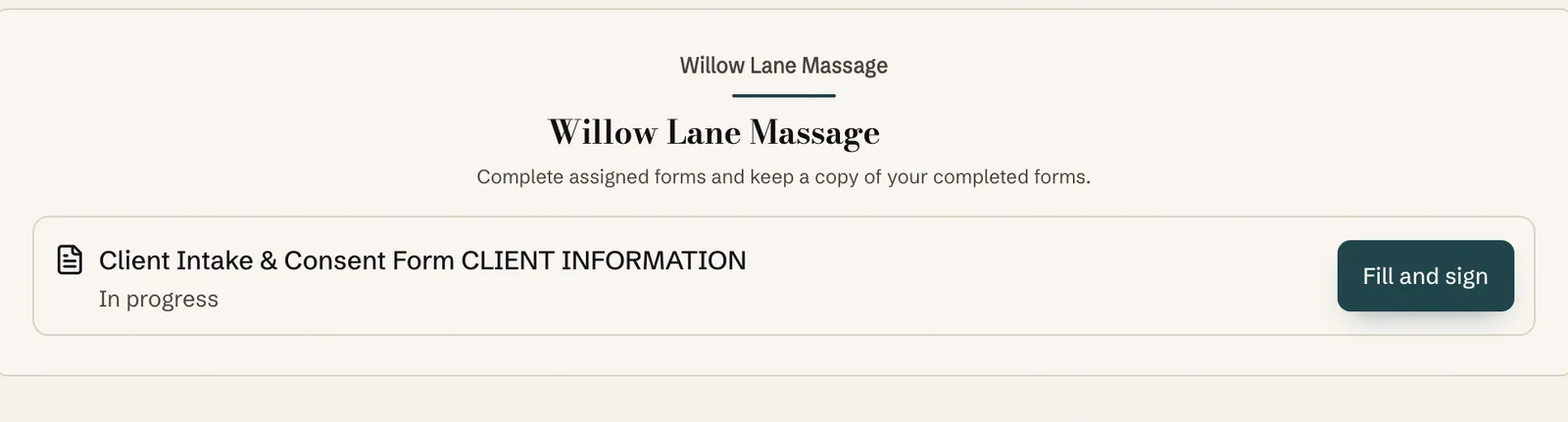
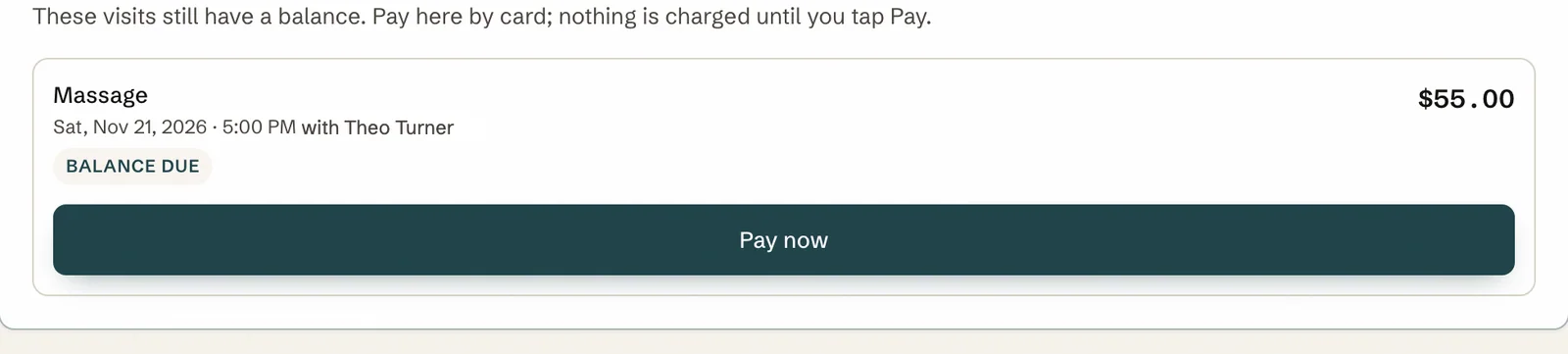
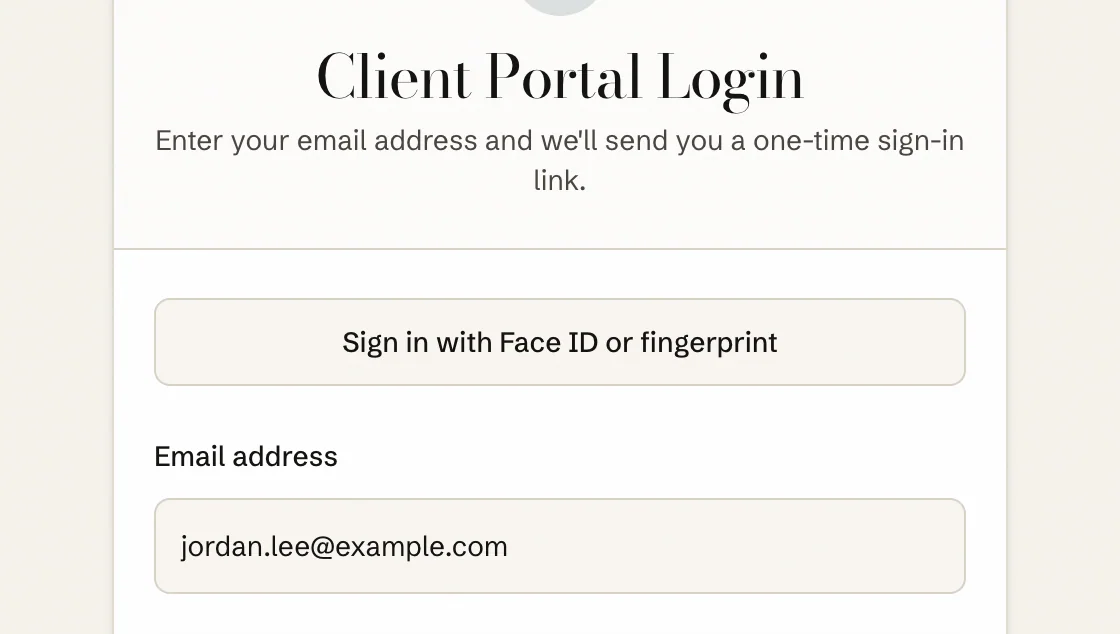
5 guidesBook a visit onlineHow clients pick a treatment, a time and a therapist on your booking page. Share this with a client who is booking for the first time.Clients6 steps · 2 min →Buy a gift card onlinePick a design and an amount, choose how it arrives, add a note and pay on the practice's website. Share this with a client who wants to give a gift.Clients7 steps · 3 min →Fill in your forms before a visitFill in and sign the intake forms your practice asks for, from your client portal or the link they sent. Share this with a client before their first visit.Clients6 steps · 5 min →Pay what you owe for a visitPay a visit's balance by card from your client portal, with a tip if you like. Share this with a client who asks how to pay after a visit.Clients4 steps · 2 min →Sign in to your client portalSign in with your email address and a one-time sign-in link to see your visits, forms and cards. Share this with a client who asks how to get in.Clients4 steps · 2 min →

Booking and your clients
1 guide
Phone and Kneadle
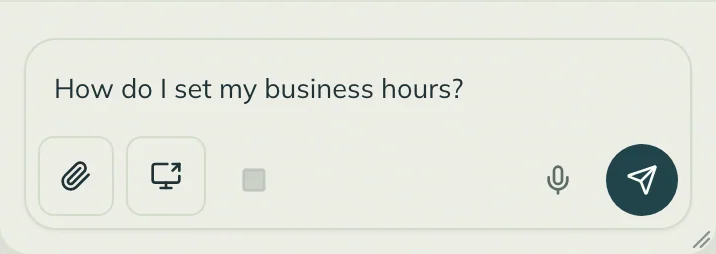
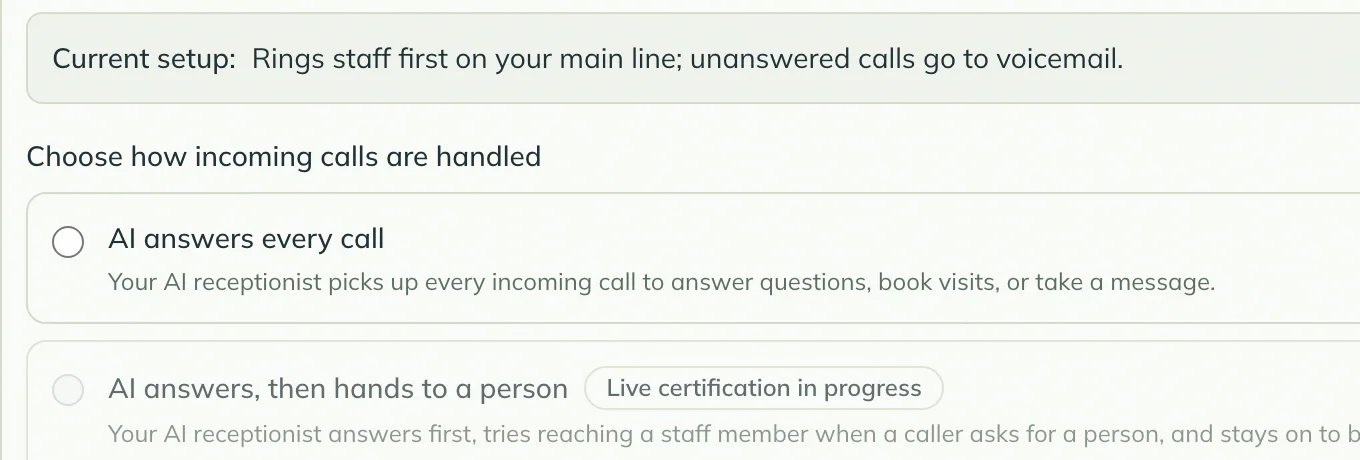
3 guidesAsk Kneadle to do it for youOpen the Kneadle chat from any screen, ask in plain words, and let it answer or do the task with you.Owners and front desk4 steps · 2 min →Choose where your calls ringSee your practice phone line, choose how calls are answered, and set the phone that rings when a caller wants a person.Owners5 steps · 3 min →Turn on the AI receptionist and give it a nameLet the AI receptionist answer your calls, choose when it picks up, pick its voice, and set the name and greeting clients hear.Owners6 steps · 4 min →