Book a visit online
How clients pick a treatment, a time and a therapist on your booking page. Share this with a client who is booking for the first time.
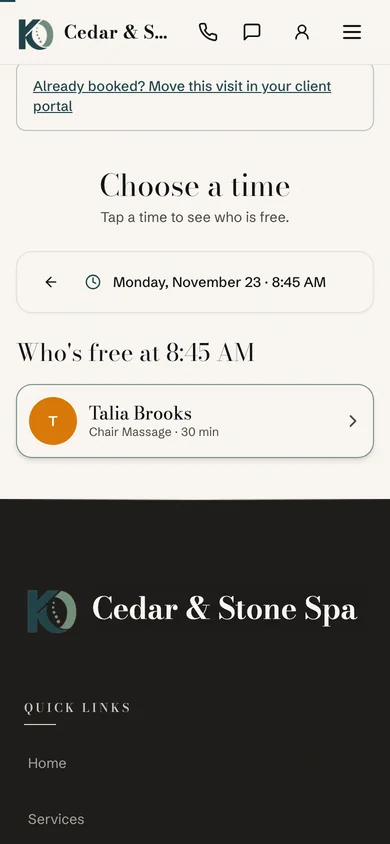
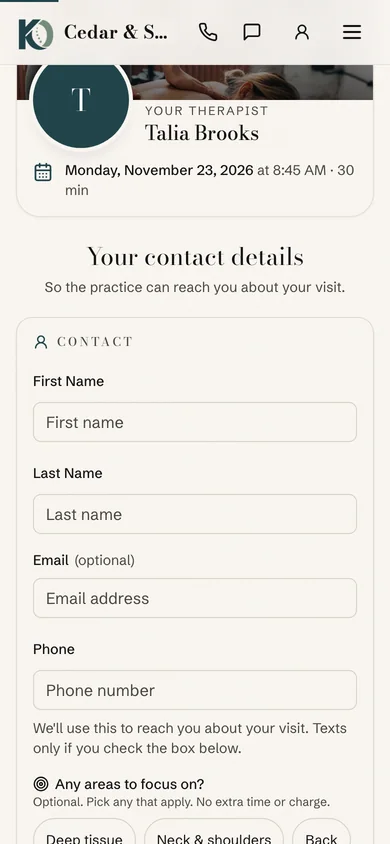
Step 1: Open the booking page
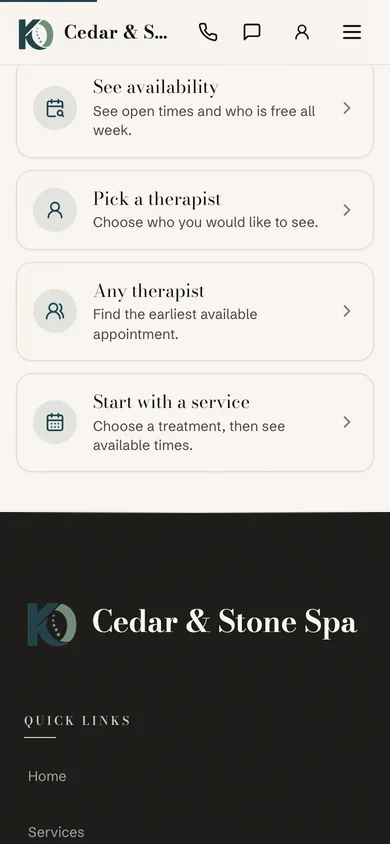
Open the practice's booking page and choose Start with a service. You can also start from a therapist or from the times that are open.
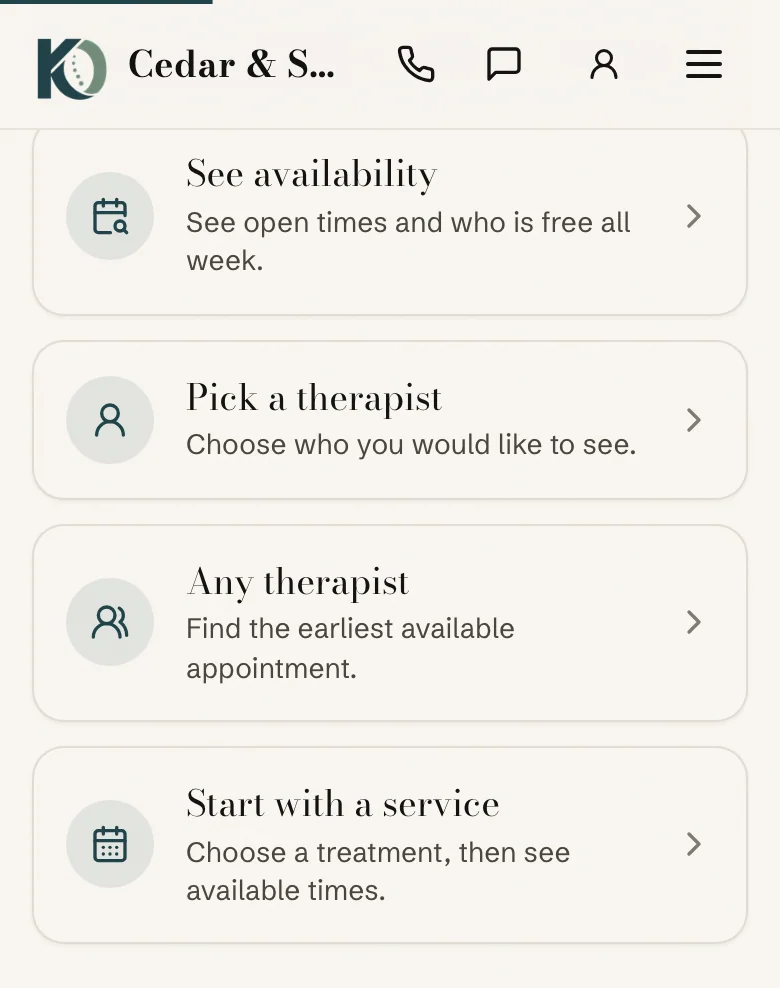
Step 2: Pick a treatment
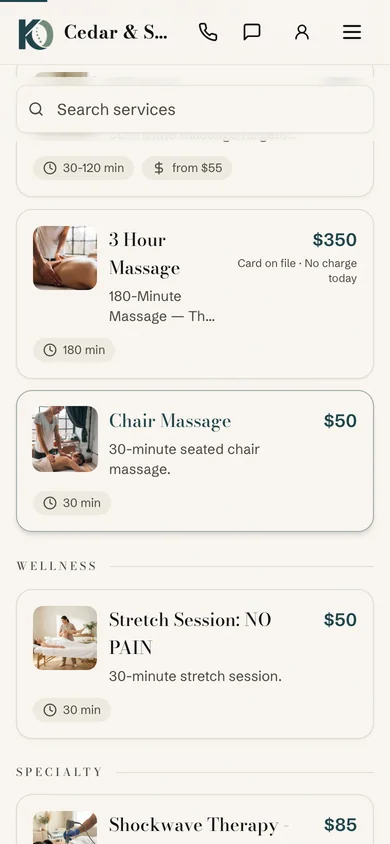
Scroll the menu and tap the treatment you want. Each one shows its length and price.
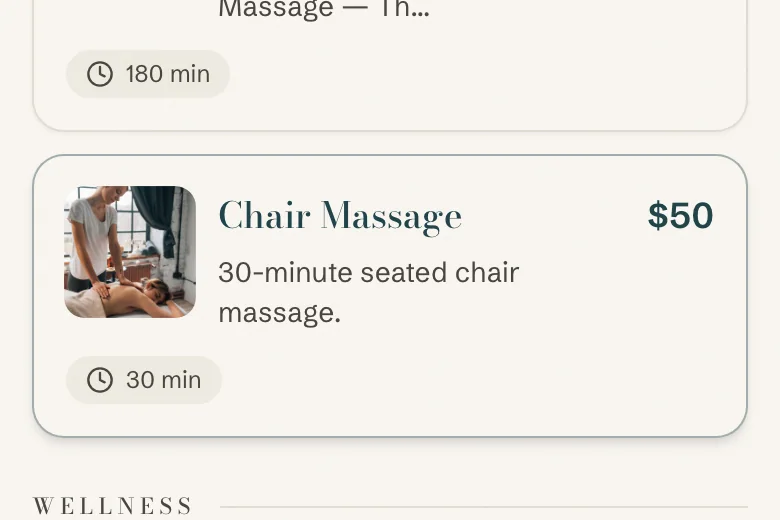
Step 3: Pick a day
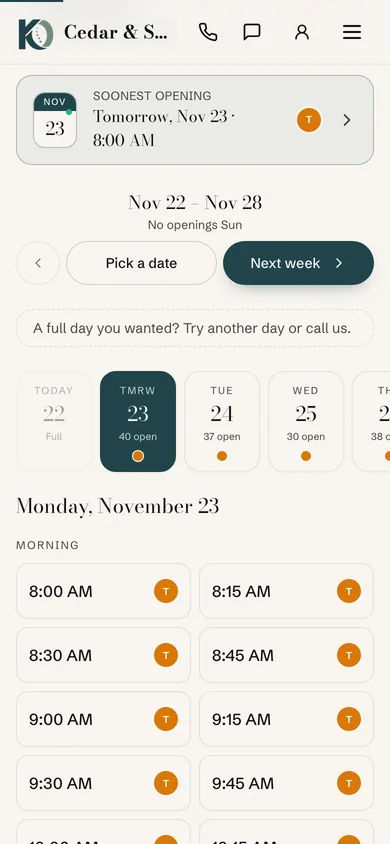
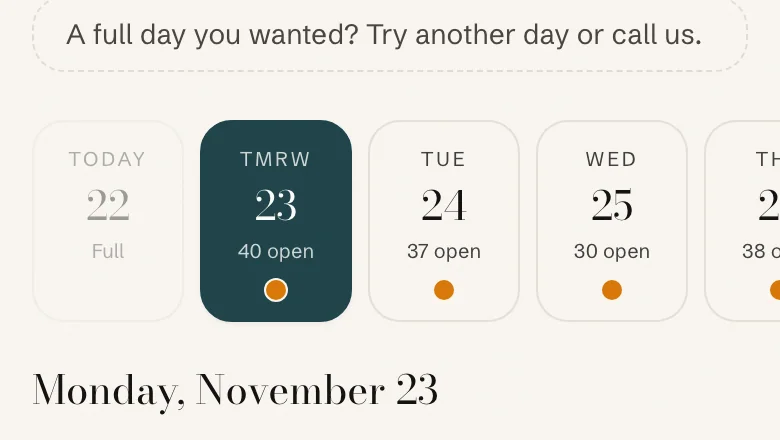
The week across the top shows how many times are open each day. Tap a day.
Step 4: Pick a time
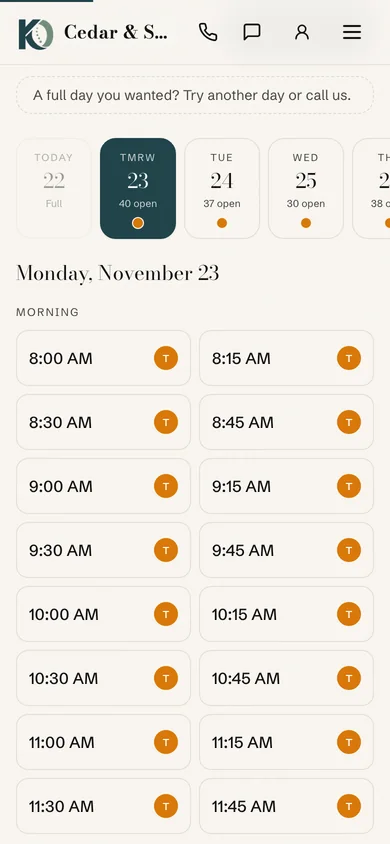
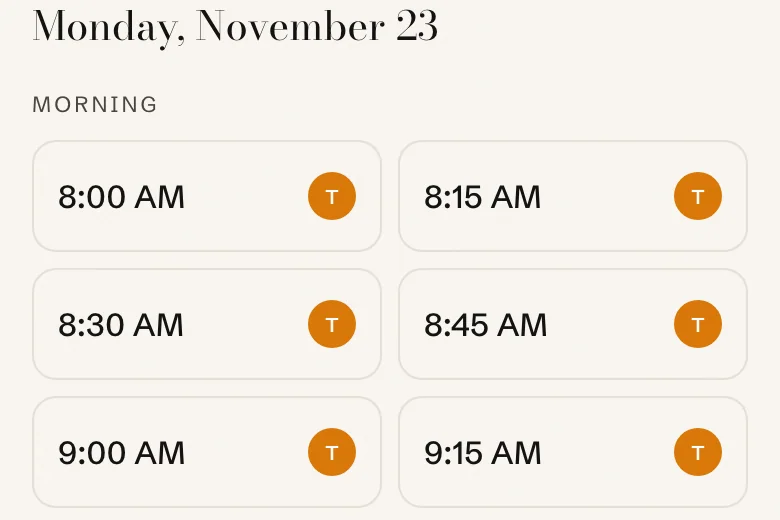
Tap a time that suits you. The letter beside each time is the therapist who is free then.
Step 5: Choose who you see
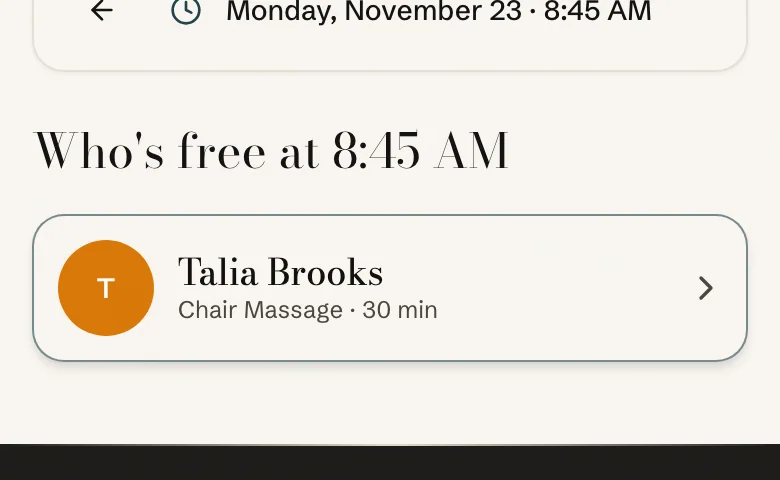
You see everyone who is free at that time. Tap the therapist you want.
Step 6: Add your details and confirm
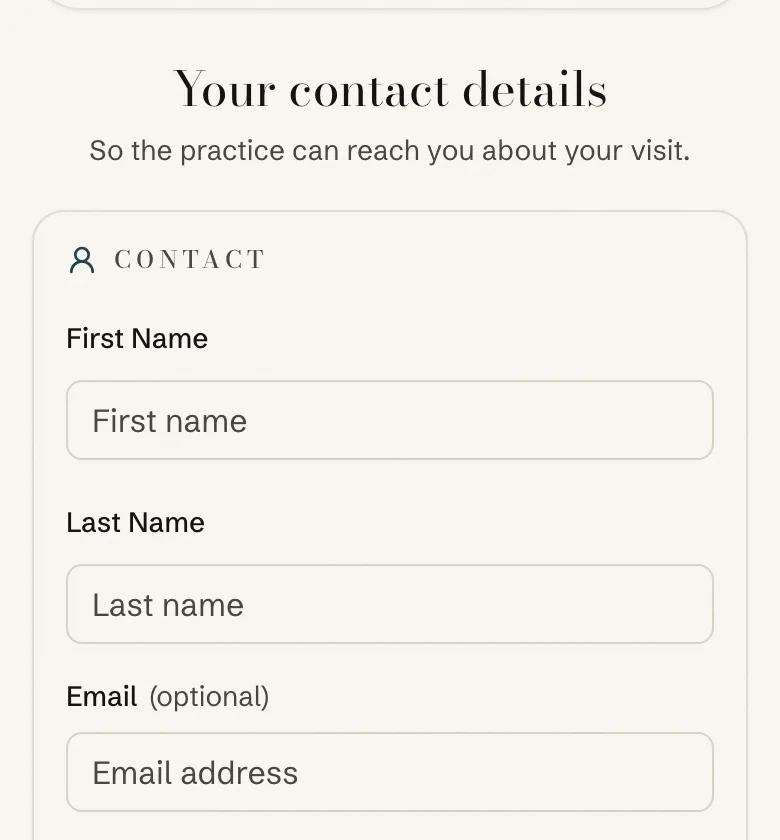
Enter your name and how to reach you, then confirm. You get a text or email with your visit, and you can move it later from the link in that message.
Still stuck?
Ask Kneadle from the chat button in your practice app. It can walk you through this screen or do it with you.
More in For your clients
 Buy a gift card onlinePick a design and an amount, choose how it arrives, add a note and pay on the practice's website. Share this with a client who wants to give a gift.
 Fill in your forms before a visitFill in and sign the intake forms your practice asks for, from your client portal or the link they sent. Share this with a client before their first visit.
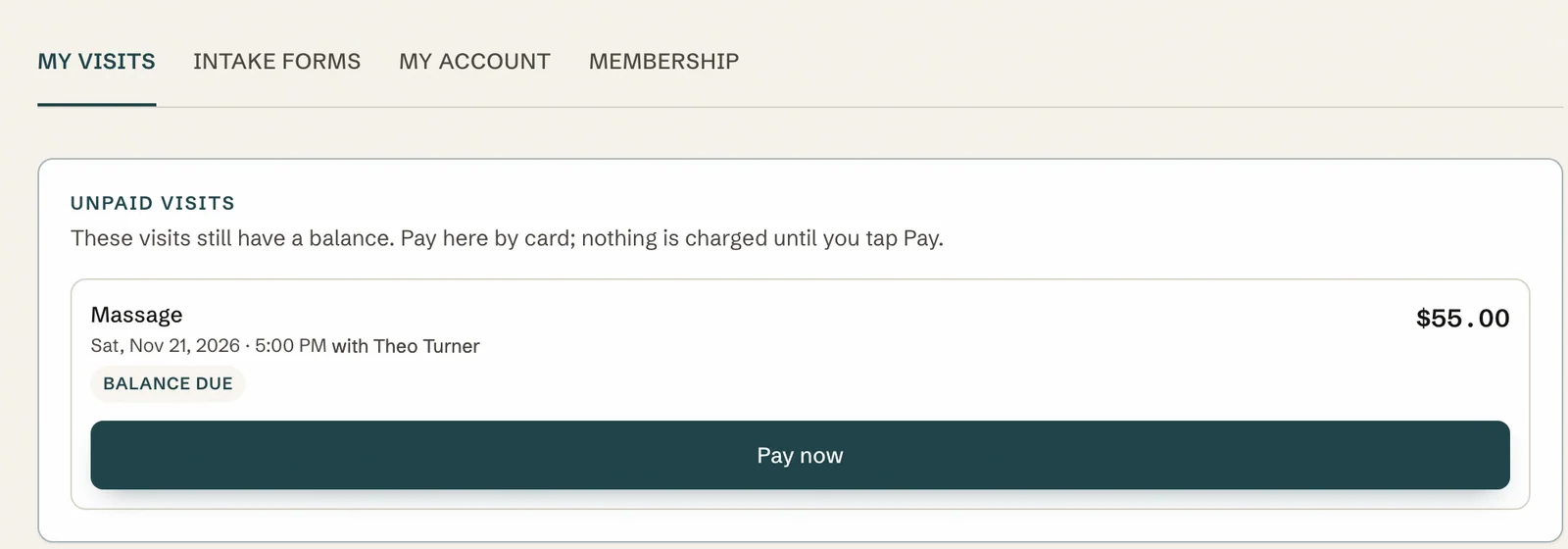 Pay what you owe for a visitPay a visit's balance by card from your client portal, with a tip if you like. Share this with a client who asks how to pay after a visit.