Buy a gift card online
Pick a design and an amount, choose how it arrives, add a note and pay on the practice's website. Share this with a client who wants to give a gift.
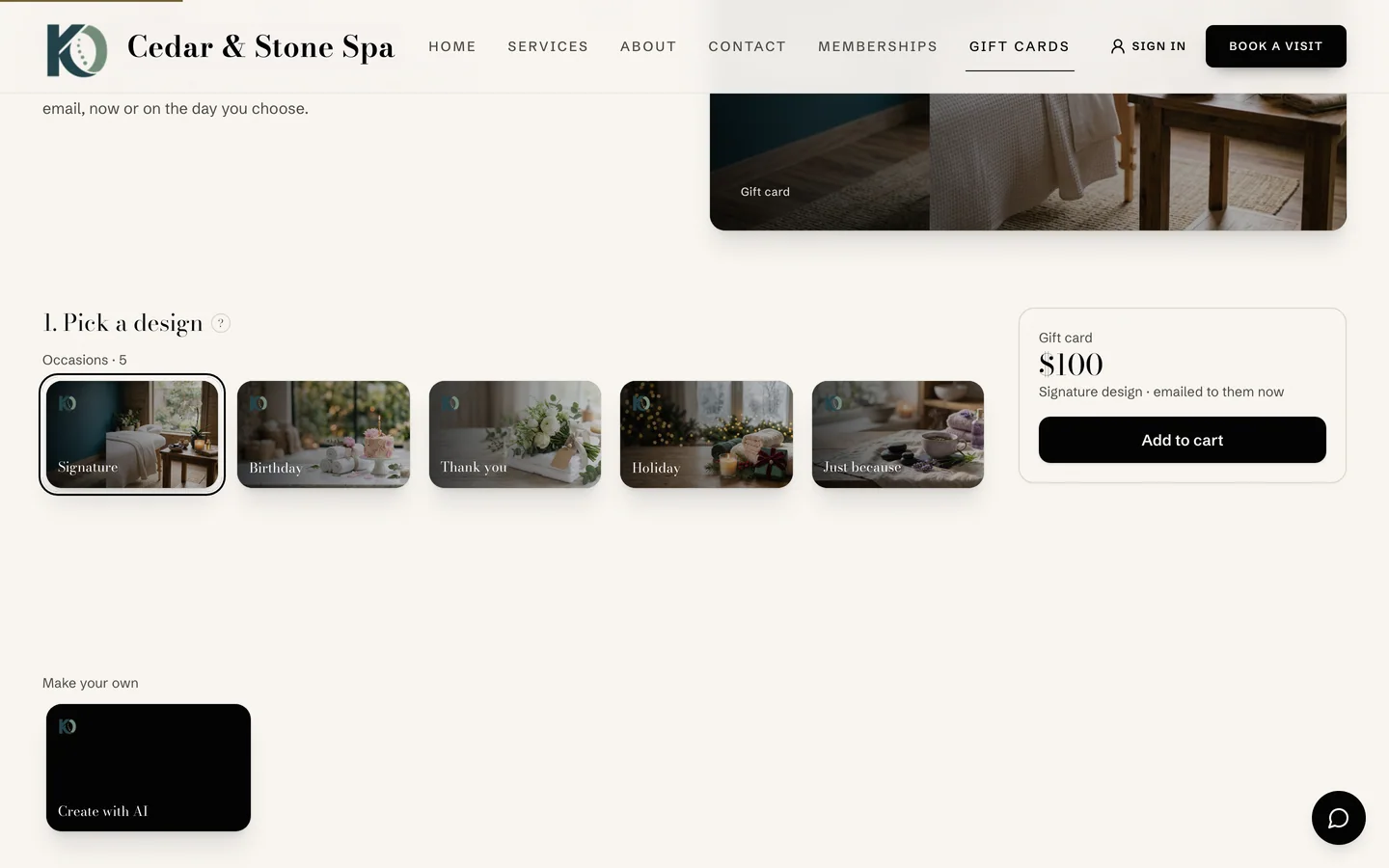
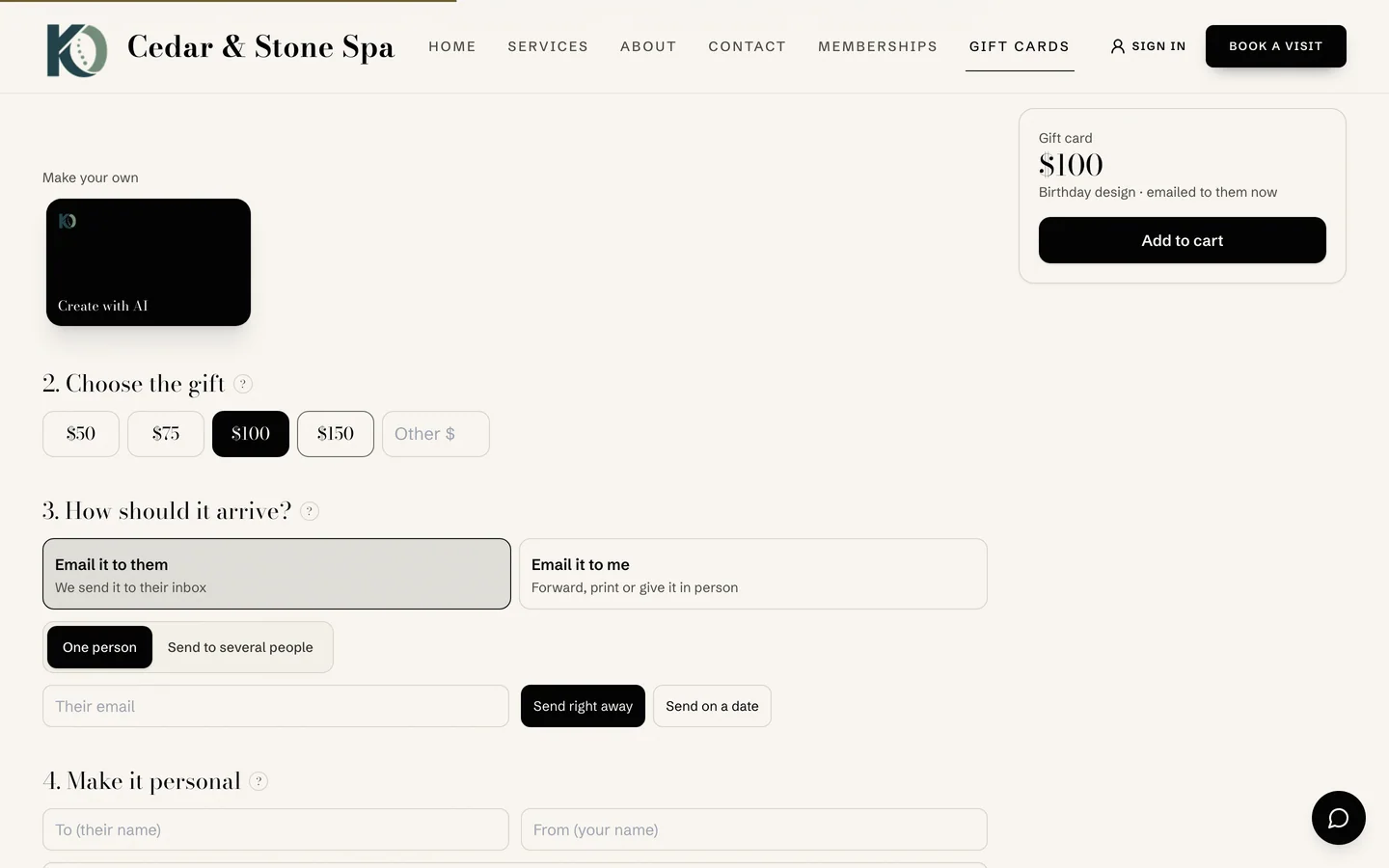
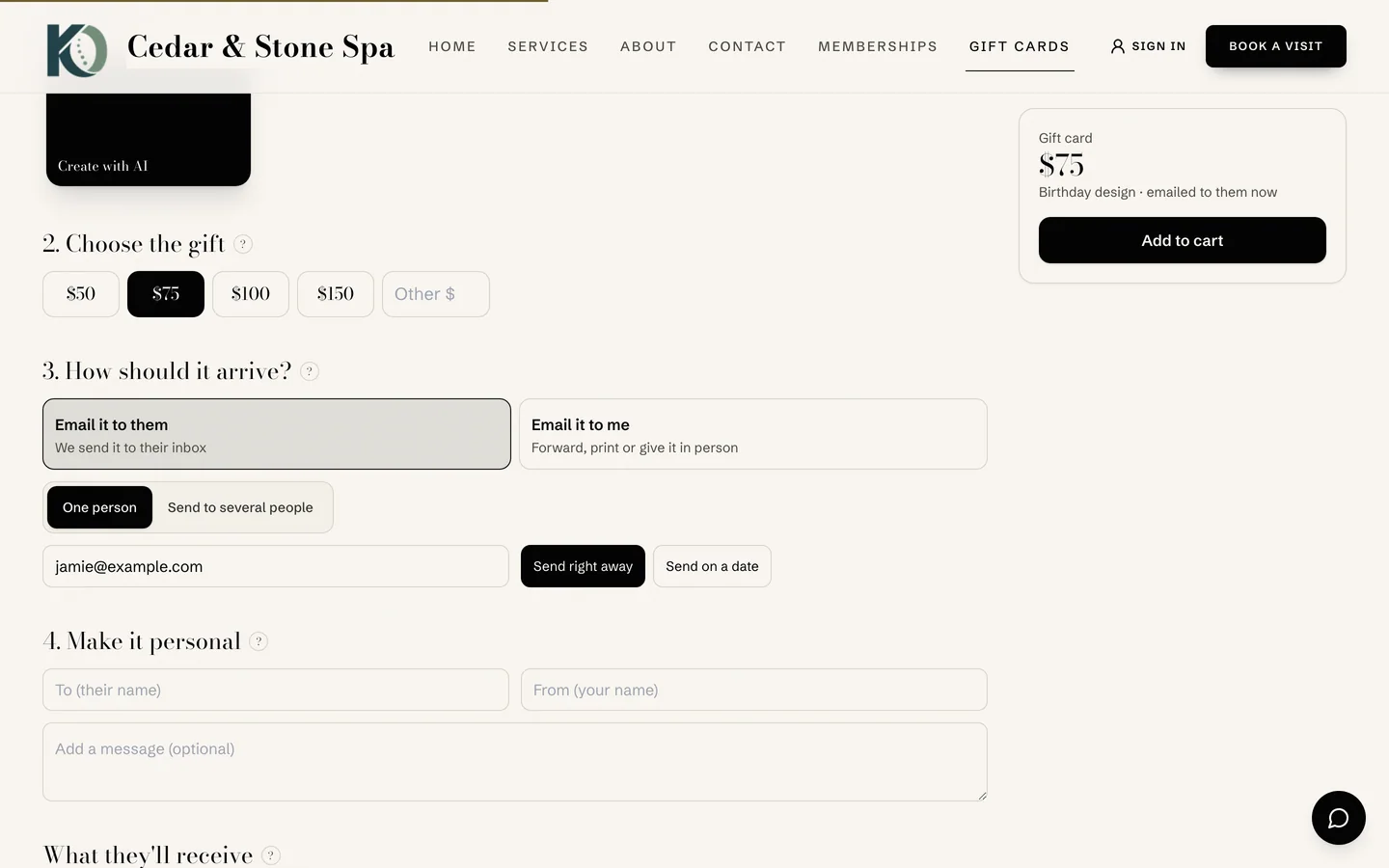
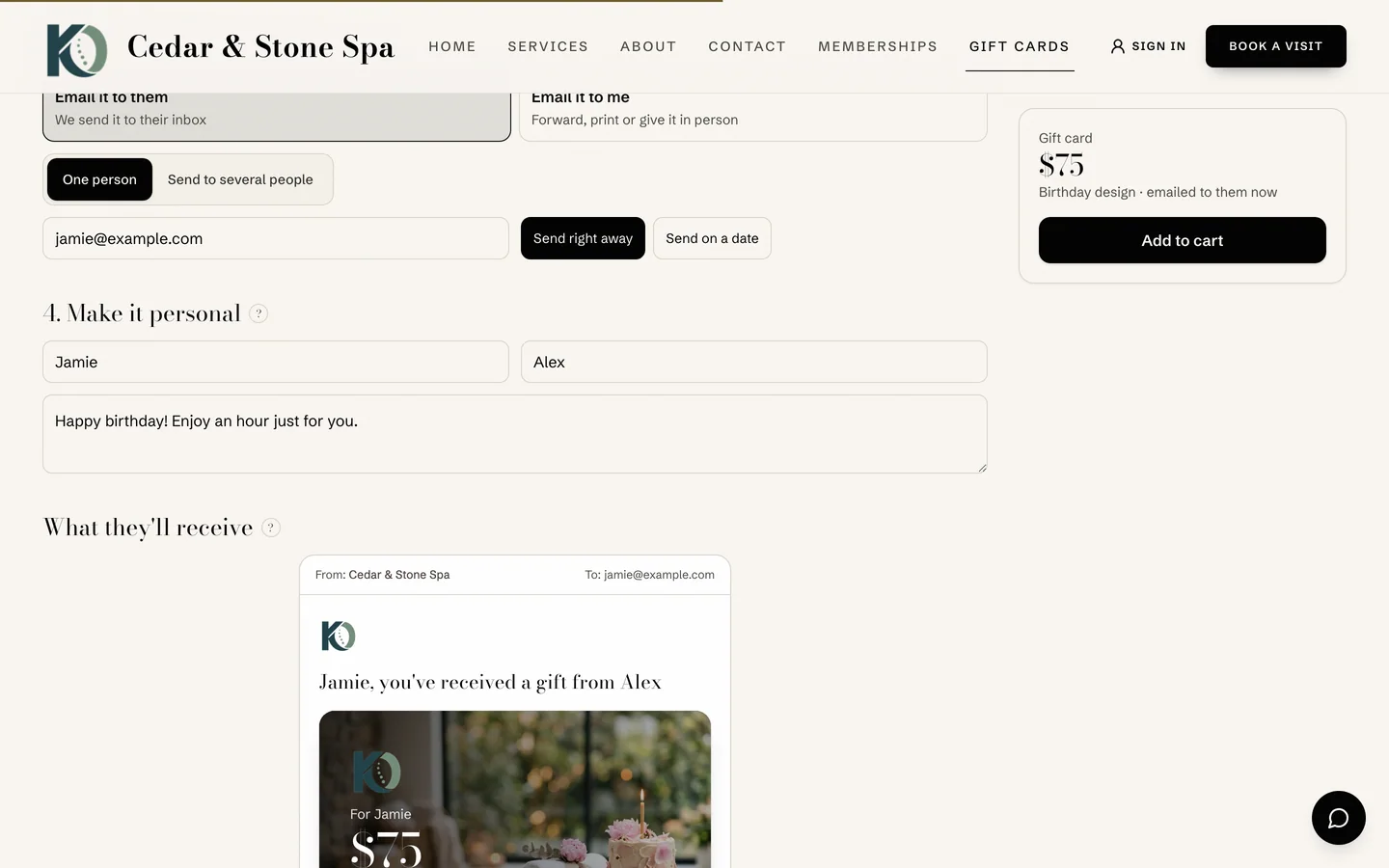
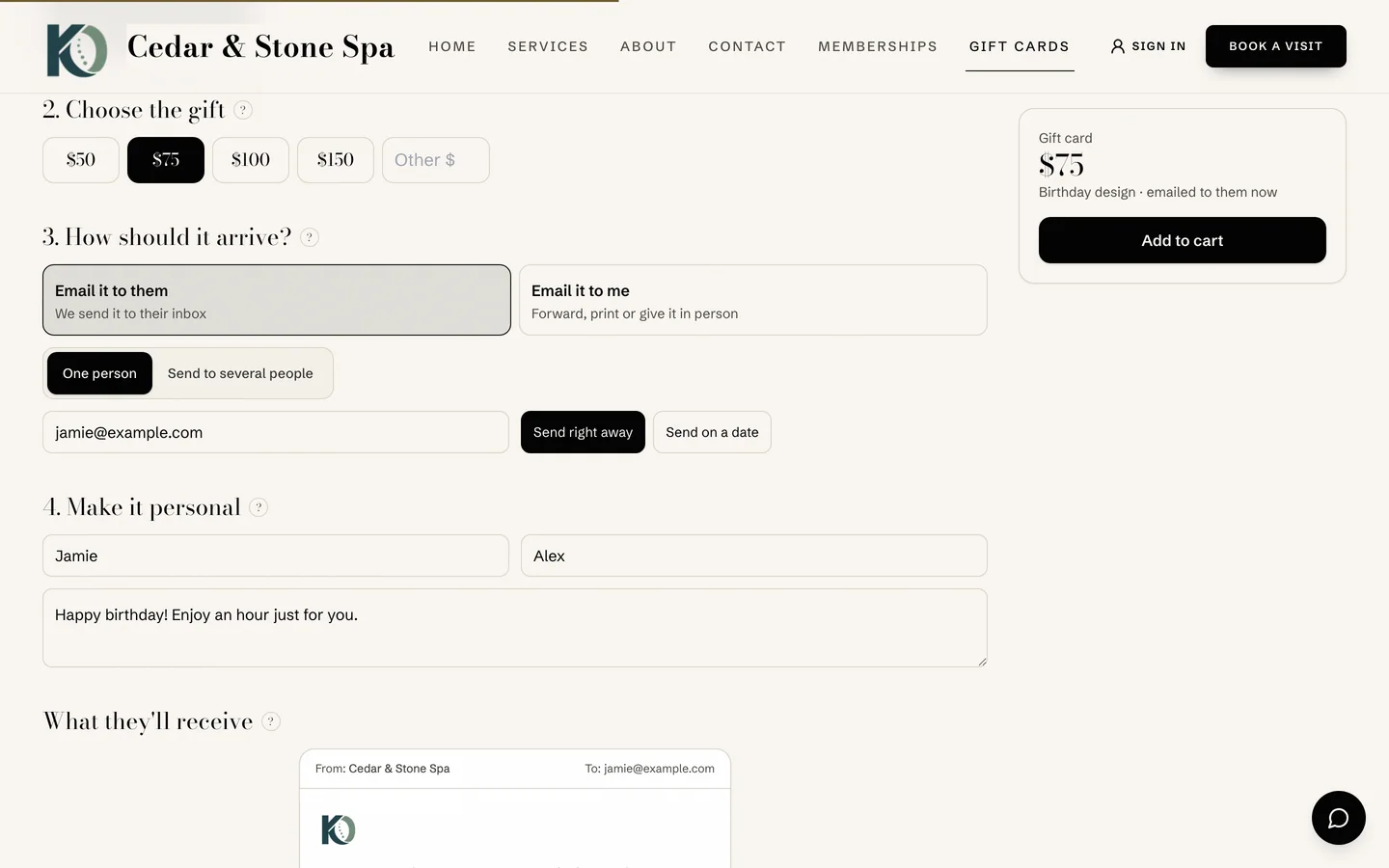
Step 1: Pick a design
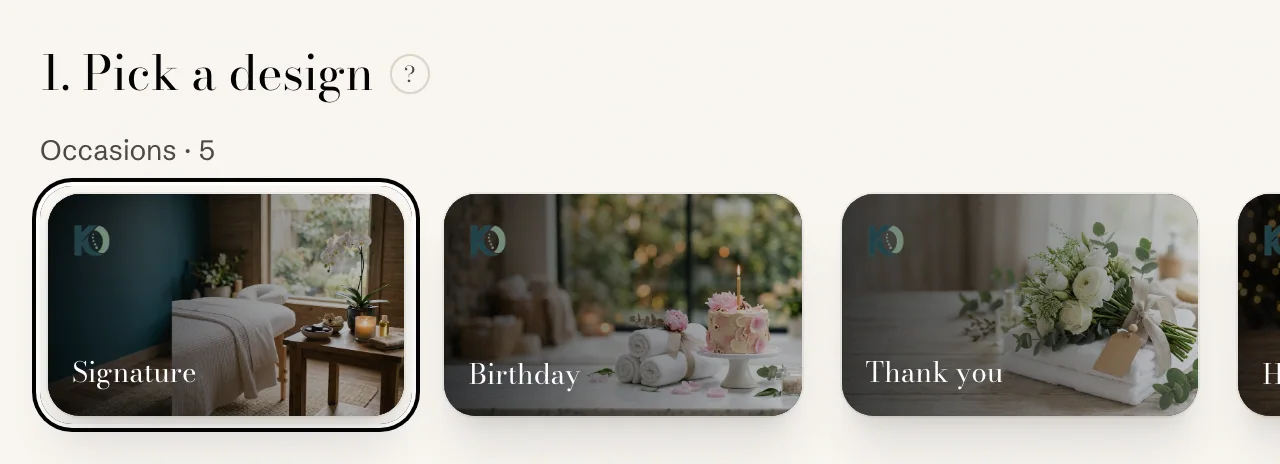
Open Gift Cards on the practice's website. Under 1. Pick a design, choose the card they will see in their email.
Step 2: Choose the amount
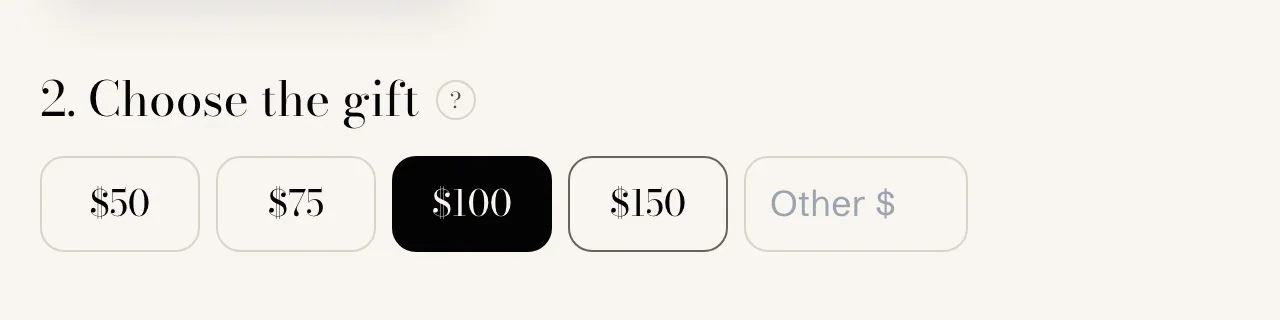
Under 2. Choose the gift, pick an amount, or type your own in Other $.
Step 3: Choose how it arrives
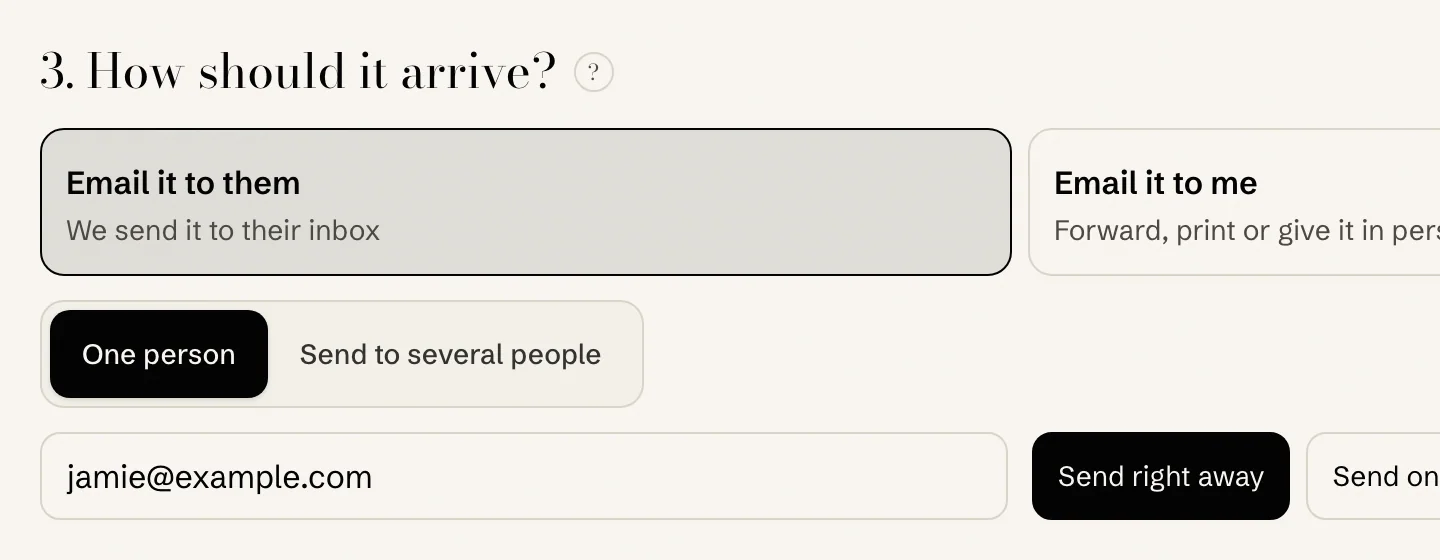
Under 3. How should it arrive?, choose Email it to them and type their email, or Email it to me to forward, print or hand it over yourself. Pick Send right away or Send on a date.
Step 4: Add a note
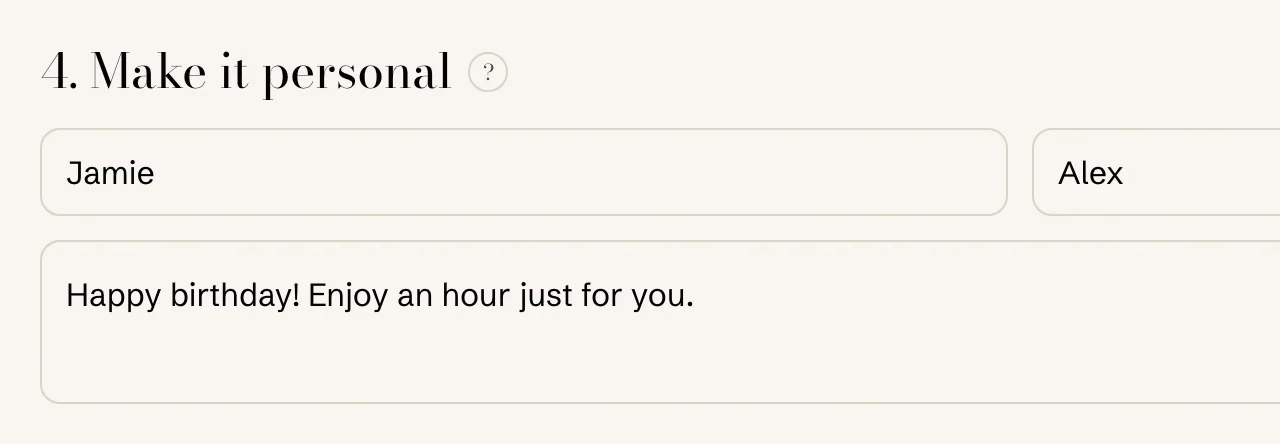
Under 4. Make it personal, add their name, your name and a short message. They are shown on the card and in the email, and all are optional.
Step 5: Add it to your cart
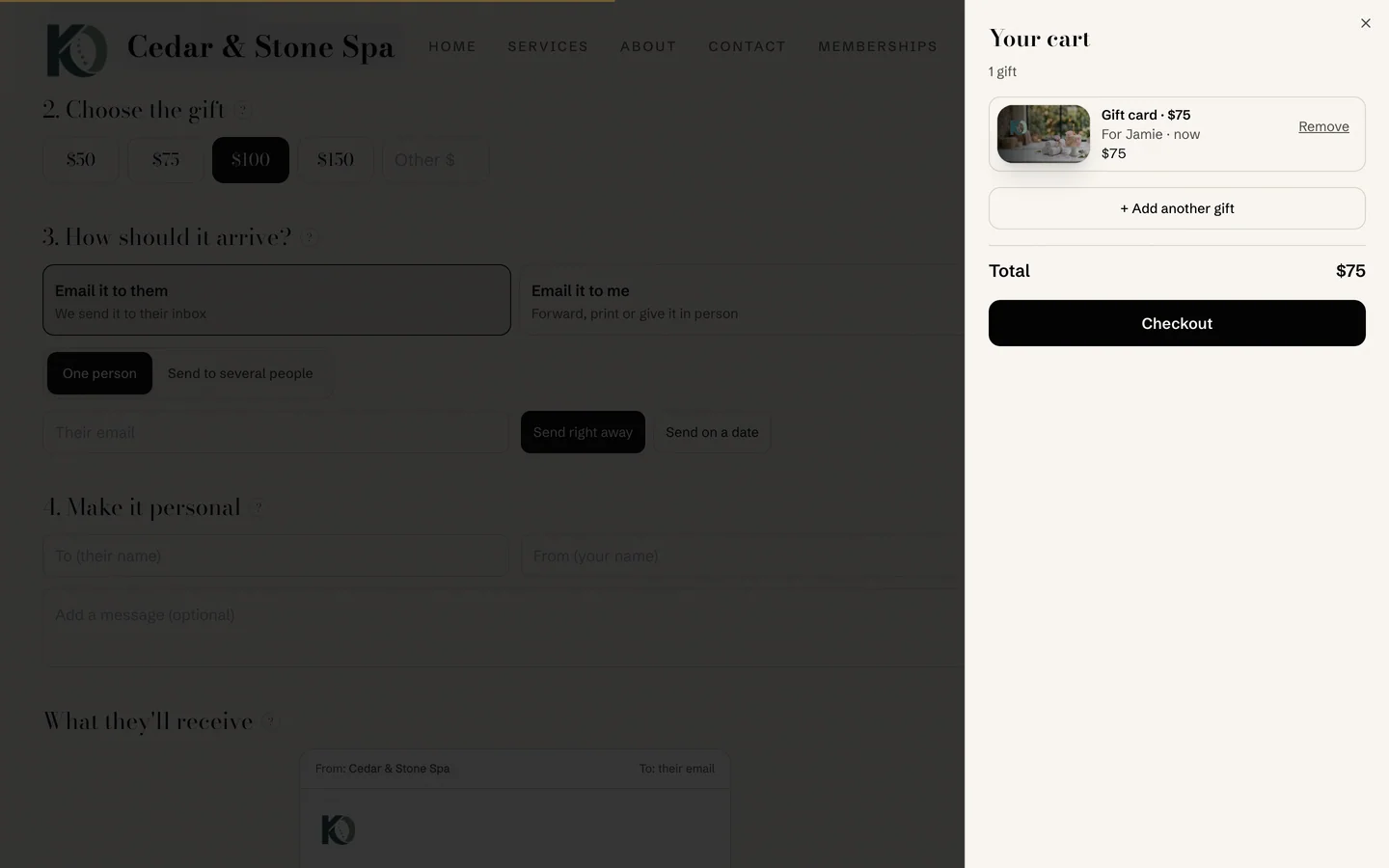
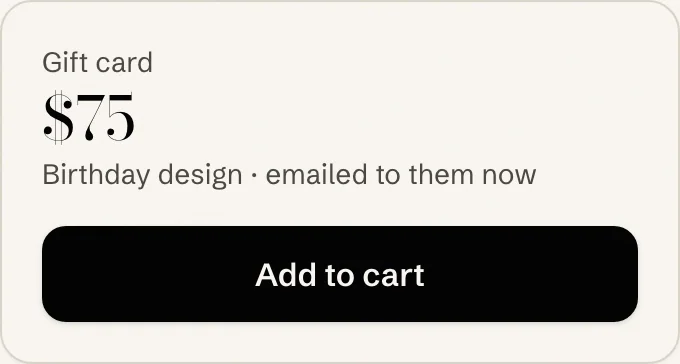
Check the card on the right, then press Add to cart. You can add more gifts before you pay.
Step 6: Check out
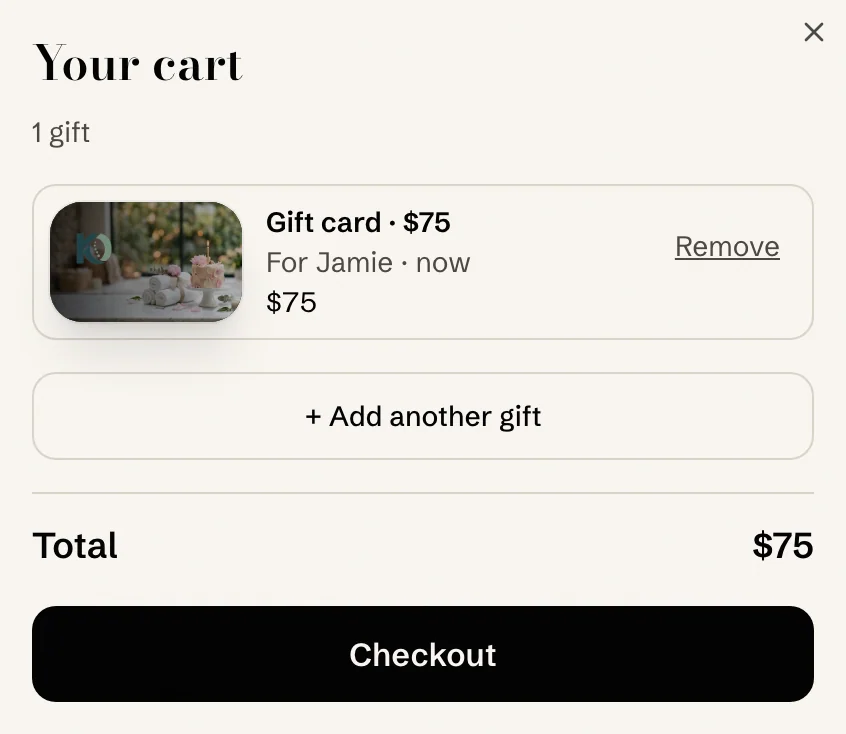
Your cart opens with the gift and the total. Press Checkout.
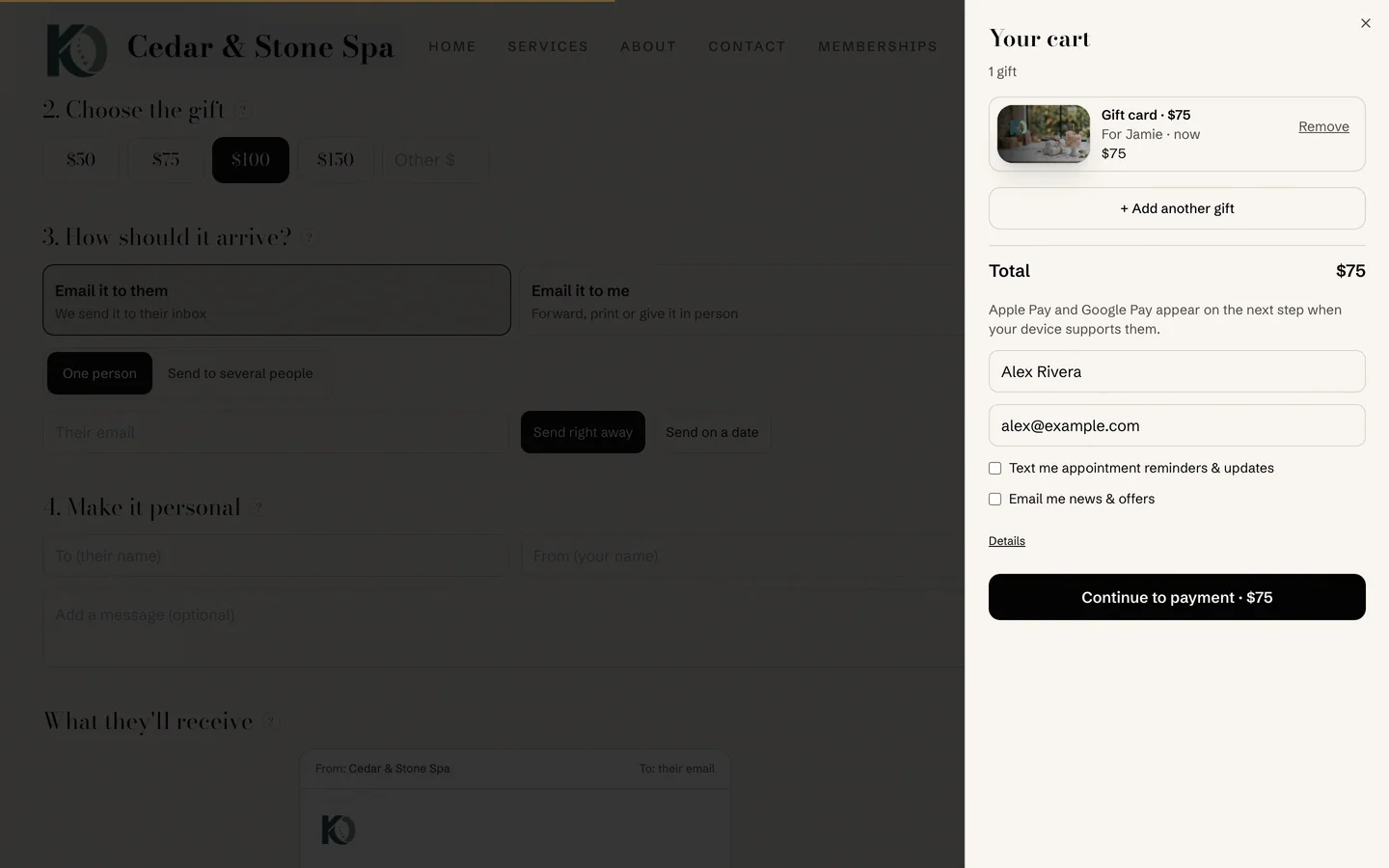
Step 7: Add your details and pay
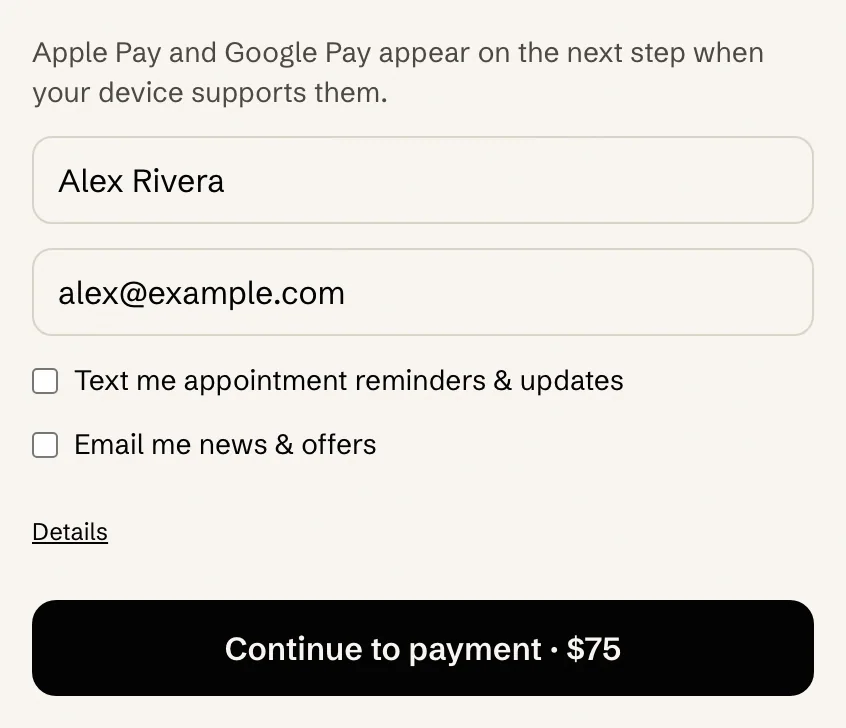
Type your name and email for the receipt, then press Continue to payment and pay by card, Apple Pay or Google Pay. The gift card is emailed when the payment goes through.
Still stuck?
Ask Kneadle from the chat button in your practice app. It can walk you through this screen or do it with you.
More in For your clients
 Fill in your forms before a visitFill in and sign the intake forms your practice asks for, from your client portal or the link they sent. Share this with a client before their first visit.
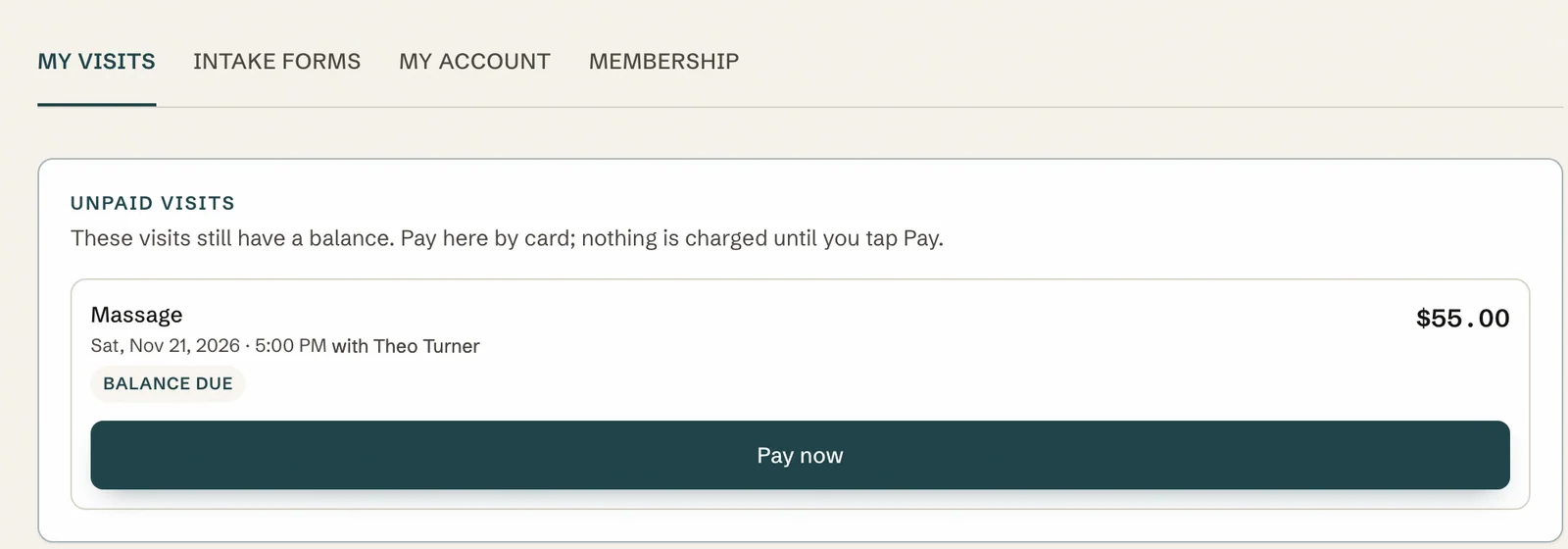 Pay what you owe for a visitPay a visit's balance by card from your client portal, with a tip if you like. Share this with a client who asks how to pay after a visit.