Share your booking link
Find your online booking link and its QR code, copy the link to text or post it, and print the QR for your front desk.
Step 1: Open Domains
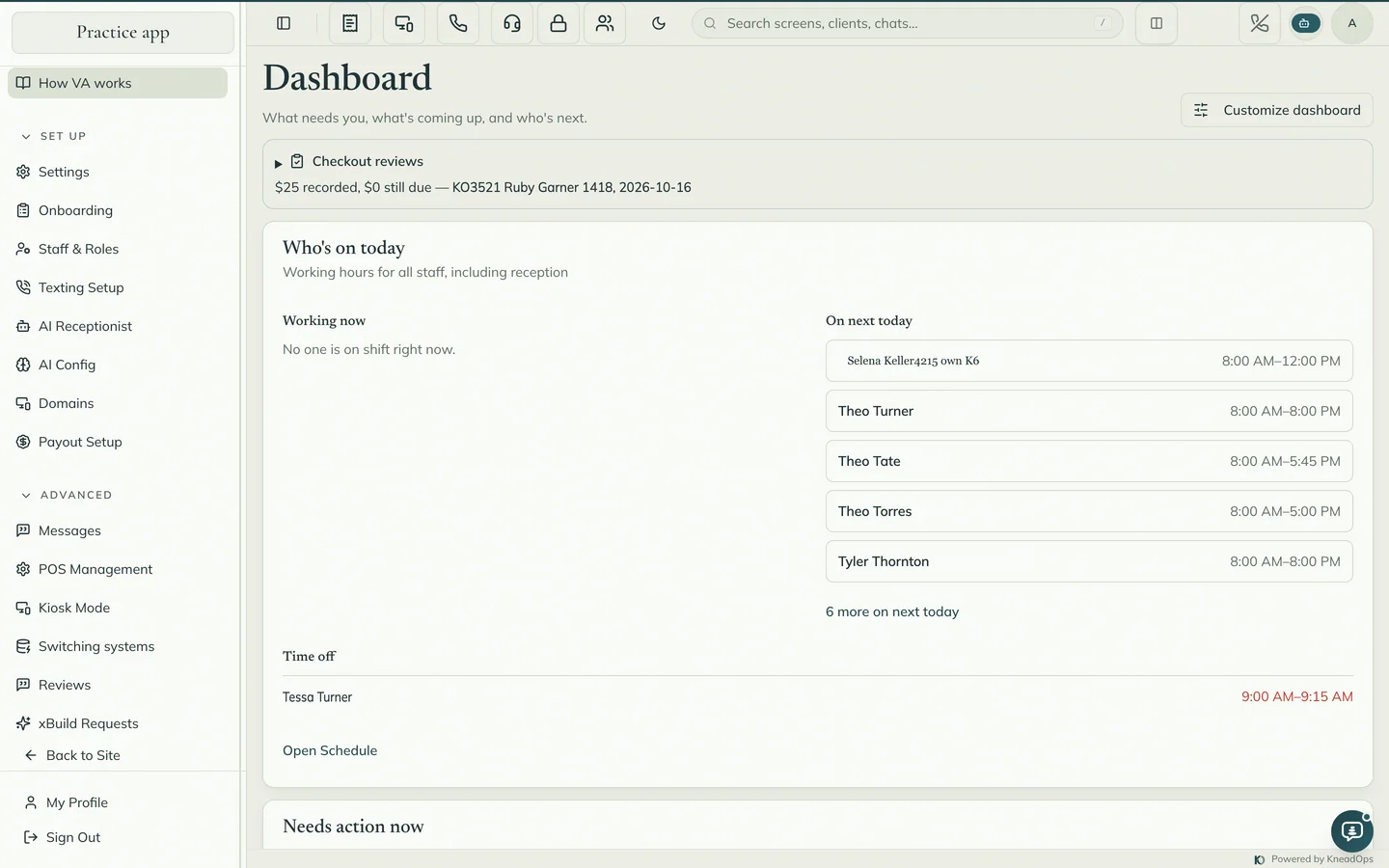
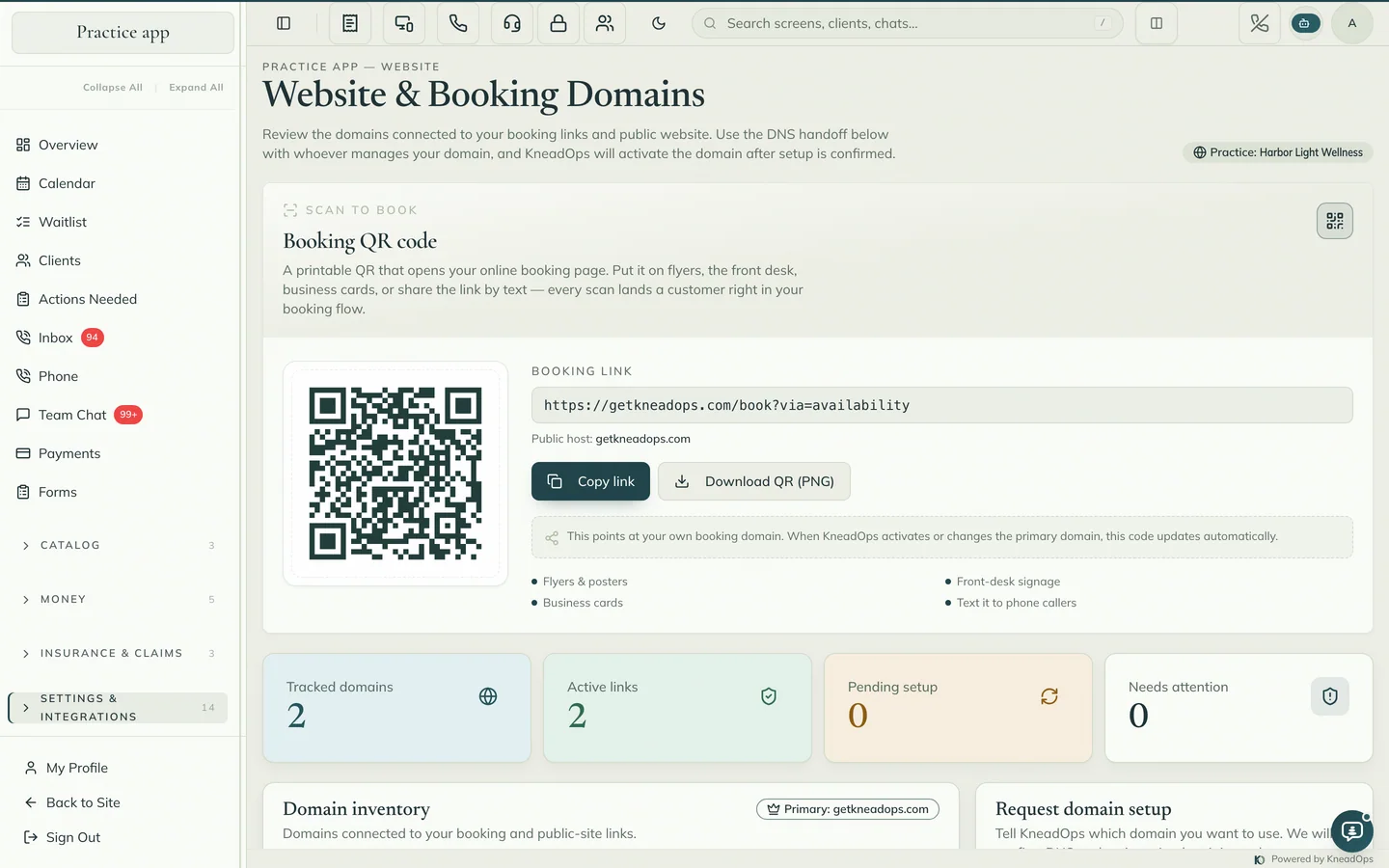
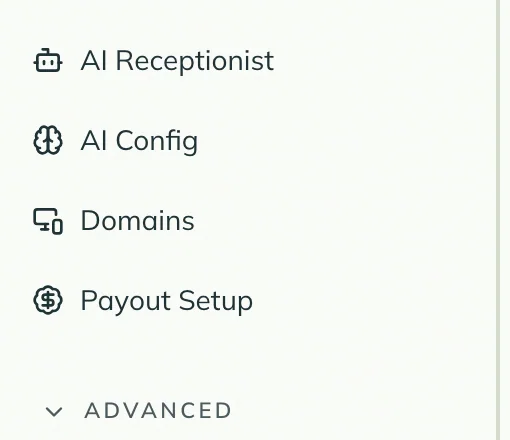
In the menu on the left, open Domains (press Expand All at the top of the menu if you don't see it).
Step 2: Find your booking link
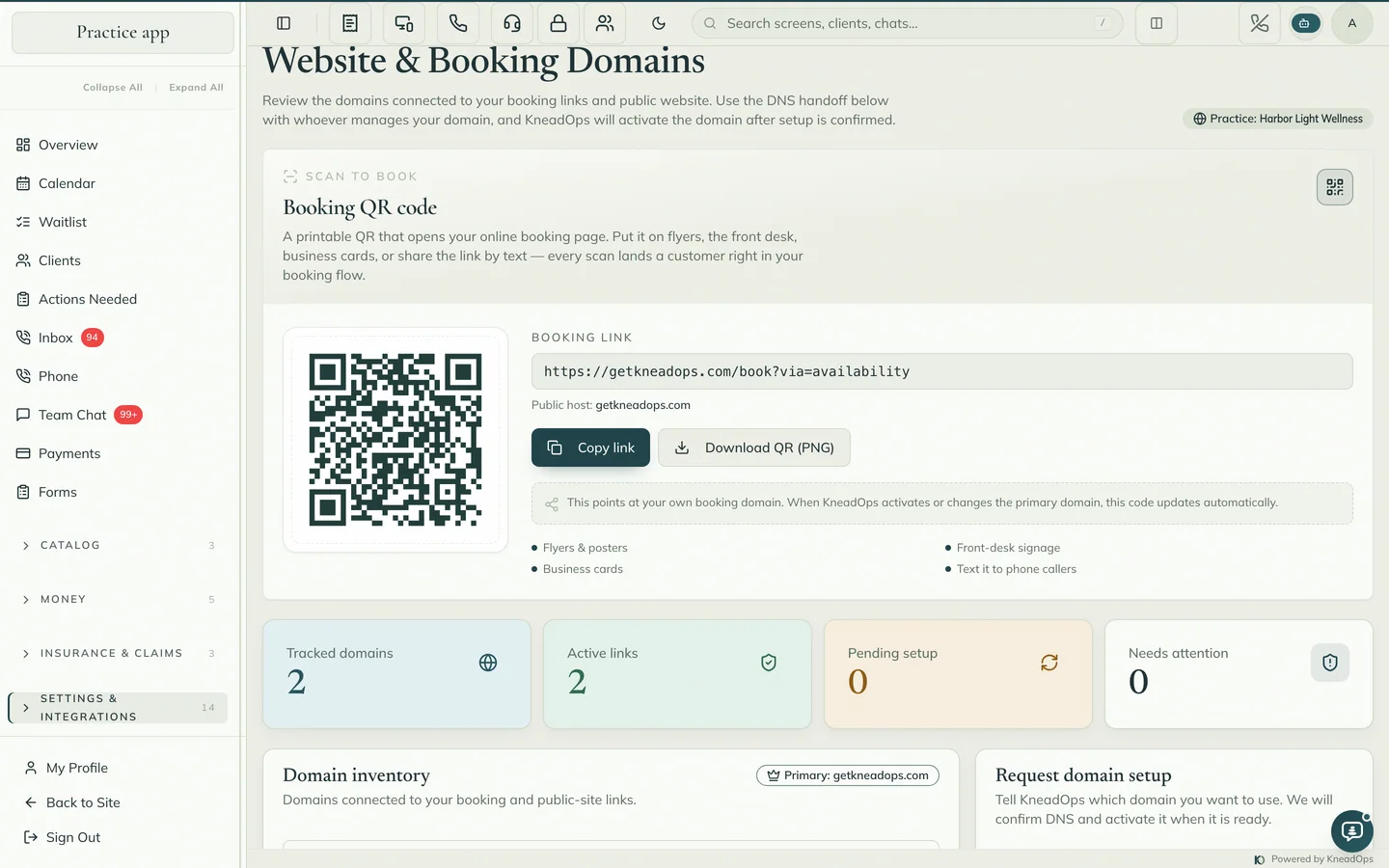
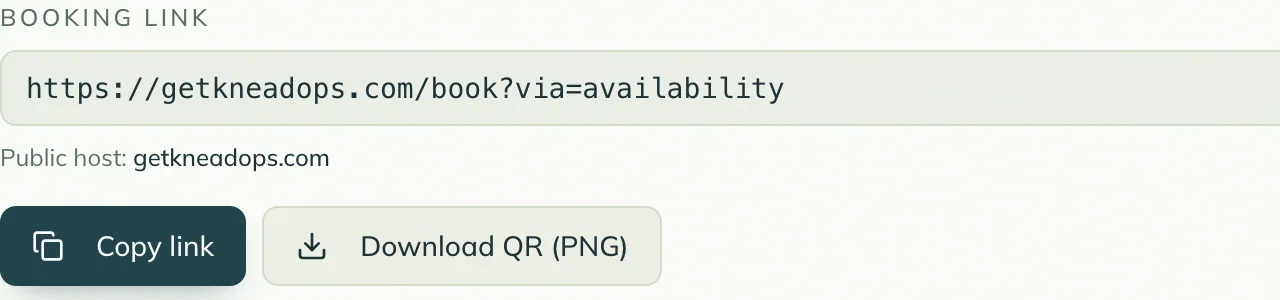
Scroll to Booking QR code. Under Booking link is the web address that opens your online booking page.
Step 3: Copy the link
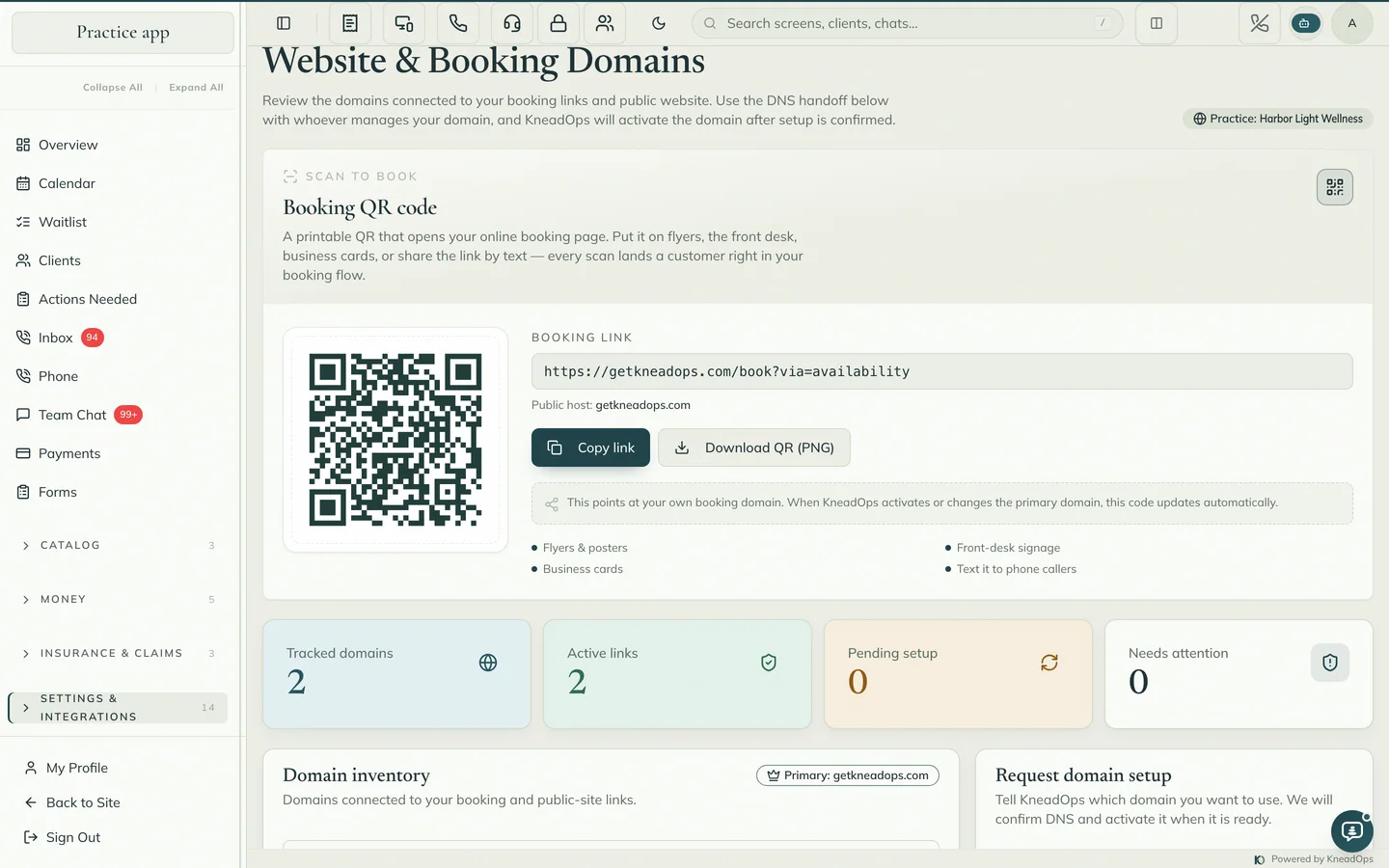
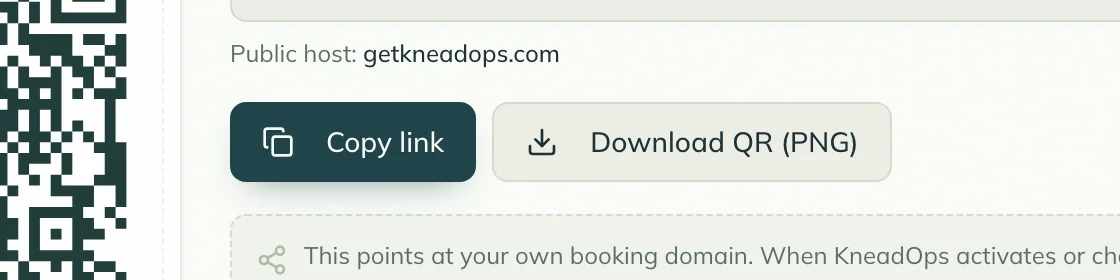
Press Copy link, then paste it wherever clients will see it: a text, an email, your social media profile or your Google listing.
Step 4: Print the QR code
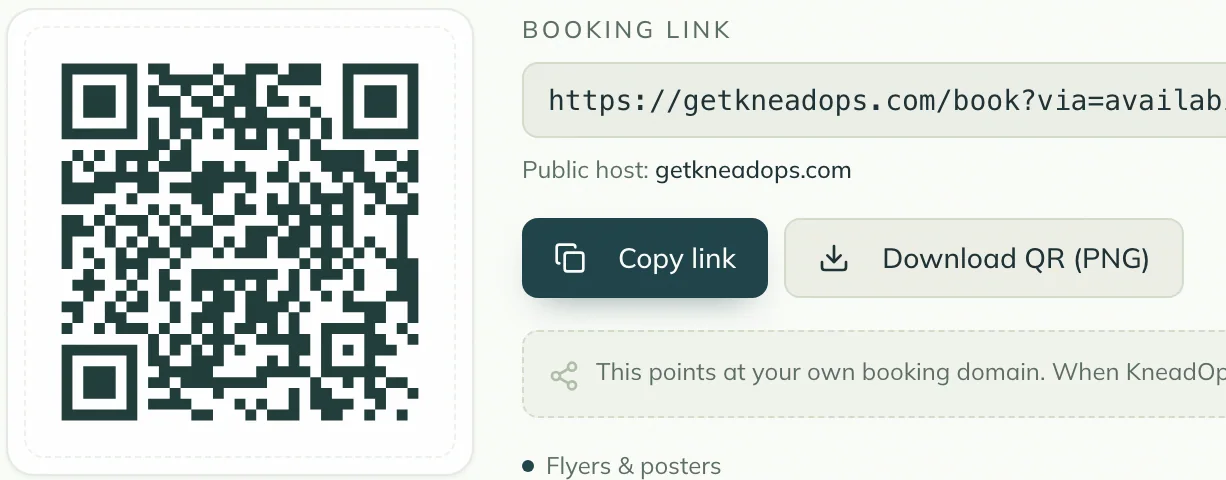
Press Download QR (PNG) to save the QR code as a picture. Put it on flyers, business cards or the front desk: any phone camera opens your booking page.
Still stuck?
Ask Kneadle from the chat button in your practice app. It can walk you through this screen or do it with you.
More in Your menu and prices
 Add a service to your menuPut a new treatment on your menu with its length, price and who does it, so clients can book it online.
 Add-on groups and free choicesGroup a service's add-ons so clients choose from a set, with how many they can pick and how many are free. For example, a 90-minute massage that includes up to 2 add-ons.
 Combine lengths into one serviceTurn separate 30, 60 and 90-minute services into one service with a length choice, so clients see one listing and pick how long.