Ask Kneadle to do it for you
Open the Kneadle chat from any screen, ask in plain words, and let it answer or do the task with you.
Step 1: Open Kneadle
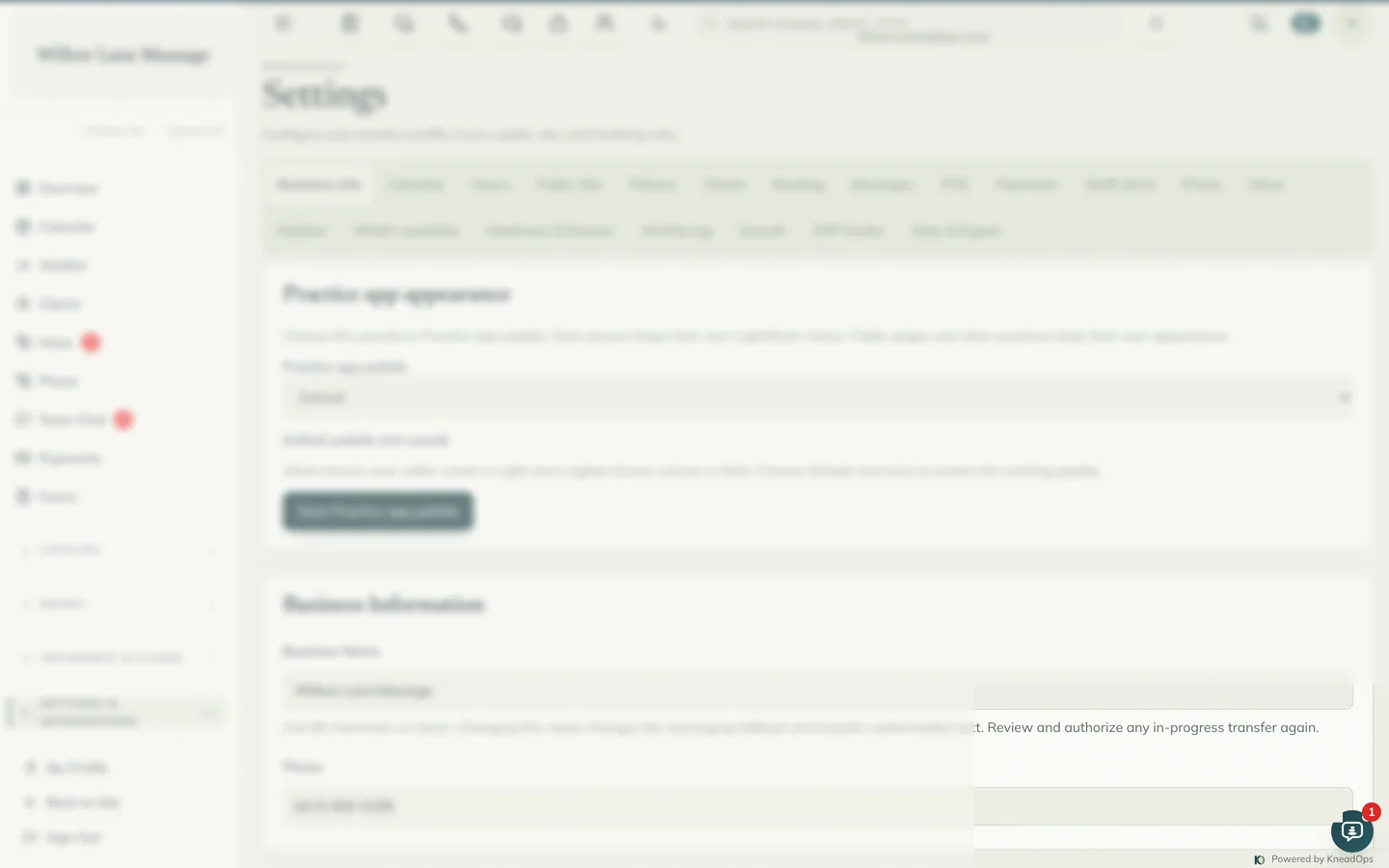
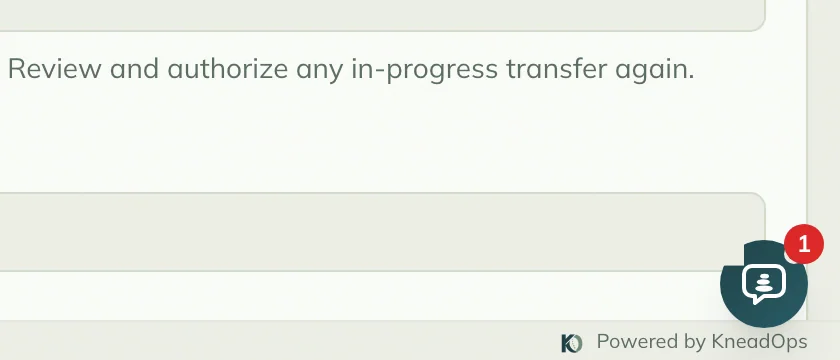
On any screen of your practice app, press the round Kneadle button in the bottom right corner. The chat opens on the side of the screen.
Step 2: Type what you need
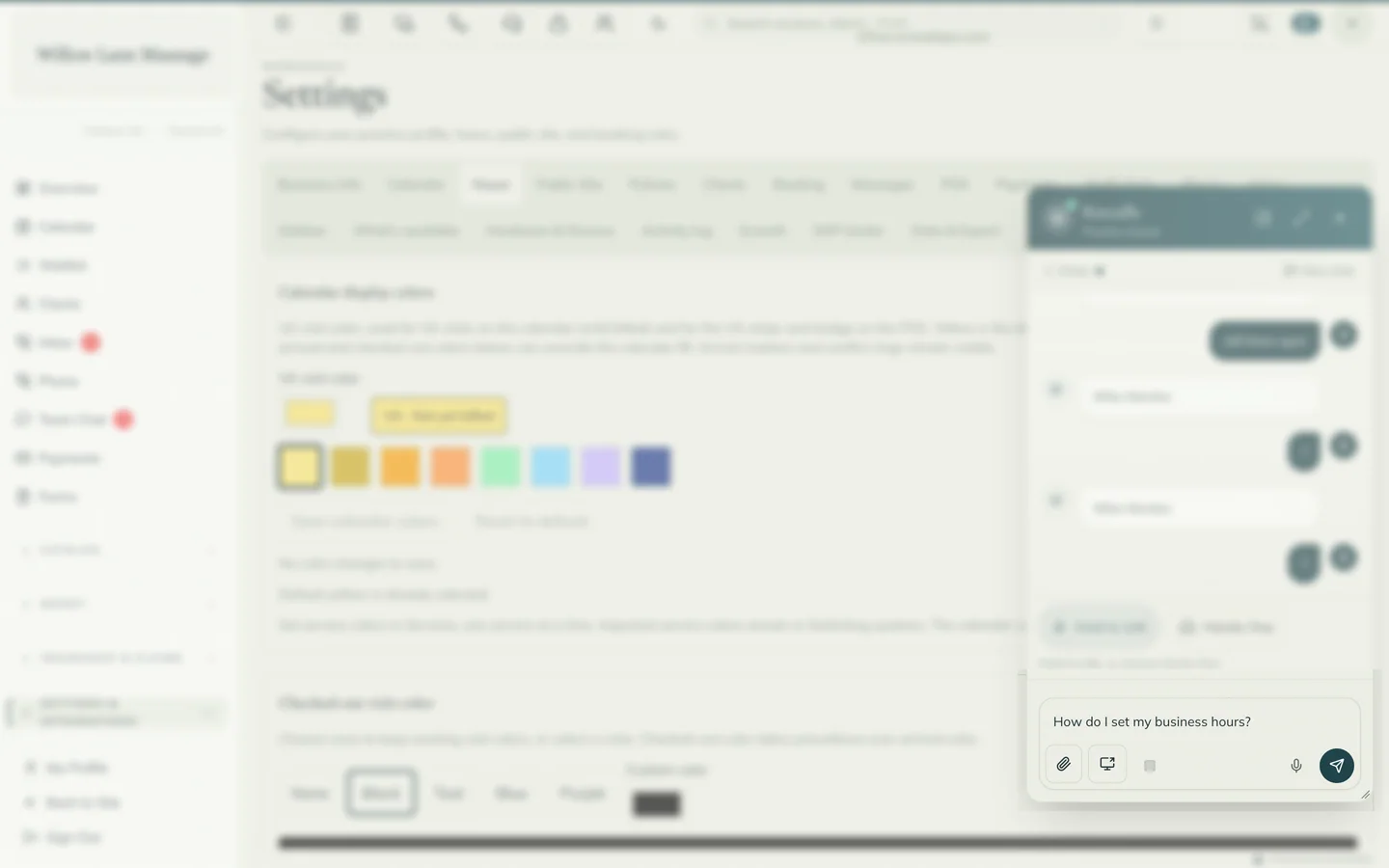
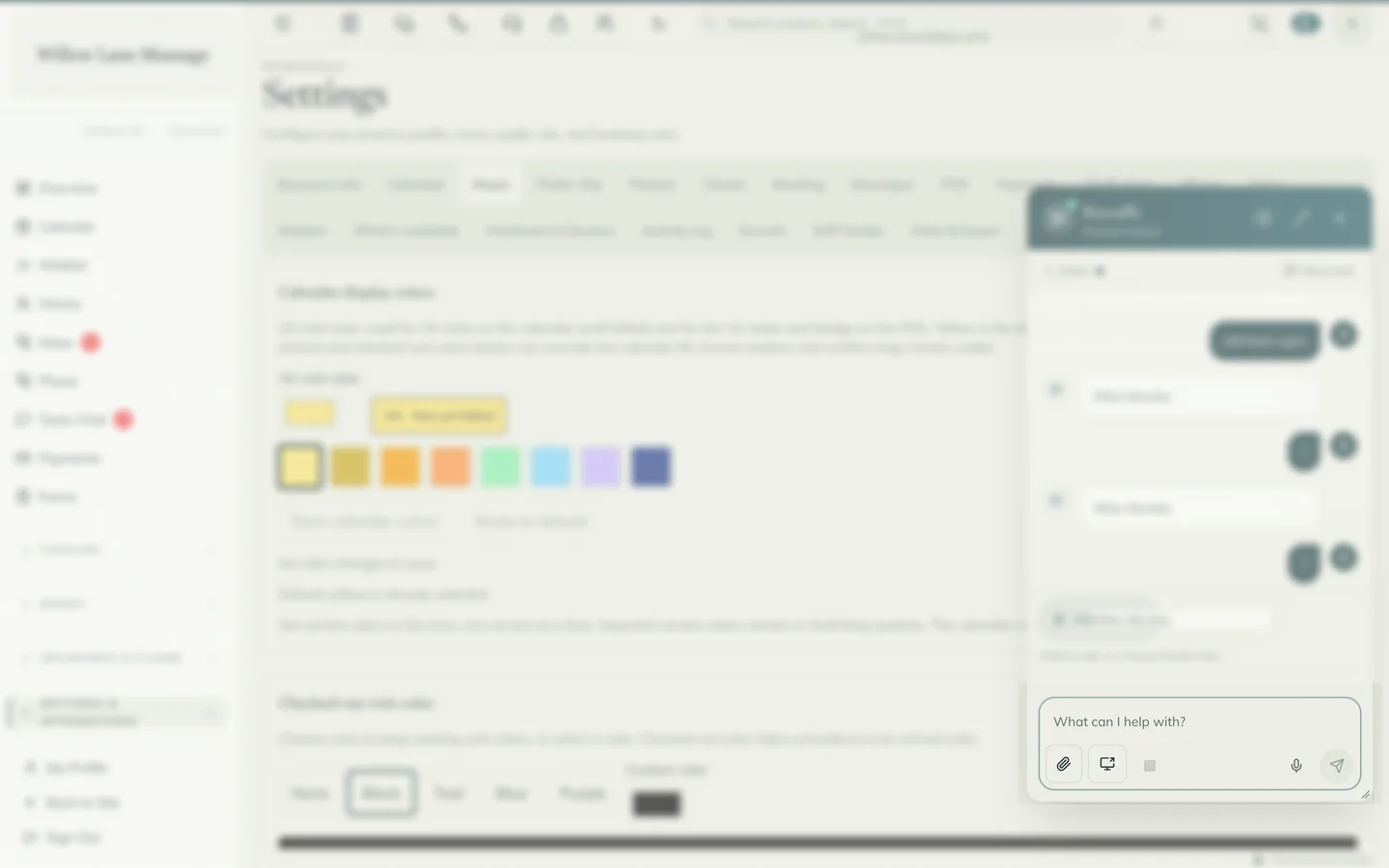
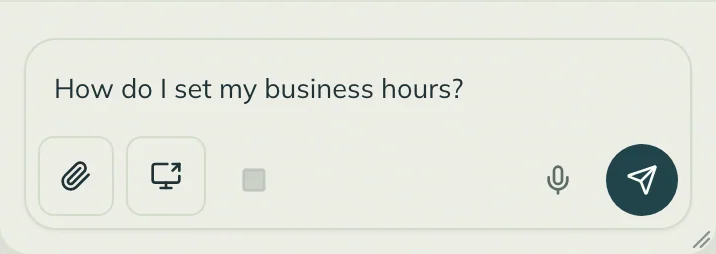
Click in the box at the bottom of the chat and type your question or task in plain words, like How do I set my business hours?
Step 3: Or say it out loud
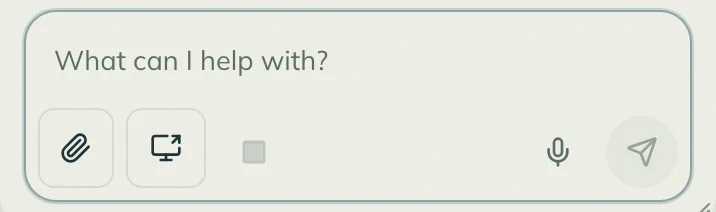
Rather talk? Press the microphone, say what you need, then press it again. Your words appear in the box so you can check them first.
Step 4: Send it
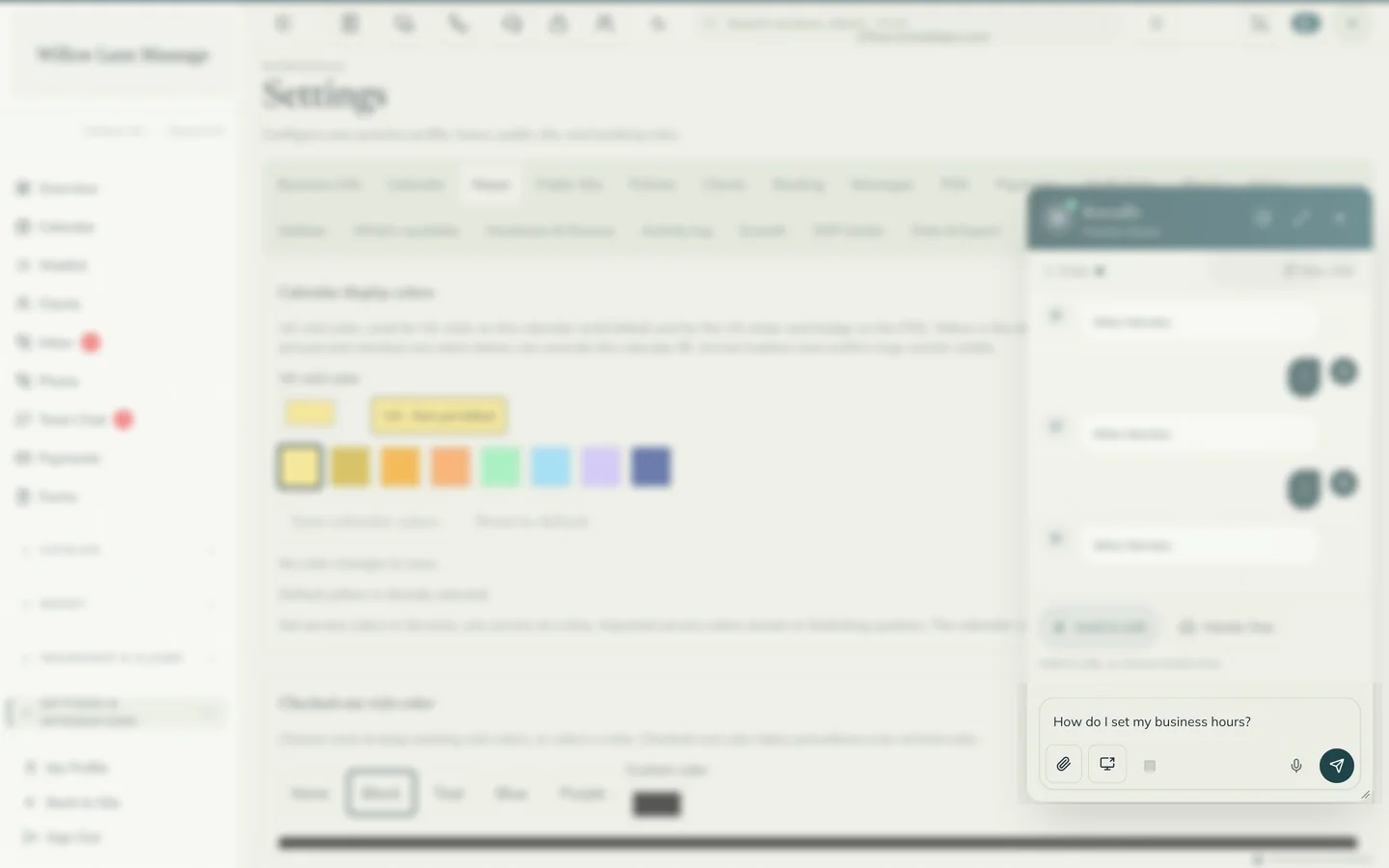
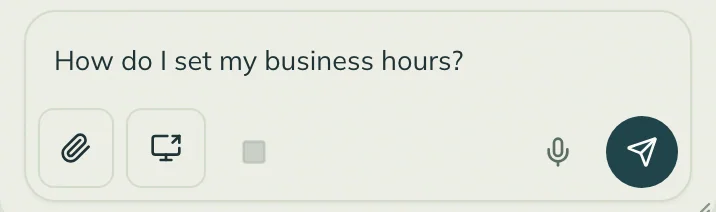
Press the send arrow, or press Enter. Kneadle answers in the chat and can open the right screen or do the task with you. Before it changes anything or moves money, it shows a card and waits for your yes.
Still stuck?
Ask Kneadle from the chat button in your practice app. It can walk you through this screen or do it with you.
More in Phone and Kneadle
 Choose where your calls ringSee your practice phone line, choose how calls are answered, and set the phone that rings when a caller wants a person.
 Turn on the AI receptionist and give it a nameLet the AI receptionist answer your calls, choose when it picks up, pick its voice, and set the name and greeting clients hear.