Sell a gift card and redeem one
Sell a gift card at the front desk, and take one off a client's bill when they pay with it.
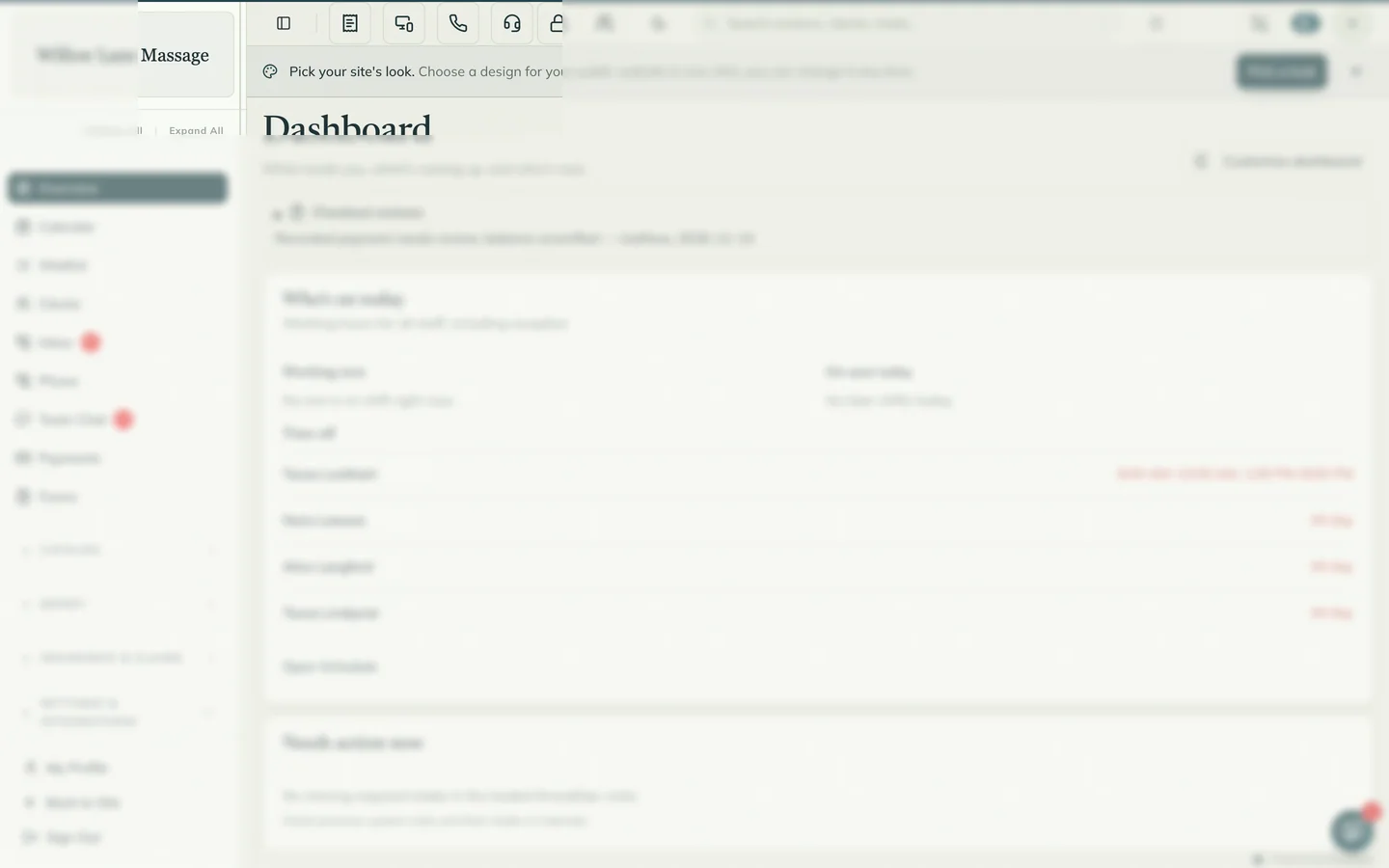
Step 1: Open Checkout
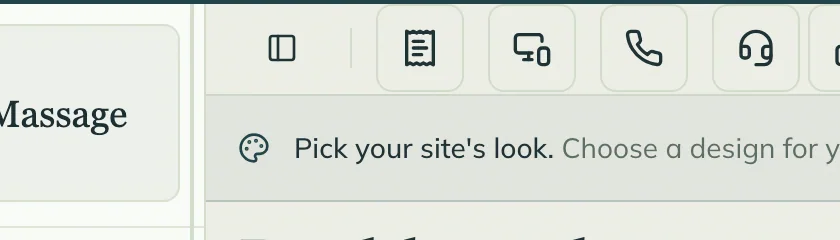
Press the Open checkout button (the receipt) in the bar at the top of the screen.
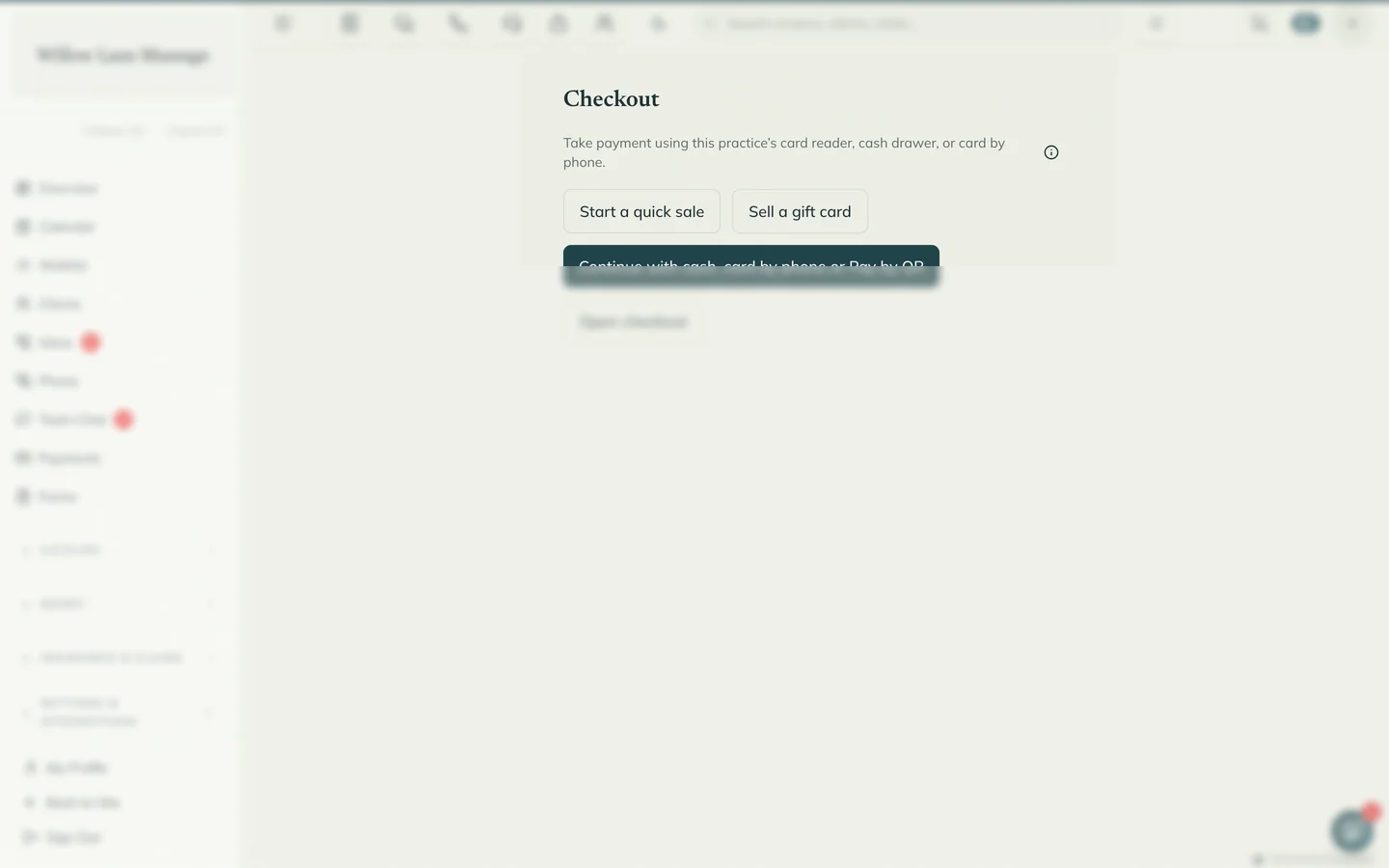
Step 2: Press Sell a gift card
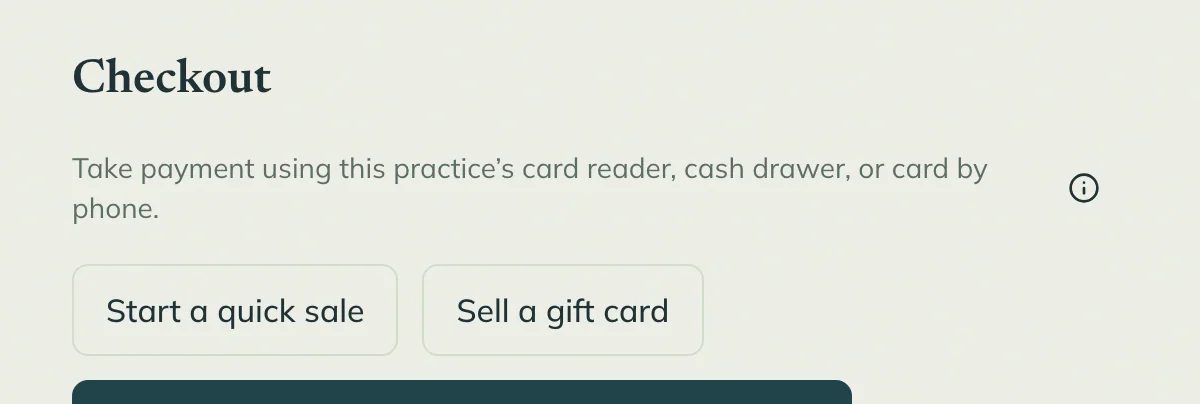
Press Sell a gift card. On the next screen, choose what the card is for (an amount or a treatment), type its value, and add the code if you're using a printed card. A name and email for the person receiving it are optional. Then press Start a gift card sale and take payment as usual.
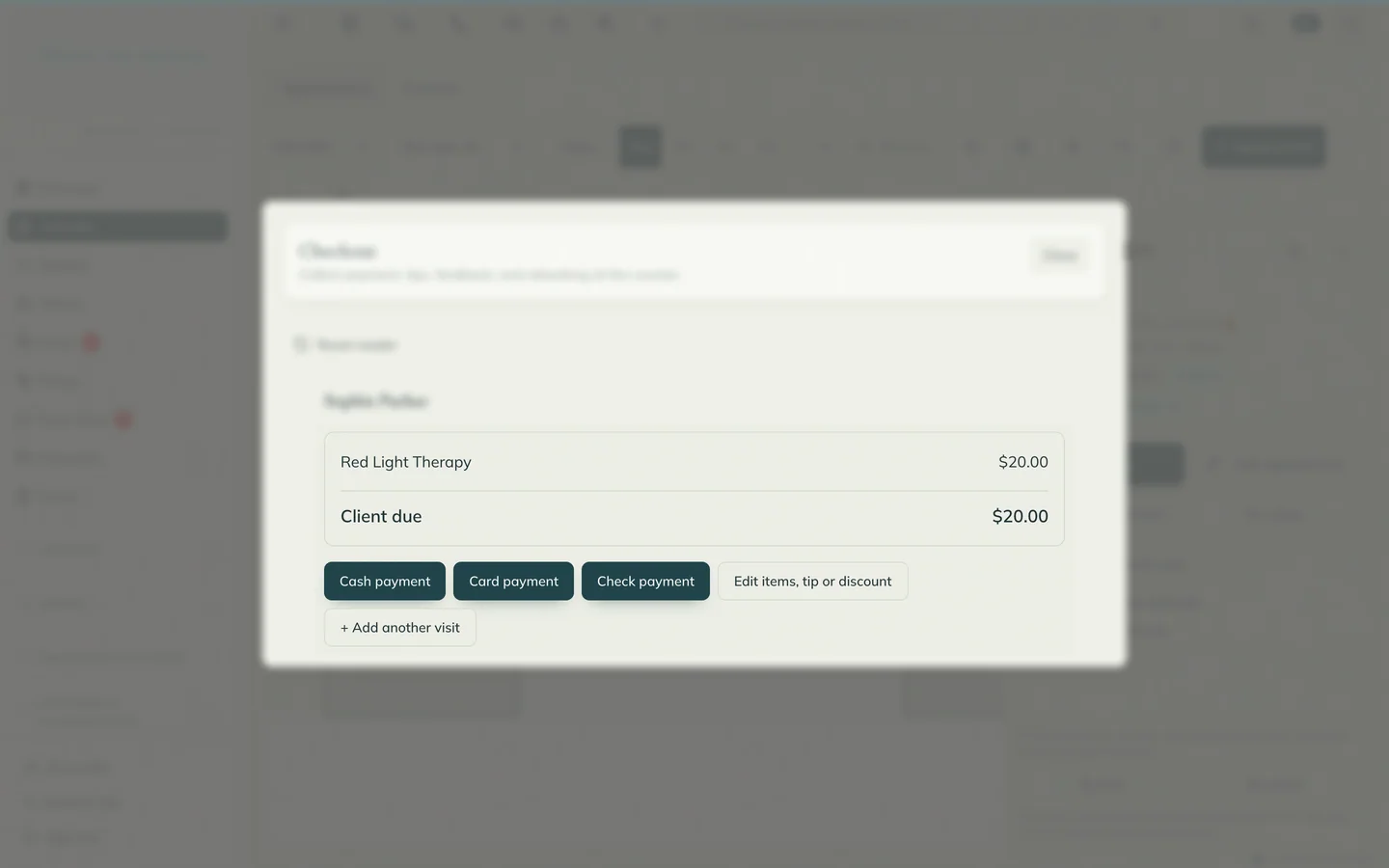
Step 3: Redeem: open the client's checkout
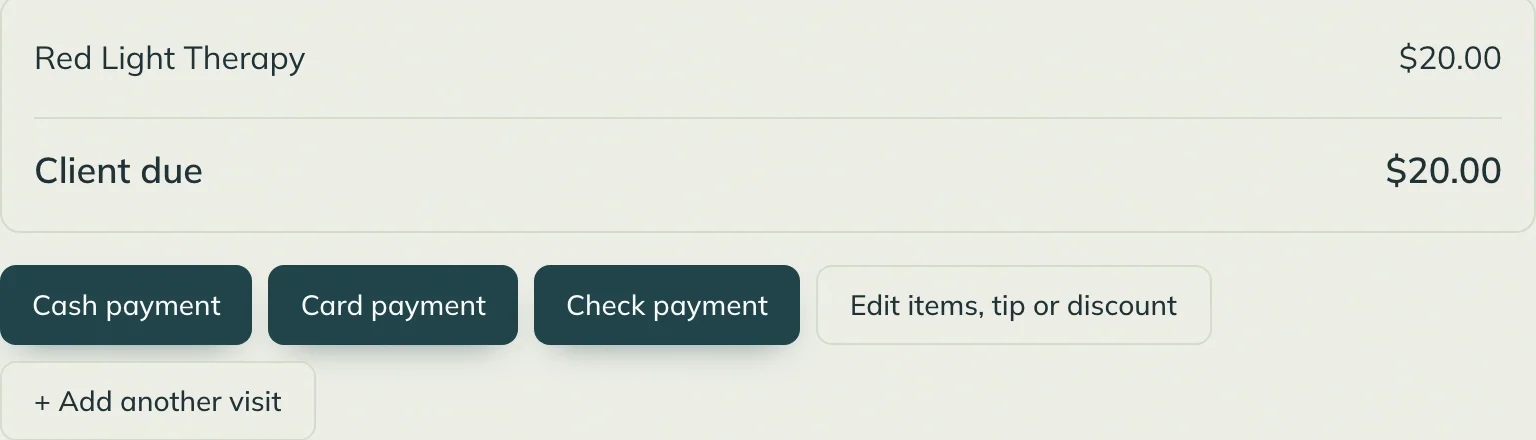
When a client pays with a gift card, open their visit's checkout as usual and press Edit items, tip or discount.
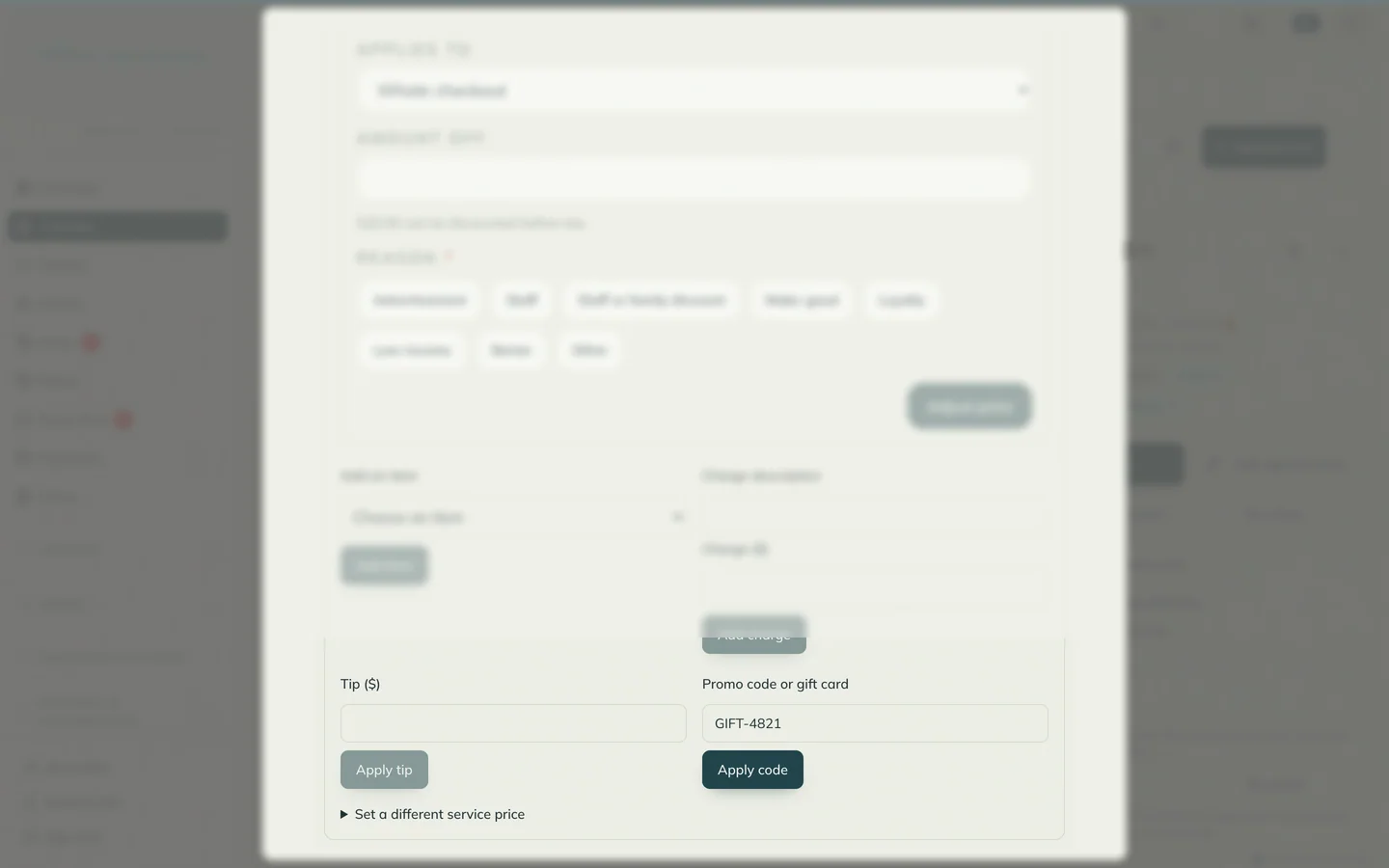
Step 4: Type the gift card code
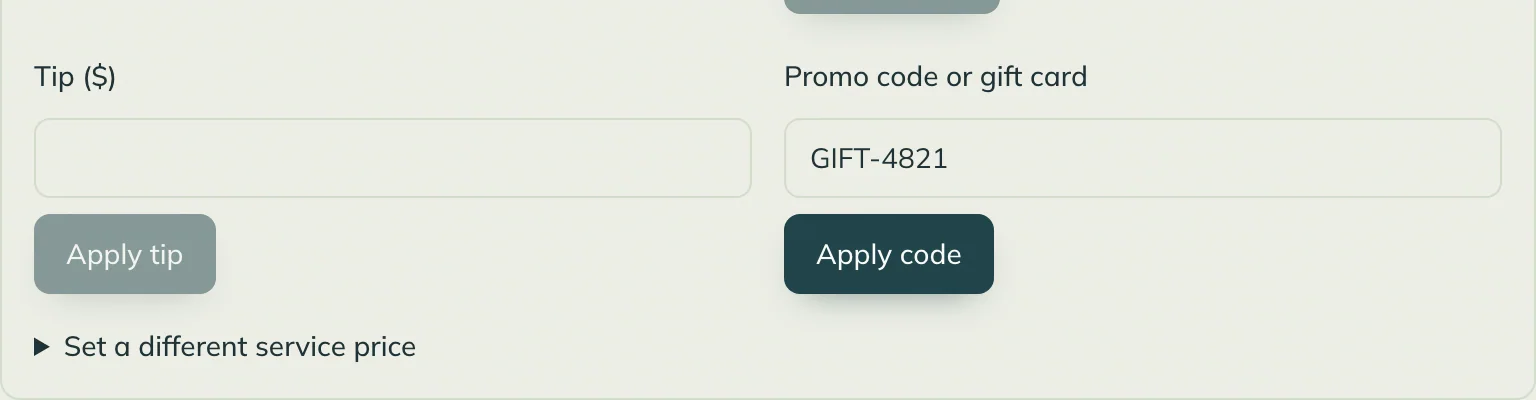
Type the code from the card in Promo code or gift card and press Apply code. The card's balance comes off what the client owes, and Client due shows what's left to pay.
Still stuck?
Ask Kneadle from the chat button in your practice app. It can walk you through this screen or do it with you.
More in Checkout and payments
 Check out a couples or group visitA couples or group visit checks out once for everyone: open the group, check the package price, then take one payment.
 Check out a member's visitWhen a member comes in, their membership covers the visit at checkout. Check it shows, then finish the checkout.
 Refund a paymentGive a client their money back, all of it or part, from the sale they paid for. Card refunds go back to the card; cash refunds are recorded from the drawer.