Create a membership plan
Set up a monthly membership with its price, the visits it covers, and where clients can buy it.
Step 1: Open Memberships
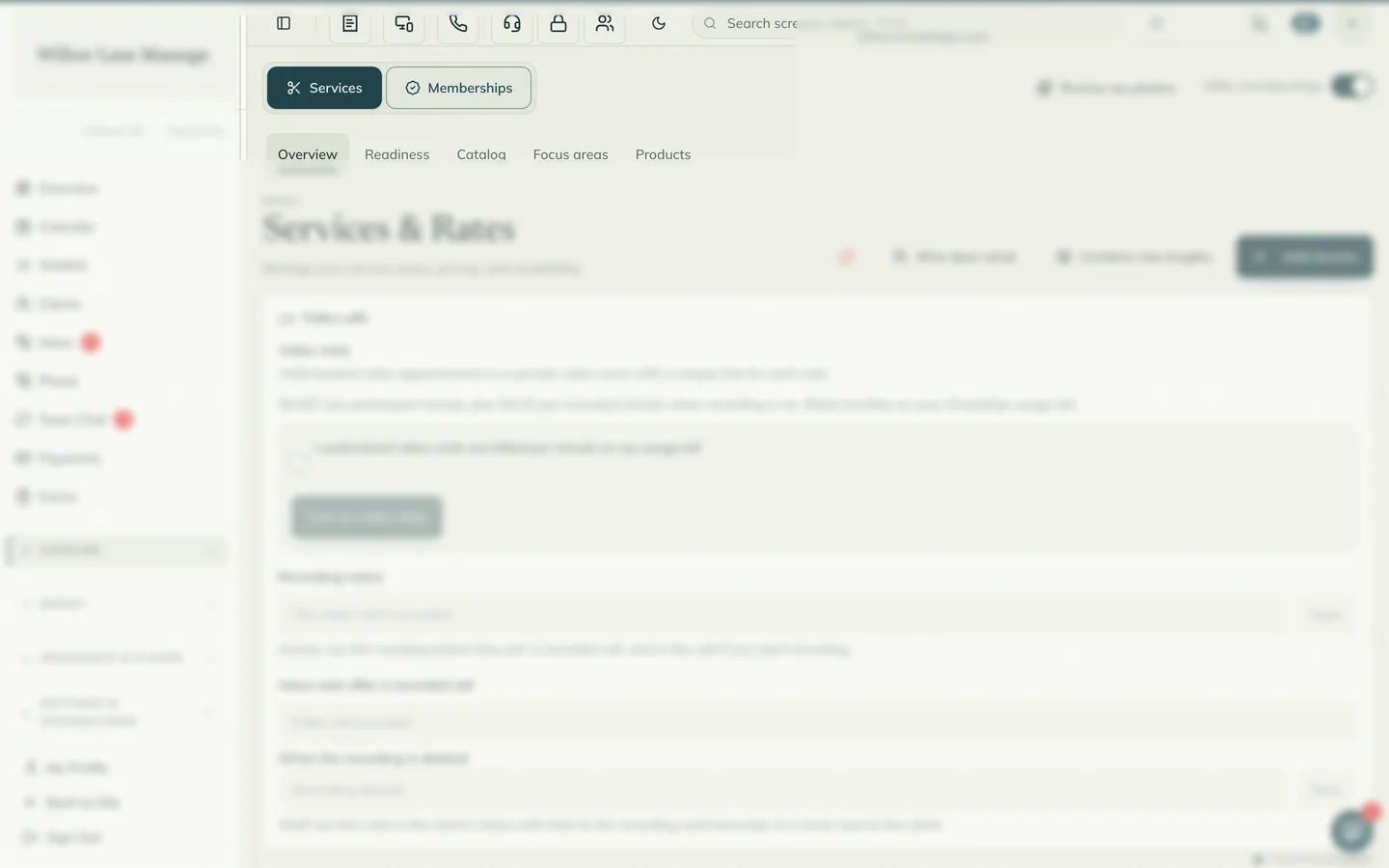
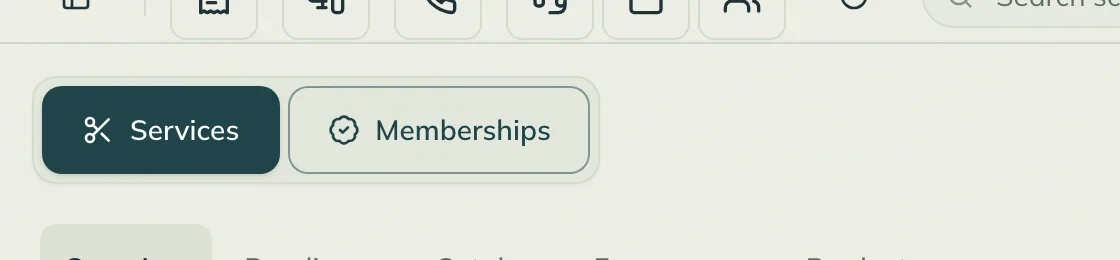
Open Services and choose the Memberships tab. If you don't see the tab, turn on the Offer memberships switch at the top right of Services first.
Step 2: Press Membership
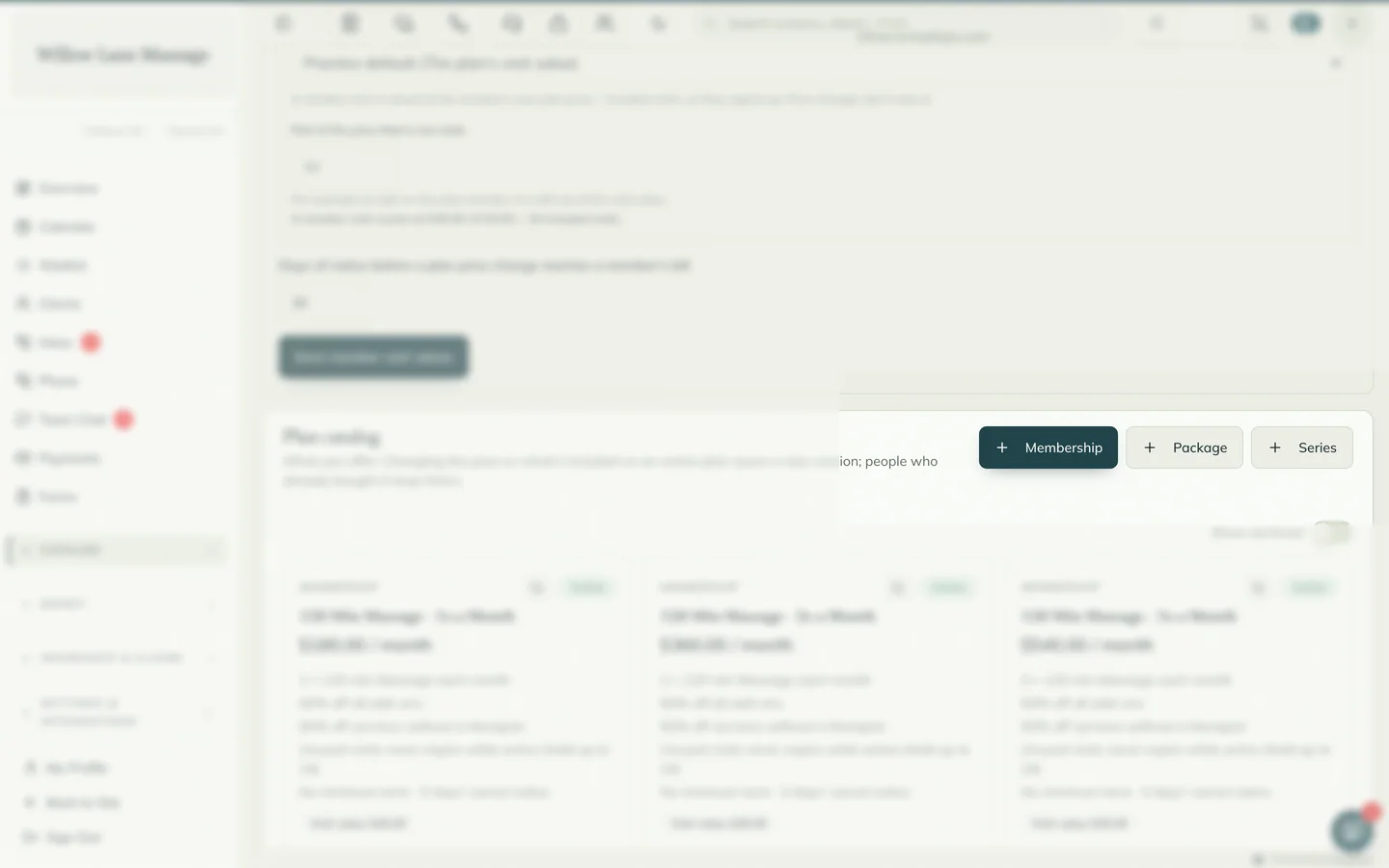
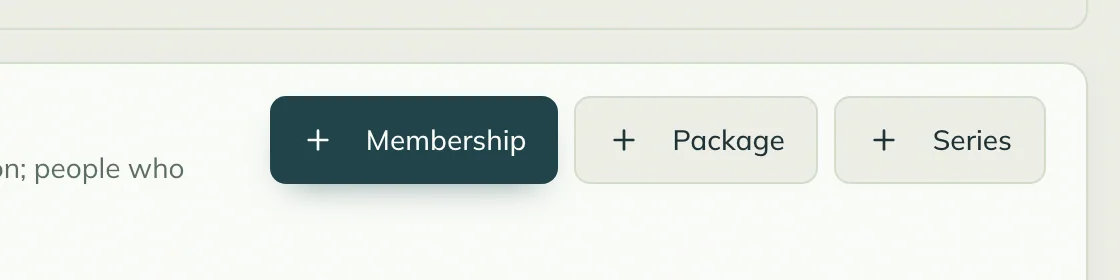
Scroll down to Plan catalog, where your plans are listed, and press Membership. (Use Package or Series for prepaid visits instead.)
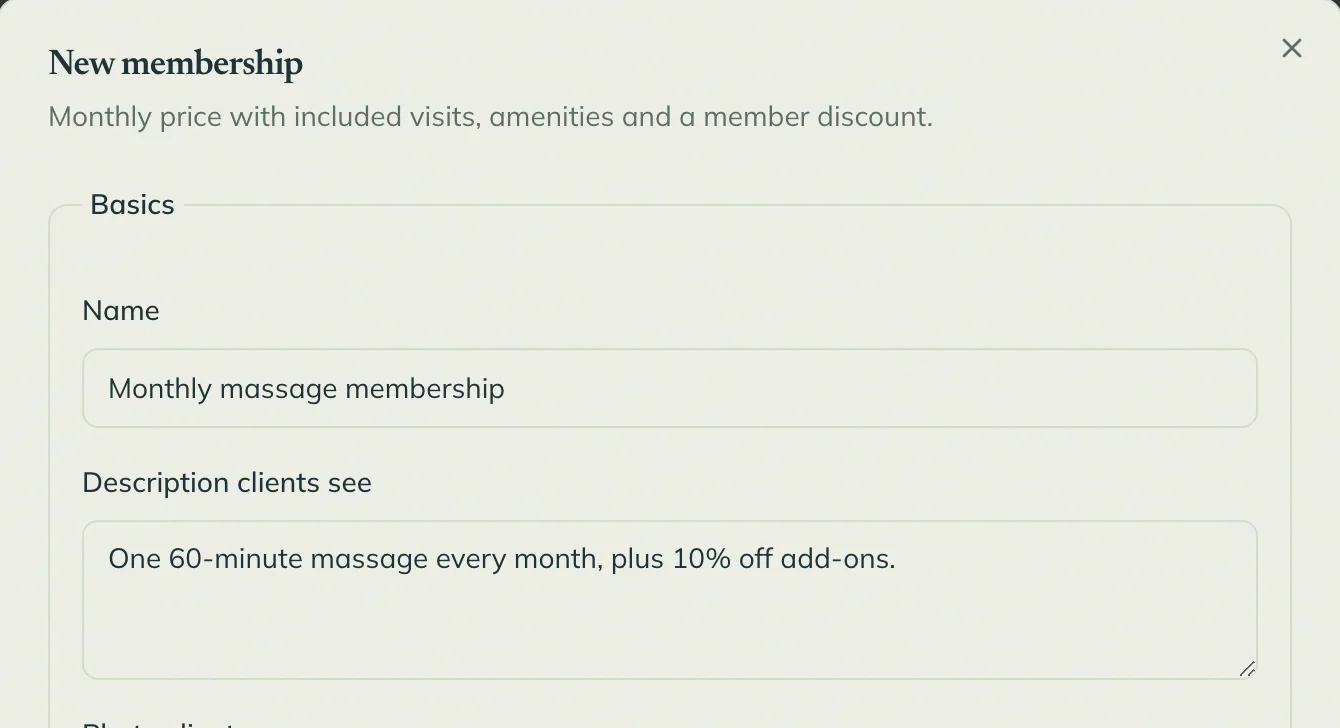
Step 3: Name it and describe it
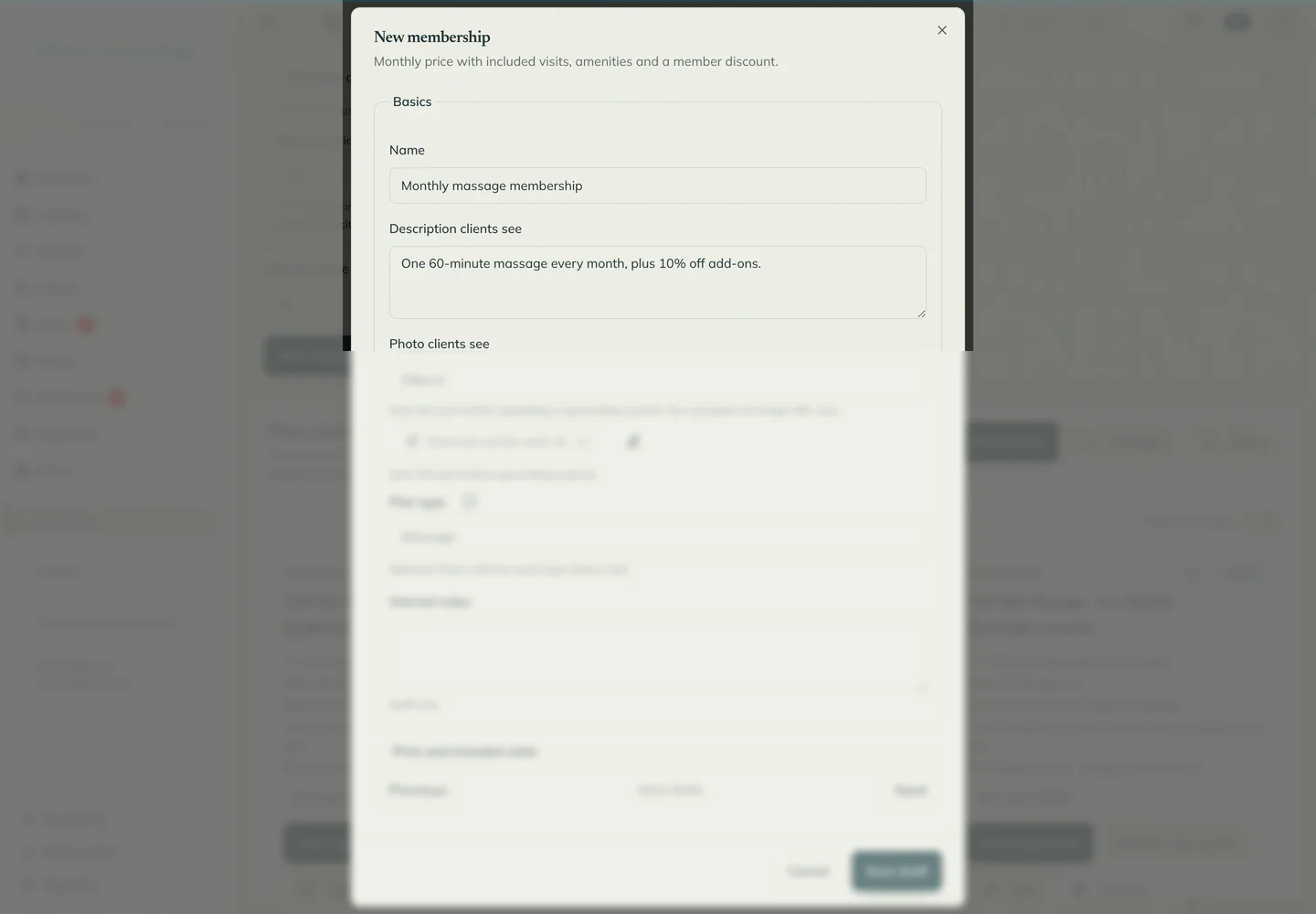
Type the Name clients will see and a short Description clients see, like what's included and who it's for.
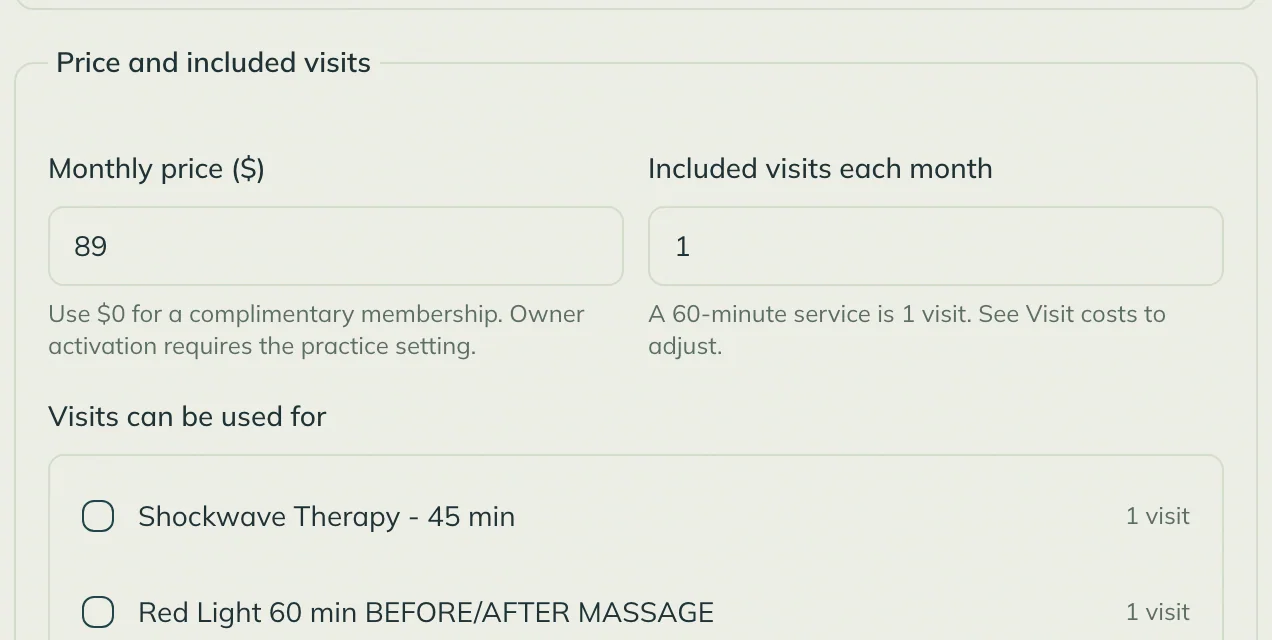
Step 4: Set the price and visits
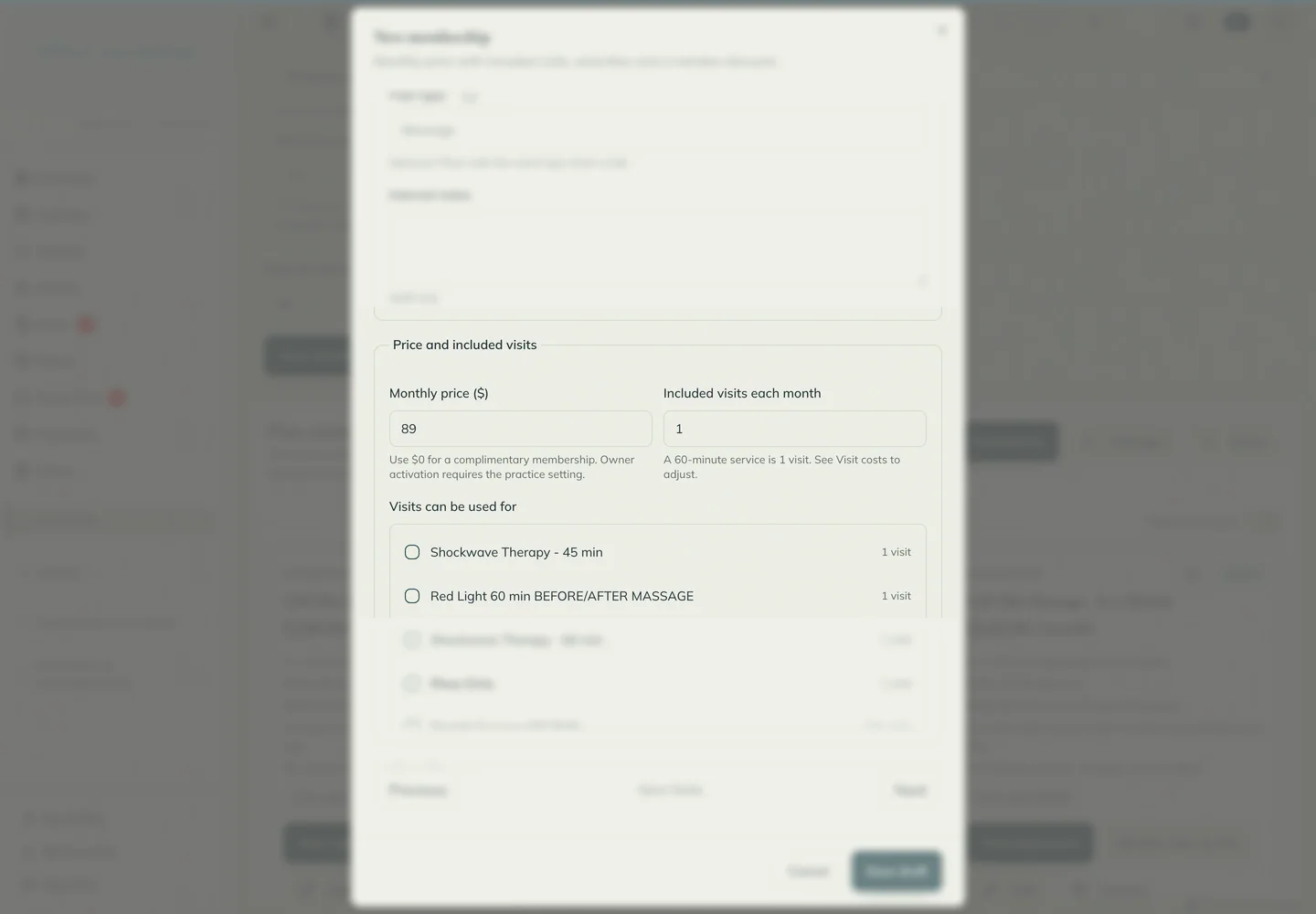
Enter the Monthly price and how many Included visits each month it gives. A 60-minute visit counts as 1. Then tick the services those visits can be used for.
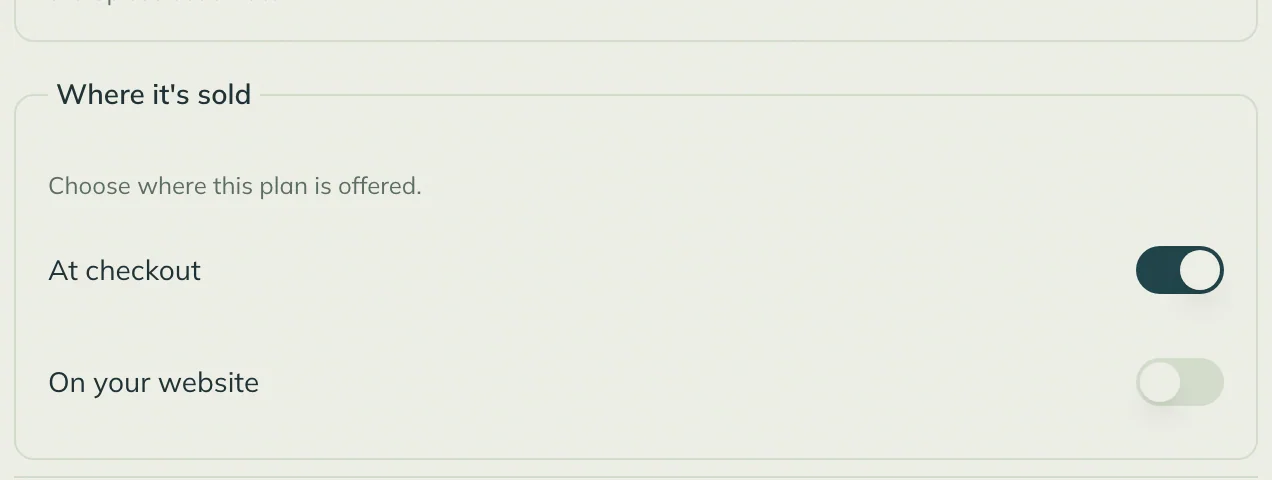
Step 5: Choose where it's sold
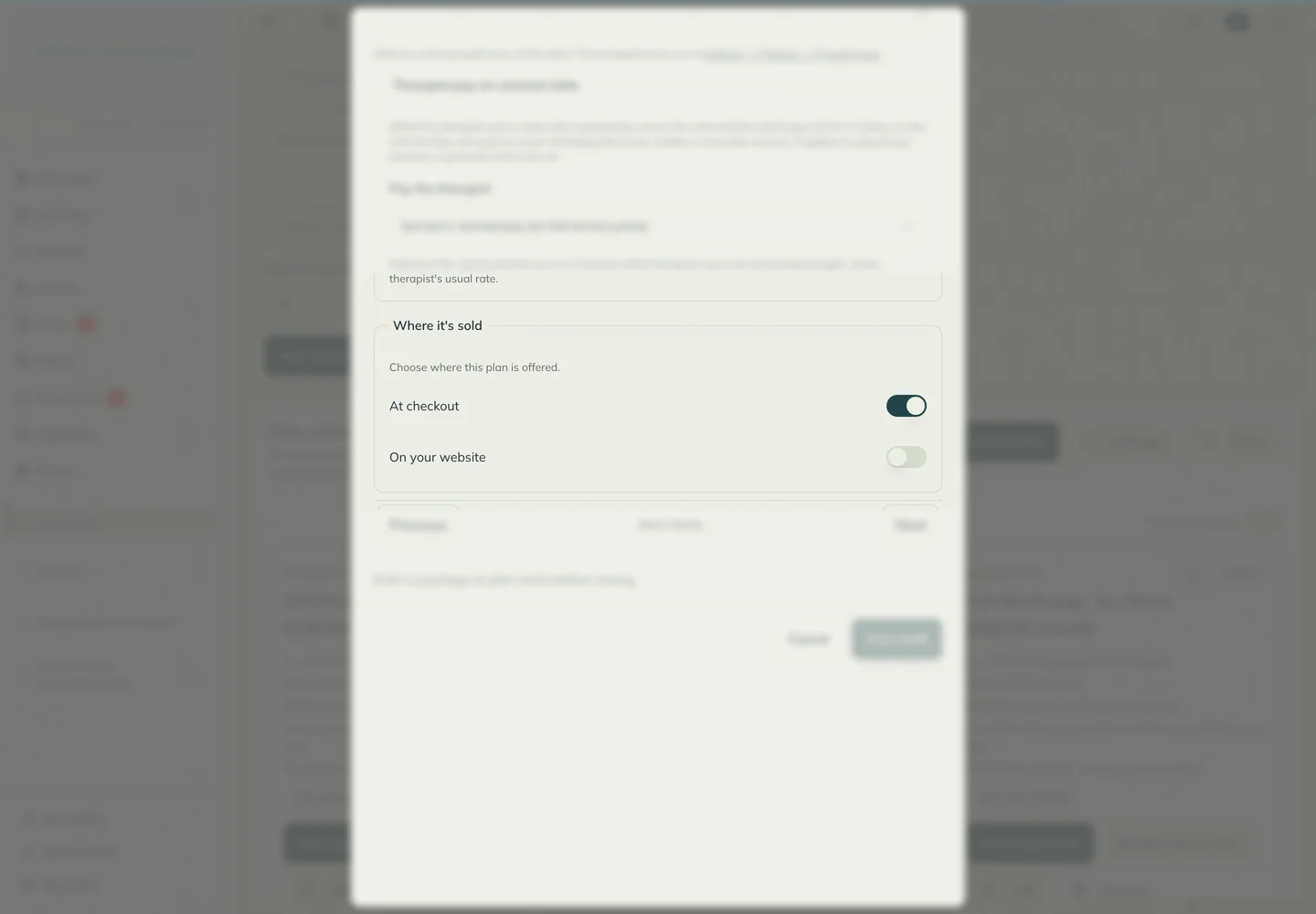
Under Where it's sold, turn on At checkout so the front desk can sell it, and On your website so clients can buy it online.
Step 6: Save it, then activate it
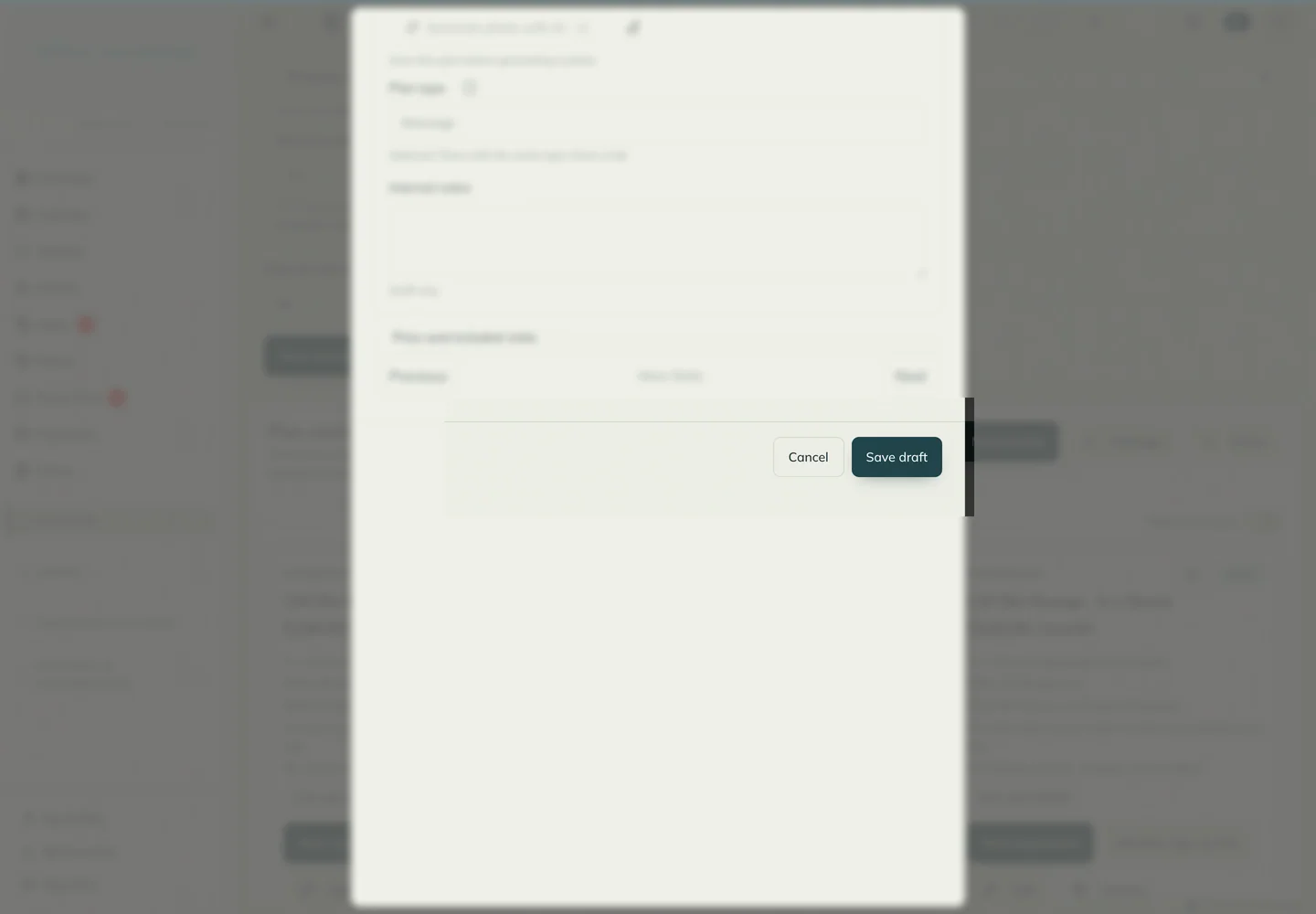
Press Save draft. The plan is saved but not on sale yet. When you're ready, press Activate on its card in your plan list.

Still stuck?
Ask Kneadle from the chat button in your practice app. It can walk you through this screen or do it with you.
More in Your menu and prices
 Add a service to your menuPut a new treatment on your menu with its length, price and who does it, so clients can book it online.
 Add-on groups and free choicesGroup a service's add-ons so clients choose from a set, with how many they can pick and how many are free. For example, a 90-minute massage that includes up to 2 add-ons.
 Combine lengths into one serviceTurn separate 30, 60 and 90-minute services into one service with a length choice, so clients see one listing and pick how long.